Cairn Climbing Guide: How To Master The Physics And Stop Dying
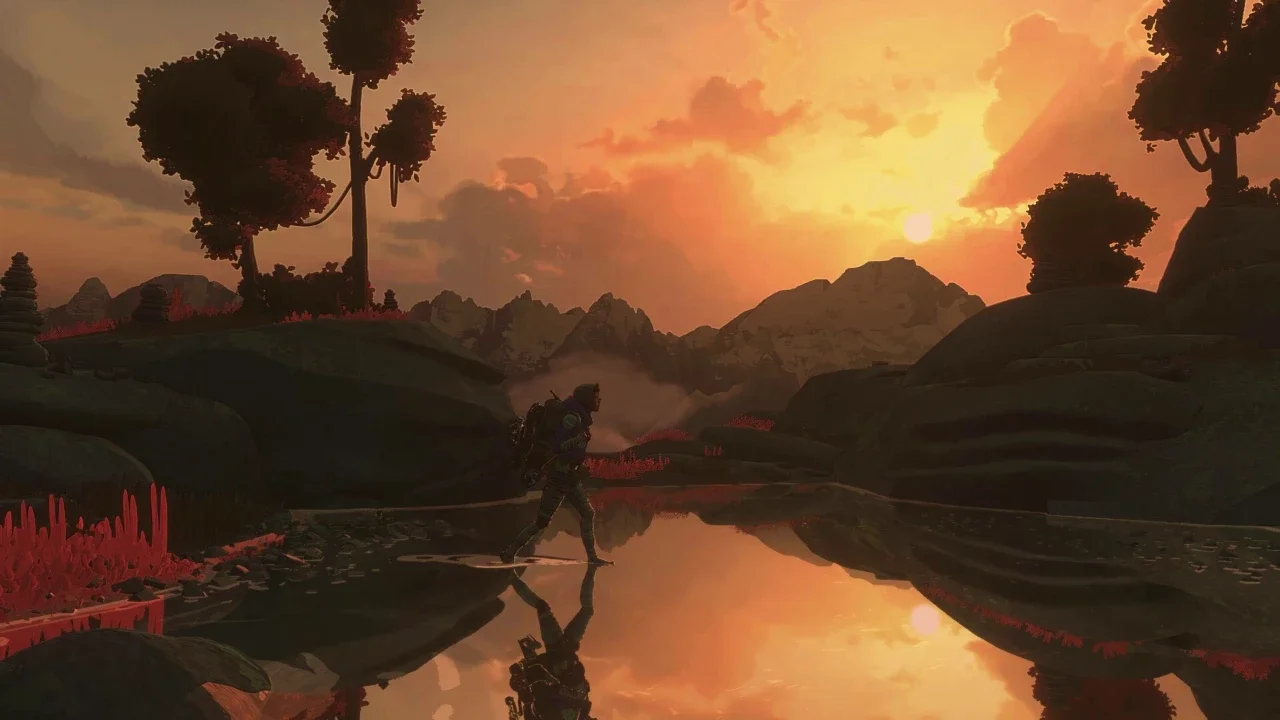
If you think you can just mash buttons to get Aava up Mount Kami, you’re going to spend more time falling than actually climbing.

Most games treat climbing like you are a spider with superglue on your hands. It allows you to zip up walls by just holding the stick forward. Cairn is not most games. This is a simulation that demands you respect the physics of a human body dangling 2,000 feet in the air. If you treat this like Assassin's Creed, you are going to spend a lot of time staring at the "Game Over" screen. I spent my first hour eating dirt because I didn't understand how Aava's weight worked, so I am going to save you that headache.
The Core Concept: Balance Before Movement
The most important thing to wrap your head around is Aava’s center of gravity. In other games, you just aim and go. Here, if you put too much weight on a single limb or lean too far in the wrong direction, Aava will start to shake. That shaking is your warning shot. It means she is off balance, her muscles are screaming, and your controller is probably vibrating to let you know you screwed up.
If you ignore the shaking, she gets fatigued. If she gets fatigued, she lets go. It is that simple. Your goal isn't just to go up, it is to find a stable position where three of your limbs are secure so you can move the fourth one safely.
The Controls: Stop Letting The AI Decide
The game tries to help you with an "automatic" limb selection system, but honestly, the AI is sometimes dumber than a bag of rocks. It will try to move a hand when you desperately need to move a foot. You need to take control.
For Console Players (PlayStation/Xbox) On a controller, you move your limbs with the left stick and press a face button to grab. That is Square on PlayStation or X on Xbox. But the secret sauce is the manual override. By holding R1 (PlayStation) or RB (Xbox), you can use the left stick to manually select exactly which hand or foot you want to move. Do not rely on the auto-select when things get hairy.
For PC Players If you are on mouse and keyboard, climbing is tied to Left Click to grab. If you make a move and realize halfway through that it was a terrible idea, you can press Right Click to undo that action and return the limb to its previous hold. To manually select a limb, which I highly recommend you do constantly, you need to hold the Spacebar and use your Scroll Wheel to cycle through the specific limb you need.
Stamina Is Not Just A Bar
You will see a stamina bar, but you should also be listening to Aava. The game gives you audio cues that are way more immediate than a UI element. If you hear her breathing getting fast and panicked, she is in trouble.
When you find a safe spot, meaning you aren't shaking, you need to recover. On PlayStation, hitting Triangle (or Y on Xbox) makes Aava shake out her tired limbs. For PC players, the magic button is Q. Watch the color of the flash when you do this. Green means you are good to go and fully recovered. Yellow means you are barely hanging on and need to find a better resting spot immediately. Do not try to push through a yellow stamina state unless you have a death wish.
Stop Climbing Blind
I cannot tell you how many times I climbed into a dead end because I was only looking two feet above my head. You have tools to prevent this.
You can enter a free-cam mode called "Scope the Wall" by pressing L1 on PlayStation, LB on Xbox, or Tab on PC. This pauses the action and lets you zip the camera around the cliff face. Use this every single time you reach a new section. You are looking for the obvious route, sure, but you are also looking for "traps" or sections of the wall that look climbable but actually have terrible, tiny holds that will drain your stamina in seconds.
Use Your Legs (Seriously)
This sounds like basic biology, but in video games, we are used to characters doing pull-ups up a mountain. Aava is not Batman. She is stronger when she pushes with her legs rather than pulling with her arms.
When you are scanning the wall, look for high footholds. If you can get a foot up high and crouch into it, you can explode upwards and reach handholds that seemed impossible to grab a second ago. It is called climbing, not hanging. Keep your weight on your feet, keep three points of contact on the wall, and for the love of god, stop rushing. The mountain isn't going anywhere.
Got a hot take on this? I know you do. Head over to r/neonlightsmedia to discuss it.