God Mode For The Finnish Tundra: The Ultimate My Winter Car Editor Guide
If you are tired of the Finnish winter treating you like a punching bag, it is time to crack open the game's code and fight back.
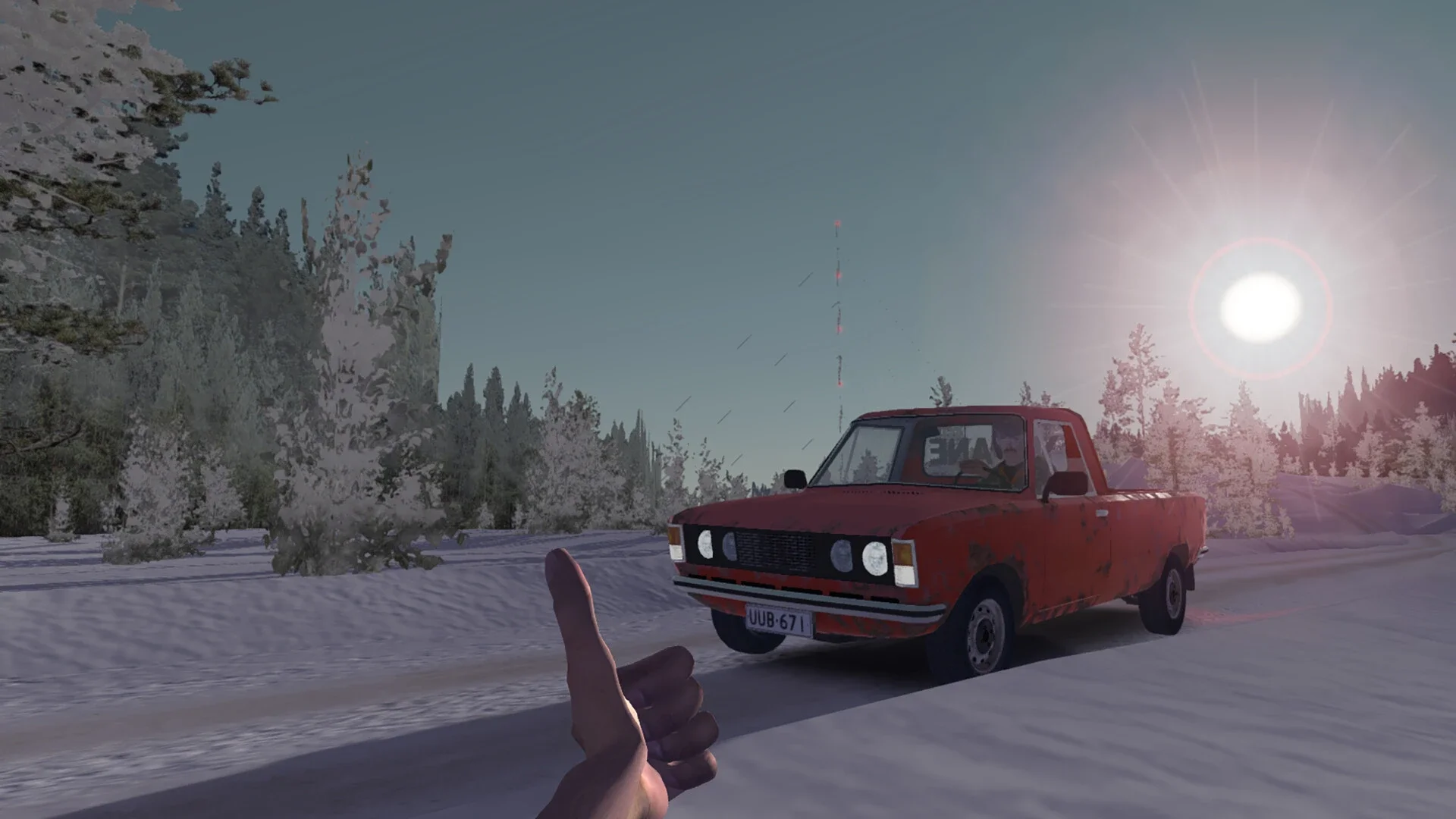
I have spent more hours than I care to admit staring at a dead engine in a snowy ditch because I forgot to tighten one bolt on the subframe. My Winter Car is a game that thrives on your misery, but the community has provided a way to escape the grind. The MSCEditor is essentially a middle finger to the game’s brutal difficulty, allowing you to peek under the hood and fix the mistakes that would otherwise cost you your sanity.
The Anatomy Of A Save File
Before you can start rewriting your reality, you need to understand the digital paper trail the game leaves in your AppData folder. You can find these files at %USERPROFILE%\AppData\LocalLow\Amistech\MyWinterCar.
Repairing the junk heap
The most powerful feature of the editor is the "Satsuma Report" or car report tool. It provides a full breakdown of every part of your vehicle, showing you which bolts are loose and which parts are about to fail. I find this especially useful for "Fixing loose bolts" which automatically tightens every installed part on the car.
If your car won't start, I suggest checking the batterycharge and fuellevel variables. You can also reset the damaged property on any car part to false to instantly repair it without spending a single Markka at the mechanic. It is a lot easier than towing your wreckage across half the map just because you over-revved the engine.
Teleporting out of trouble
If you get stranded in the wilderness or your car ends up upside down in a lake, the teleport tool is your best friend. You can open the "Tools" tab and select the object you want to move. The editor lists pre-defined locations like the "Garage Table," so you can snap your car or yourself back home in seconds. It beats walking for twenty minutes in a blizzard because you ran out of gas.
The Finnish winter is harsh, but with these tools, you are finally the one in charge. Just remember to save your changes and pray the game doesn't find a new way to kill you the moment you reload.
Advanced Wizardry: Fixing And Teleporting
If you want to skip the manual labor entirely, the editor comes with several built-in tools that do the heavy lifting for you.
The Satsuma Report
This is the most powerful tool for any mechanic. It gives you a complete table of every car part and its status. You can use batch actions like "Fix loose bolts" to instantly tighten everything or "Repair all parts" to reset wear and tear without spending a single Markka. It even has a specific feature to "Install wiring," which is a godsend because wiring in this game is a fucking nightmare.
Teleporting And World Navigation
If you get stranded in the wilderness or your car ends up upside down in a lake, use the Teleport tool. You can move any object (including yourself) to pre-defined spots like the "Garage Table". I always set a "Height offset" of about 1 meter to make sure the car doesn't spawn partially inside the floor and cause a physics explosion.
The Vehicle Secret Names
If you are trying to find your fleet on the world map or in the transform list, you need to know their internal code names.
satsumacartransform: Your main project car.
vantransform: The Hayosiko van.
muscletransform: The Ferndale.
gifutransform: The Gifu septic truck.
tractortransform: The Kekmet tractor.
boattransform: The boat.
rusckotransform: The old Ruscko.
the goldne rule
At the end of the day, the MSCEditor is your best friend when the Finnish winter gets too personal. Just remember the golden rule: always backup your save before you start poking around. It is better to have a safety net than to find out you accidentally set your character's hunger to infinity. Stay dry, stay fed, and if all else fails, just teleport your way home.
YOU MIGHT ALSO LIKE
PoP Sands of Time Remake Shadow Drop: Is January 16 The Date?
PS5 Engineers Are Having a Literal Nightmare After the PS5 ROM Keys Leaked
Monster Hunter Wilds Switch 2 Presets Leak: Here Is How The Beast Actually Runs
Splitgate: Arena Reloaded Is Dead on Arrival: The Failed Rebrand
My Winter Car Survival Guide: Managing All Player Attributes