How to Play ARC Raiders on Steam Deck (Without It Melting)
You would think a "Steam Deck Verified" badge means you can just press play, but we all know that is a beautiful lie.
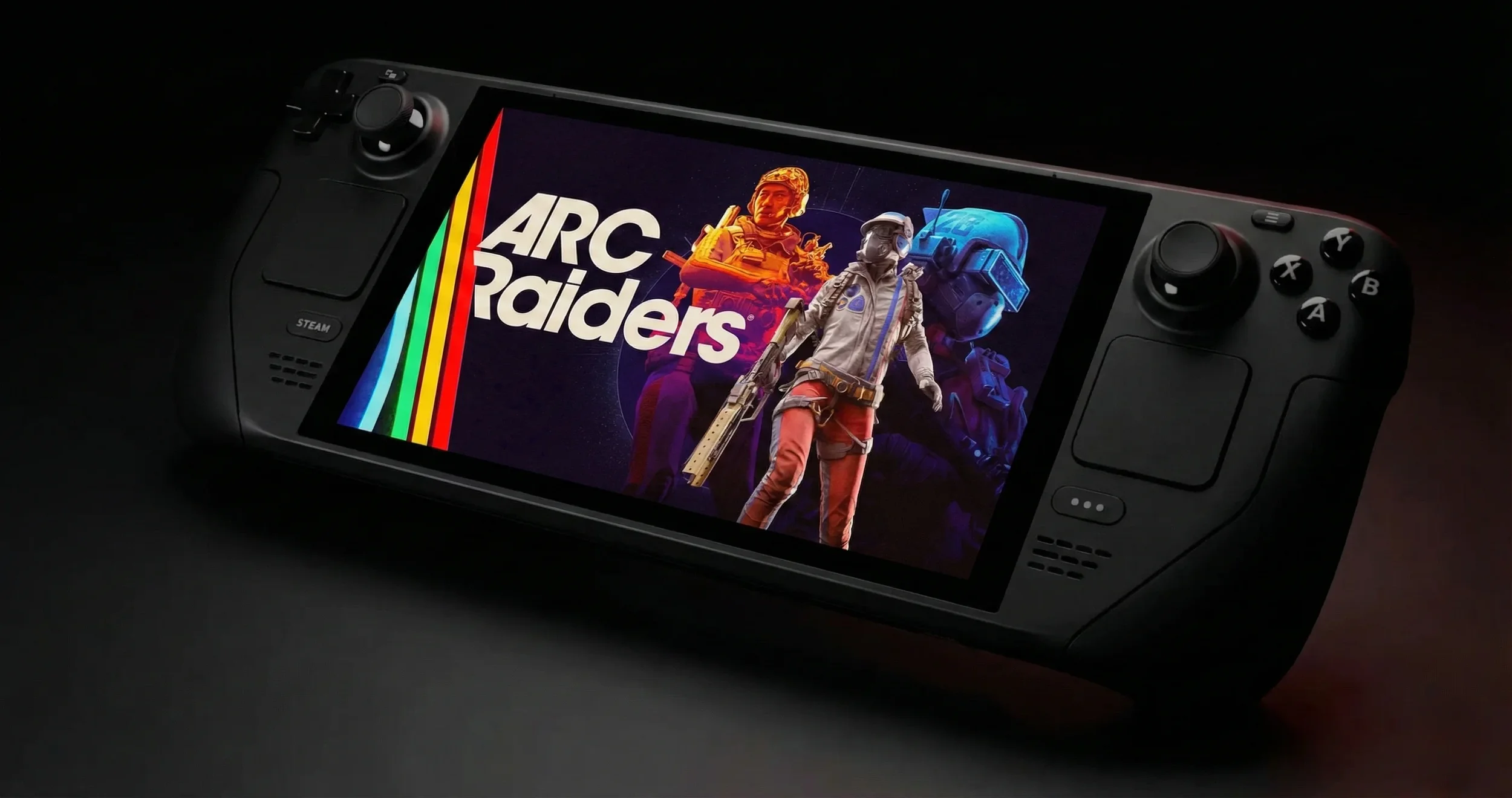
I have been obsessed with ARC Raiders lately. It is the extraction shooter I didn't know I needed, but trying to play it on the go has been a bit of a nightmare. Sure, the game has official support now thanks to Proton 10.0-3, but it still loves to throw tantrums, black screens, and random crashes right when you are loading in. After trawling through forums and testing every setting until my battery cried for mercy, I found a setup that actually holds a steady framerate. I also have to give a massive shoutout to the community and specifically a guide by Steam user Satan Claus (yes, really) which saved my ass while figuring this out.
The First Hurdle: Picking Your Proton Poison
The game runs on Proton, the magic layer that lets Windows games play nice with Linux. While the default might work for some, you are going to want to force a specific version to stop the game from having a stroke on launch.
Setting the Right Version
Don't just leave this on auto. You need to go into your Steam Library, hit the Options button on ARC Raiders, and head to Properties. Under the Compatibility tab, check the box that says "Force the use of a specific Steam Play compatibility tool."
You have two real choices here. Proton 10.0-3 is the stable one that got the game its Verified status. However, if you are still seeing crashes, switch to Proton Experimental. I found Experimental handles the shader compilation stutter a bit better, but your mileage may vary.
Fixing the Launch Loop
If your game is crashing before you even see the main menu, you are not alone. It is the most annoying part of the experience.
The "No" Trick
This is stupid, but it works. Sometimes an AMD warning or error popup appears during the boot sequence. Reddit users figured out that if you just tap "No" on the touchscreen (don't try to be clever with the buttons), the game often continues loading.
If that fails, verify your game files. Go to Properties > Installed Files > Verify Integrity. It takes a few minutes, but it fixes the black screen issue about half the time. And seriously, turn off any external overlays or frame injection tools if you are troubleshooting. They tend to fight the game for resources.
The Settings You Need for Frames
You are not going to be playing this on Ultra. Let's be real. You want smooth movement so you don't get clapped by a fake-friendly raider you couldn't see because your screen was tearing.
I have put together the exact settings that gave me a locked performance without making the game look like a PS2 title. If you also play on a full desktop rig and want to maximize your visuals there, make sure you check out my Best PC Settings Guide.
The Secret Weapon: Lossless Scaling
If you are willing to tinker a bit more, there is a way to fake better performance. It involves a third-party tool called Lossless Scaling.
Installing via Decky Loader
The Steam Deck doesn't support every upscaling trick natively, but the community built a workaround. You need to be in Desktop Mode for this. Install Decky Loader, then grab the Decky LSFG-VK plugin. You will also need to own the Lossless Scaling app on Steam.
Once you have the plugin installed, you have to add a specific launch command to ARC Raiders in Steam. It usually looks like ~/lsfg %command%.
Does It Work?
Yes, but with a catch. It generates extra frames to smooth out the motion. I set the Flow Scale to about 0.8 (80%) and used 2x frame generation. It makes the game look incredibly fluid, almost like you are running at 60 FPS, but it adds a tiny bit of input lag. In a PvP shooter where your weapon attachments and snap-aiming dictate whether you live or die, that delay can be deadly. Test it in a safe zone first. If it feels too floaty, turn it off.
Why I Play on Deck
Honest truth? Once I got these settings locked in, the Steam Deck became my absolute favorite way to grind materials for Scrappy upgrades. The controls map surprisingly well (stick to the official layout, the community ones can be janky), and being able to do a quick raid from the couch is dangerous for my productivity. Just keep your charger handy, because ARC Raiders eats battery life like I eat free snacks at press events.
Go give the game a shot on handheld. Just don't blame me if you get addicted to farming plastic parts and trying to figure out which junk items are safe to sell at 2 AM.