Crimson Desert’s Charting the Unknown DLC lets you lease a liberated stronghold and turn it into a restaurant, sawmill, smithy or tailor’s shop that keeps earning while you’re off exploring Pywel.
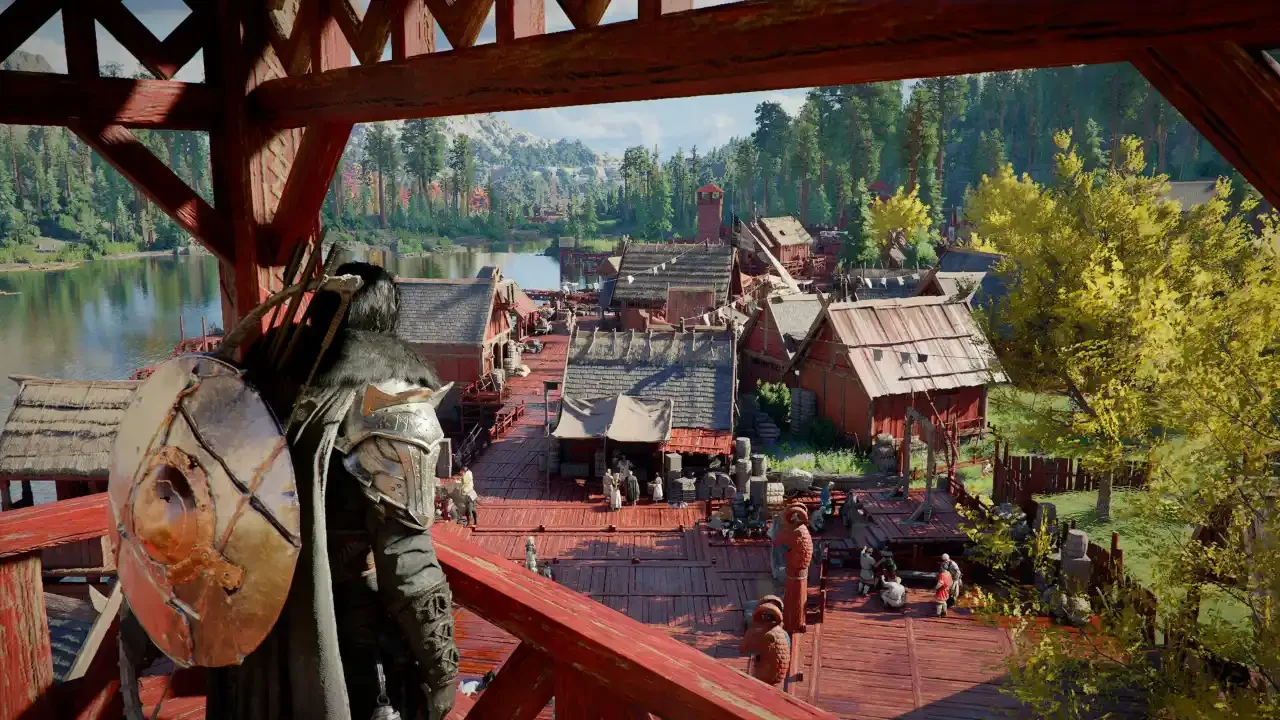
Facilities arrived with version 2.04.00 on October 29, 2026 and they only work with the Charting the Unknown expansion installed. Patch 2.04.02 landed the next day and fixed a bug that was inflating facility earnings, so any income figures from before October 30 deserve some suspicion.
Finding the Facilities tab
Open the map and switch to the Facilities tab. It lists every management location along with its level and missions, and it’s also where you pick a place to lease. Strongholds your Greymanes own show up in light blue, which makes it easy to see what you already hold before you start poking at individual entries.
What you need before you can lease
Four things have to be true: the stronghold is liberated, the faction quest for that region is finished, your Greymane camp is established, and the camp has enough funds to cover the lease. That last one is easy to overlook, so check the balance before you commit to a business. Staff come out of your comrades, and a comrade on the payroll stops being available for other work.
Unlocking leasing with Timberham Sawmill
Leasing opens up through the Renewed Vitality quest. Start it at the notice board in Hernand, read the Timberham Sawmill notice, then lease the sawmill through the Facilities tab when the quest tells you to. Finishing that intro opens leasing everywhere else.
Other eligible locations announce themselves with a purple lease notice in town. Read it, open the Facilities tab, click the matching facility icon and confirm after checking the price. There’s no claim prompt waiting at the stronghold itself, so don’t waste time walking around looking for one.
Signing the lease only gets you into the management menu. Customers show up once you open the business, which means the setup needs finishing first.
Which business to run
Restaurant at Vellua, staffed by comrades with Cooking.
Sawmill at Timberham in Hernand, staffed by comrades with Woodworking, and it produces lumber for building.
Smithy at Zargan Tankworks, staffed by comrades with Smithing.
Tailor’s shop, found by checking the eligible entries in the Facilities tab, staffed by comrades with Tailoring.
I’d go with whichever one your current roster can actually fill, since a perfect business with nobody qualified to run it just sits there. The sawmill is the easy first pick because the quest walks you through it step by step, and the displayed lease cost on the others is worth reading once you know who you’d put to work.
Staffing and workstations
Comrades with the matching skill produce goods more efficiently, and they also draw higher daily wages, so look at both numbers before you pick between candidates. Anyone assigned to a facility can’t go on dispatch missions or join your ship’s crew, which means the people you need for those jobs should stay off the staff list.
The work areas are installables, and each one has to sit where a worker can reach it with its front turned toward them. A comrade with the right skill and a station facing a wall gets nothing done. If production stalls, check the layout before anything else and rotate any station facing the wrong way.
Setting prices and opening the shop
Goods management is where you choose what your staff make and what it costs. Expensive goods leave customers unhappy, while cheap ones improve the odds of a good reaction and shave your profit. Since skilled staff already cost more in wages, heavy discounting deserves a second look.
Once the doors are open, customer icons appear in the upper-left corner of the screen. Your staff take the orders, prepare the goods and deliver them, and you can watch each customer’s reaction as it happens. If complaints start piling up, look at the workers and stations before touching the prices, because a broken station can pass for a pricing problem.
Popularity and Recognition Level
Popularity moves forward on two tracks. Sales fill the level progress, and the tasks listed in the management menu have to be completed on top of that. Those tasks change from facility to facility and level to level, and some ask for particular installables or a certain number of satisfied customers. If popularity stalls, read the next task before you rearrange anything, since the answer may be an installable you haven’t placed yet.
Higher Recognition Level unlocks better recipes and craftable items, so it pays to revisit your production choices as the facility ranks up.
Leaving it running
Managed facilities keep working while you’re elsewhere, so you can head off across Pywel without standing next to the business. Open the shop and confirm the workers can use their stations before you go. Special guests may visit a facility you’re running, though there’s no telling when one will turn up, and completing management content pays out rewards along the way.