Minecraft 26.3 Guide: Finding And Using Shelf Mushrooms
The 26.3 autumn drop introduces Shelf Mushrooms that cling gracefully to the sides of trees and logs.
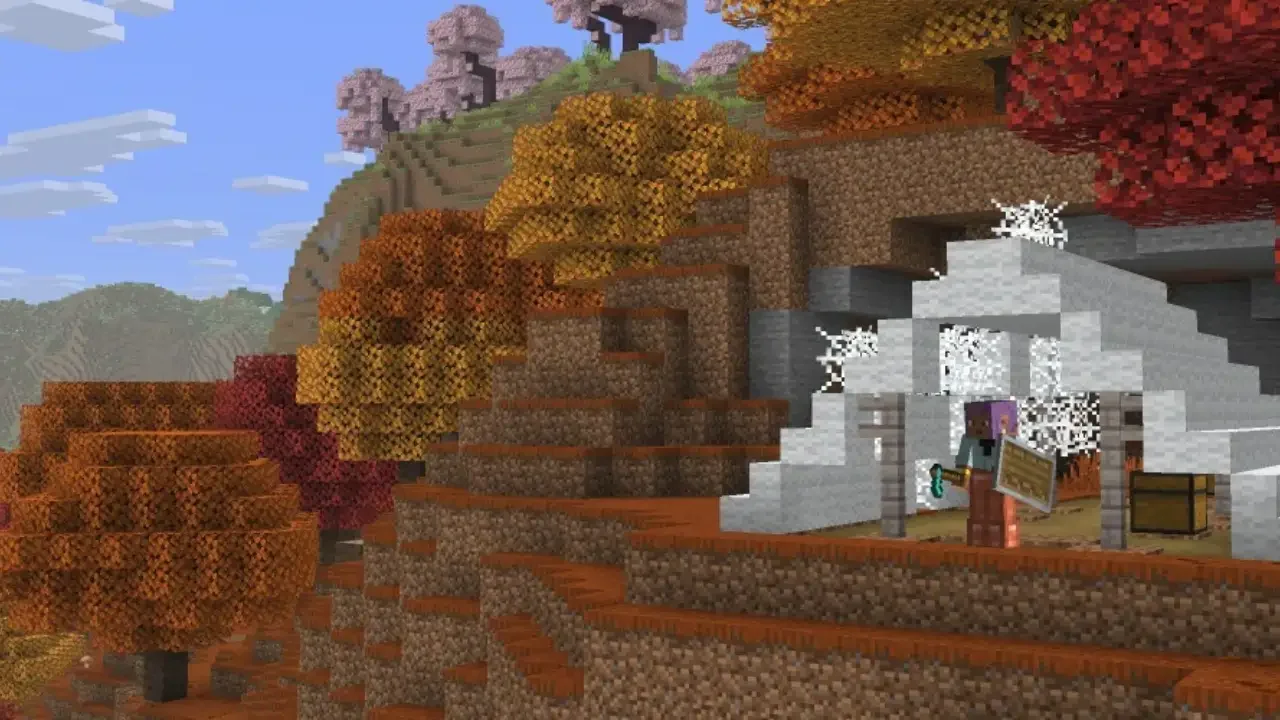
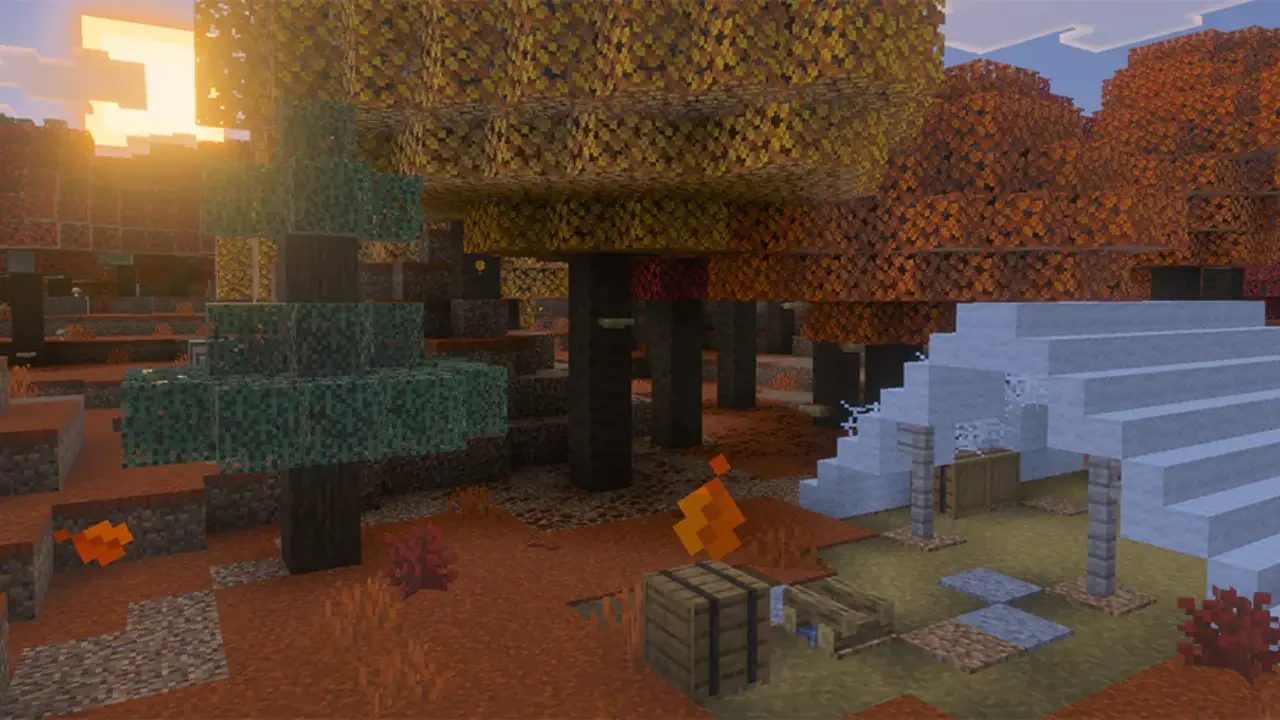
Your first task is locating the new biome. The Dappled Forest stands out immediately thanks to its vibrant orange and red leaves. As you wander through the woods, keep a close eye on the Poplar trees and fallen Poplar logs. The new Shelf Mushrooms grow directly on the bark. They feature a distinct shell shape that makes them quite easy to spot against the wood.
They completely ignore the traditional light level rules that govern standard mushroom growth. You won't have to wait for nighttime or go digging into gloomy ravines to find them. This simple change removes a lot of the usual foraging frustration, letting you gather ingredients safely under the bright daytime sun.
Harvesting And Cultivating
Shelf Mushrooms spawn naturally in both small and large variations. I highly recommend targeting the larger ones because they drop two mushrooms when harvested instead of just one. You don't need to craft a specific tool or hunt down a Silk Touch enchantment for this job. A gentle tap with your bare hands breaks them perfectly.
Bringing the harvest home is delightfully easy. You can plant Poplar saplings right at your base. Once they reach full size, these trees have a natural chance to generate Shelf Mushrooms on their trunks over time. If you want a massive harvest right away, simply apply Bone Meal to the existing mushrooms to multiply them. Growing your own supply creates a very cozy, self-sustaining loop right in your backyard.
If you aren't keen on gardening today, you can always rely on the Wandering Trader. He occasionally offers a bundle of three Shelf Mushrooms in exchange for a single Emerald. It's a fantastic bargain when you just want a quick decorative piece without leaving your house.
Recipes And Bouncy Mechanics
Once your inventory is bursting with these orange shells, you have a wealth of options for using them. They offer plenty of utility for both survival crafting and interior design.
Brewing and Stews: Combine one Shelf Mushroom, one regular mushroom, and a wooden bowl to craft Mushroom Stew. If you toss any flower into that exact mix, you'll create Suspicious Stew, which grants special potion effects. Having an edible resource growing literally on the walls of your home ensures you never run out of supplies during a long building session.
Composting: You can toss any leftover stock straight into a composter. Every mushroom has a 65 percent chance to fill the block by one level. This yields even more Bone Meal to feed right back into your garden.
Cushioned Landings: Jumping onto a Shelf Mushroom causes you to bounce back. They function very similarly to beds rather than massive slime block trampolines. This bouncy physics system provides a really amusing way to safely cushion a short fall off your roof.
Creative Decoration: You can attach them to absolutely any block that features a full side surface. They are absolutely perfect for bringing a heavily overgrown aesthetic to your fantasy builds or adding life to the walls of a custom cave.