How to Fix the Fatal Error Crash in The Last Check: Quarantine Zone
The only thing scarier than the infected in The Last Check is the stability of the PC port right now.
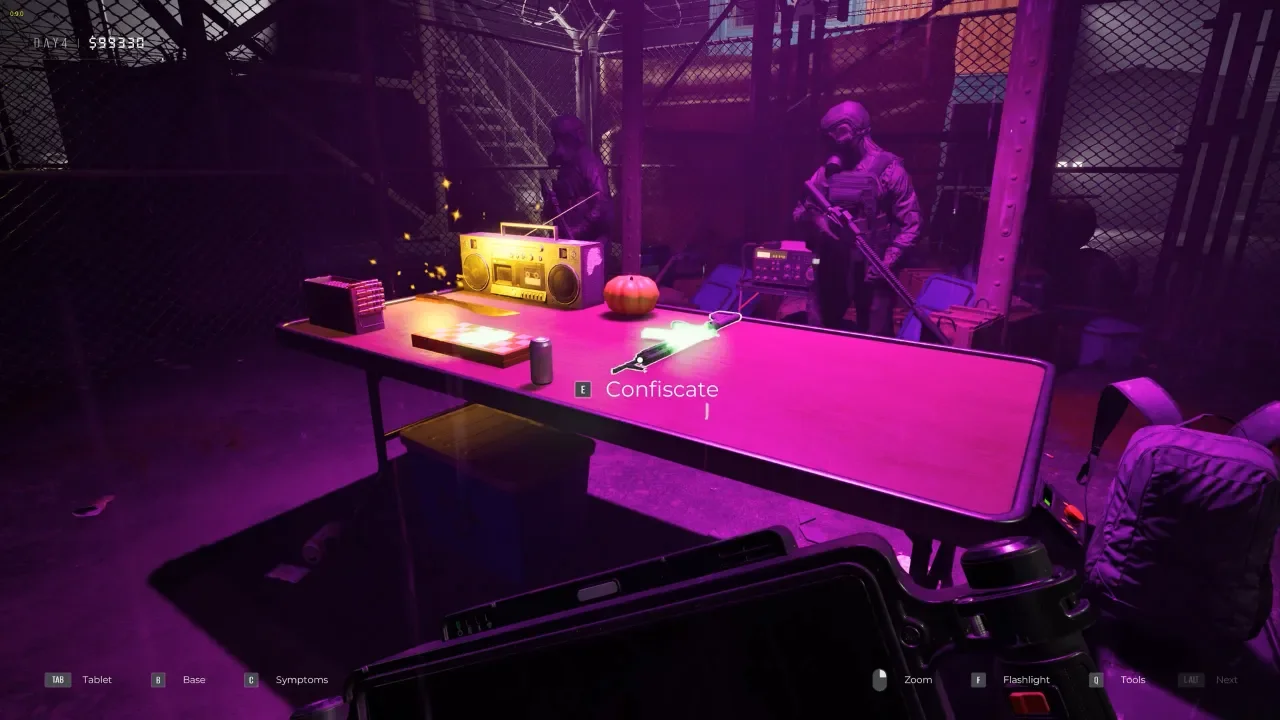
I managed to dodge this specific bullet because I’m running an NVIDIA rig, but don't think I'm letting the devs off the hook, the game is still crawling with bugs and I am watching you, guys. However, if you are on Team Red, you have it much worse right now. A massive chunk of the community is getting slapped with a persistent "Fatal Error" that makes the game unplayable. It turns out, if you are rocking an AMD card, your drivers are actively fighting the game engine.
The "Dev Recommended" Fix: Downgrade Your AMD Drivers
If you are using an AMD GPU, stop troubleshooting your game files and look at your adrenaline software. The developers have openly stated that the current Adrenalin Drivers are causing CTDs (Crash to Desktops) for a massive chunk of the player base.
The official recommendation is to downgrade your Adrenalin Driver to version 25.09.02 or 25.09.01. It sounds counter-intuitive because we are trained to always update everything, but in this case, the latest software is poison for the game engine.
How to Downgrade Cleanly (The DDU Method)
Don't just install the old driver on top of the new one. That is how you get corrupted registry keys and a headache. I always use DDU (Display Driver Uninstaller) for this. It’s a tool that completely nukes your audio and video drivers so you can install a fresh version without leftovers.
Download the Driver: Go to the AMD website and find the 25.09.02 driver. Download it but don't run it yet.
Get DDU: Download the latest version of Display Driver Uninstaller from WagnardSoft.
Go Offline: Disconnect your internet cable or turn off Wi-Fi. This stops Windows Update from panic-installing a random driver the second you delete the old one.
Safe Mode: Run DDU and select "Reboot to Safe Mode." Do not skip this. Safe mode ensures no other programs are interfering with the file deletion.
The Purge: Once in Safe Mode, select "AMD" from the drop-down and click "Clean and restart."
Install: When your PC reboots, install that older 25.09.02 driver you downloaded earlier.
Other Fixes to Try
If you aren't on AMD or the downgrade didn't solve it, there are a few other standard troubleshooting steps that might clear up the Fatal Error.
Launch Options and Admin Rights
Sometimes the game just doesn't play nice with the latest DirectX version. Open your Steam library, right-click the game, go to properties, and type -dx11 or -dx12 in the launch options. This forces the game to use a specific API which can bypass the crash.
You should also try running the executable directly as an administrator. Go to the installation folder, right-click the .exe file, and select "Run as Administrator." It sounds basic, but it fixes permission issues more often than you'd think.
Check Your Overlays
If you have Discord, GeForce Experience, or any other overlay running, shut them down. These things hook into the graphics driver and can cause conflicts with unstable games. I've also seen reports that third-party software like MSI Afterburner or Razer Synapse can trigger crashes, so try running a clean boot with just the essential Windows services if you are still stuck.
Got a hot take on this? I know you do. Head over to r/neonlightsmedia to discuss it.
YOU MIGHT ALSO LIKE