Paralives Pregnancy Guide: Expanding Your Digital Family
Expanding a household in Paralives means committing to diaper changes, wrecked sleep schedules, and a baby who needs something every few minutes, but there are two completely different roads that get you there.
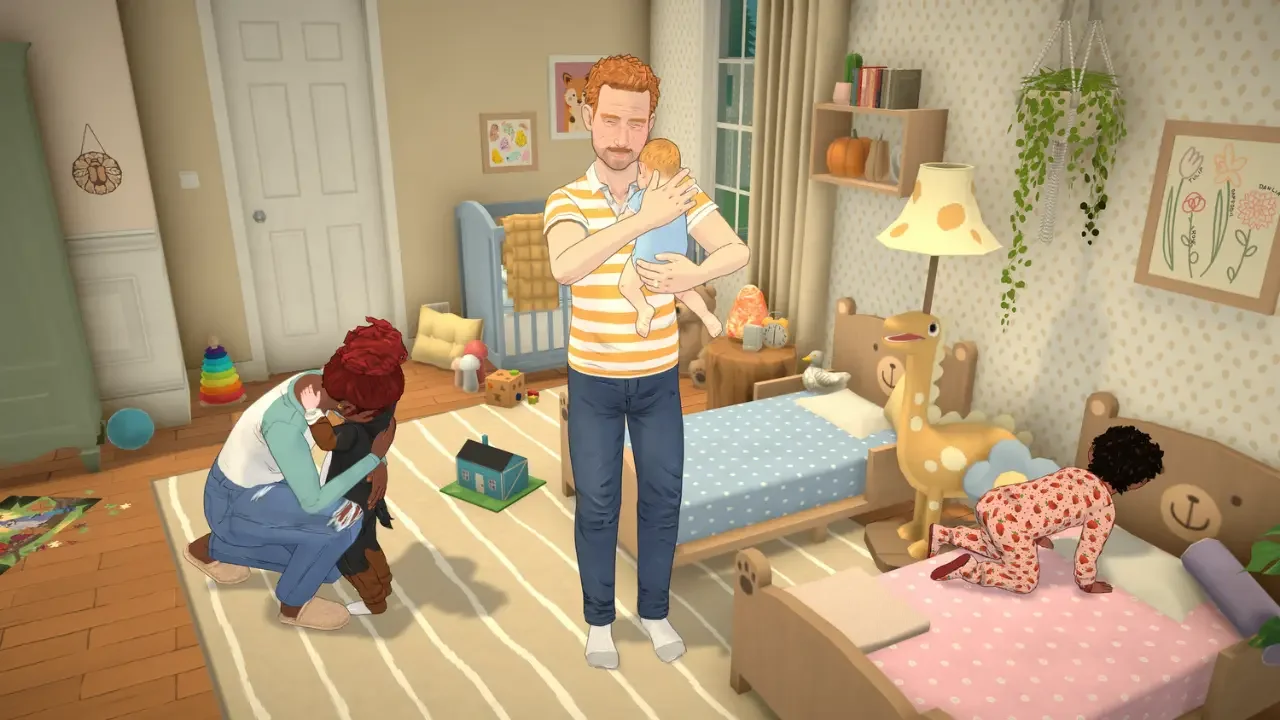
One path leans into the full romantic buildup and a three-day pregnancy. The other skips all of that and heads straight for adoption. Both end in the exact same amount of chaos once the baby's actually home, so it really comes down to which process sounds more appealing going in.
Setting Things Up for a Biological Baby
This route needs a bit of planning before your characters even set foot in town, and skipping the setup locks the option out entirely.
Getting the Paramaker Settings Right
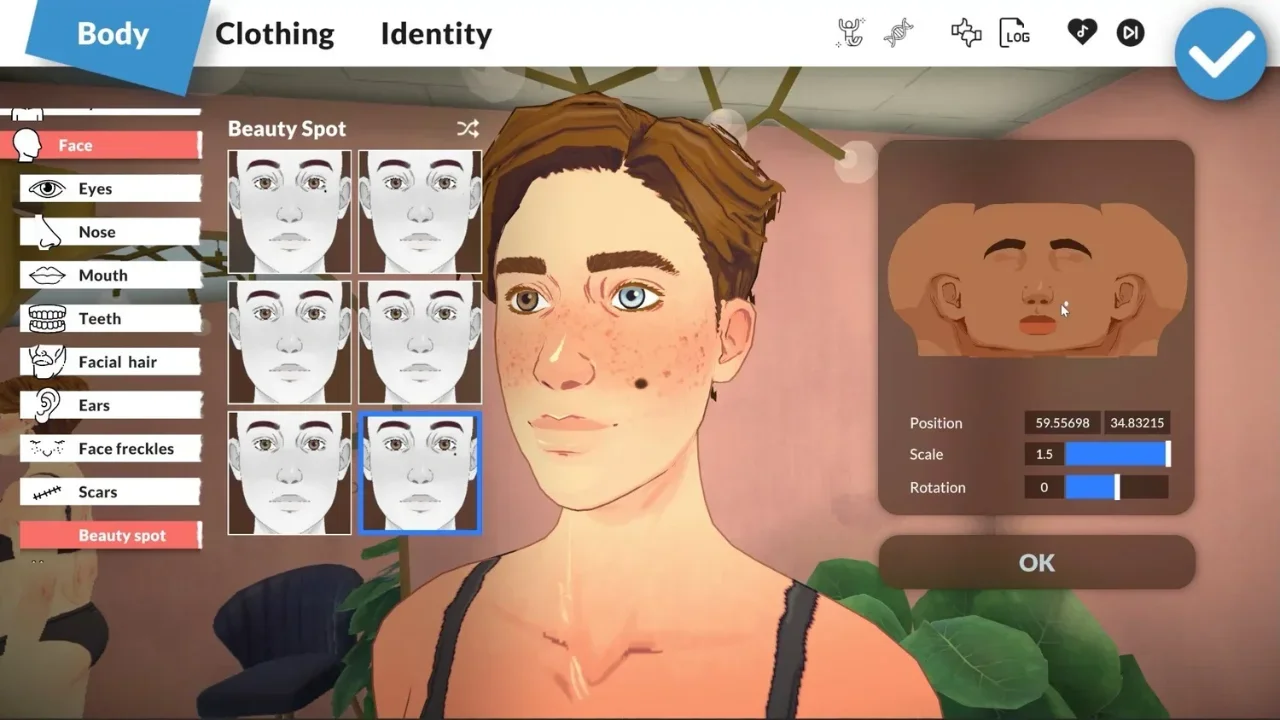
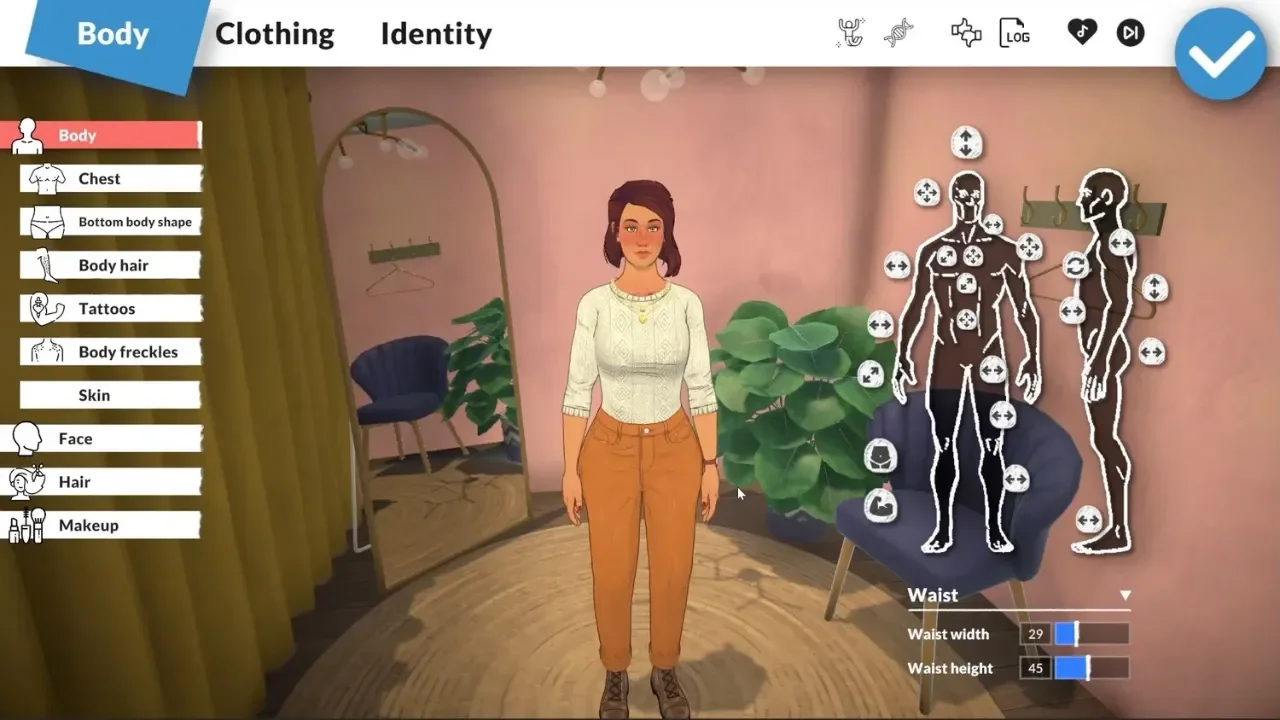
Before dropping characters into the world, it's worth checking their biological settings first. In the Paramaker, there's a small three-dot icon sitting next to the gender options, and clicking it opens the Advanced Personality menu. That's where you actually decide whether a character can get pregnant or can get someone else pregnant, and a household needs one of each for this to work at all. Missing this step early means there's no changing it later without digging into console commands, so it's worth double checking before moving on.
Building Up to the Actual Attempt
A baby isn't something that just happens on day one. Getting there means grinding positive conversation cards until a "Flirty" pop-up shows up, then choosing to "Try to have a baby with..." the partner. Next time they talk, a Together Card appears asking if they're ready to try.
There's a second route too, working through the "Discuss Relationship" card stack and asking about having kids down the line. Winning that chance roll clears the way to start trying just the same. If getting a partner to even like you feels like the harder part of all this, the full romance and marriage breakdown covers exactly how that conversation math works. A Storyteller card can also give flirt success a temporary 24-hour boost if things are moving too slowly.
Taking the Actual Test
Once both characters are on board, shift-clicking the partner groups them up, and clicking any bed brings up the "Try for a Baby" prompt. Once that animation wraps, a toilet visit and a pregnancy test tells the story. A negative result isn't the end of anything though, it just means heading right back to bed and trying again.
Living Through the Pregnancy
A positive test kicks off a strict but genuinely short timeline. A standard pregnancy runs exactly three in-game days, with each trimester taking up a full 24 hours. Anyone wanting a different pace can adjust that duration through the Storyteller settings on the main pause menu, which also happens to control baseline pregnancy odds and the exact chances of twins or triplets showing up. Curious about carrying more than one? A quick trip to any Healthcare Center in town confirms it ahead of time.
When the three days wrap up, there's no mad dash to a hospital required. The birth happens right at home, and once labor's done, a prompt pops up for naming the baby and picking which parent's surname they'll carry.
Skipping All That With Adoption
For anyone who missed the Paramaker setup, or just doesn't want to deal with a multi-day pregnancy, adoption is a much simpler process.
It just takes a visit to a Healthcare Center, either the Hospital across from the Community Center or the Pharmacy across from the pizza place. Clicking the building and selecting "Adopt Baby" sends the character inside for a few in-game hours, and they walk back out with a brand new infant waiting for them.
The catch here is that the whole thing is completely random. There's no menu for picking a boy or a girl ahead of time. The only real workaround is saving the game right before clicking the building and reloading that save until the outcome lines up with what's actually wanted.
Keeping a Newborn Alive Once They're Home
However the baby arrived, they need constant attention from the moment they're in the house. Five separate needs demand regular upkeep, and letting any of them slide turns things stressful fast.
Hunger gets handled with a bottle or the breastfeed option. Sleep is as easy as dropping the baby in a crib and letting them nod off, or taking direct control to force it. The bathroom meter just needs proactive diaper changes, though ignoring it long enough eventually earns the baby a stinky status that's hard to miss. Hygiene ties directly into that bathroom meter, since a dirty diaper is what triggers the change prompt once things get bad enough. Affection is the one that's easy to forget in the shuffle of everything else, but actually playing and talking with the baby regularly keeps their social stats from sliding.