Paralives Appearance Guide: How to Edit Your Style and Core Traits
Once Live Mode starts, Paralives quietly locks your character's face, height, and personality behind the scenes, but there's a way back in.
Spend enough time tweaking sliders in the creator and you'll eventually land in Live Mode only to discover the problem you missed. Maybe the voice you picked grates on you within five minutes of actual gameplay, or you skipped past the height slider entirely and ended up with a surprisingly short king ruling over your household. Normally, Paralives won't let you touch major physical or psychological traits once your character starts living their life. The console changes that.
Getting Back Into the Paramaker
The standard Live Mode interface only gives you basic clothing swaps. Face, height, voice, and internal talents are all locked out through normal means. The development team left an override command active in the Early Access build though, and it works.
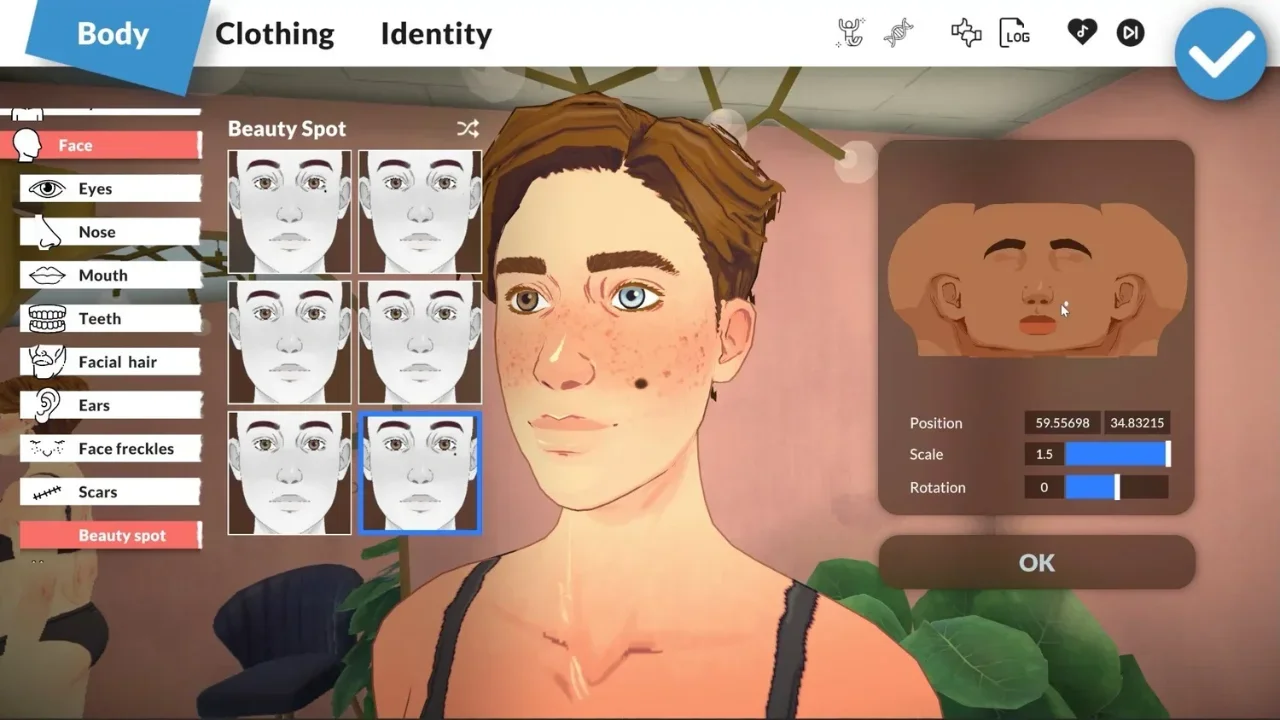
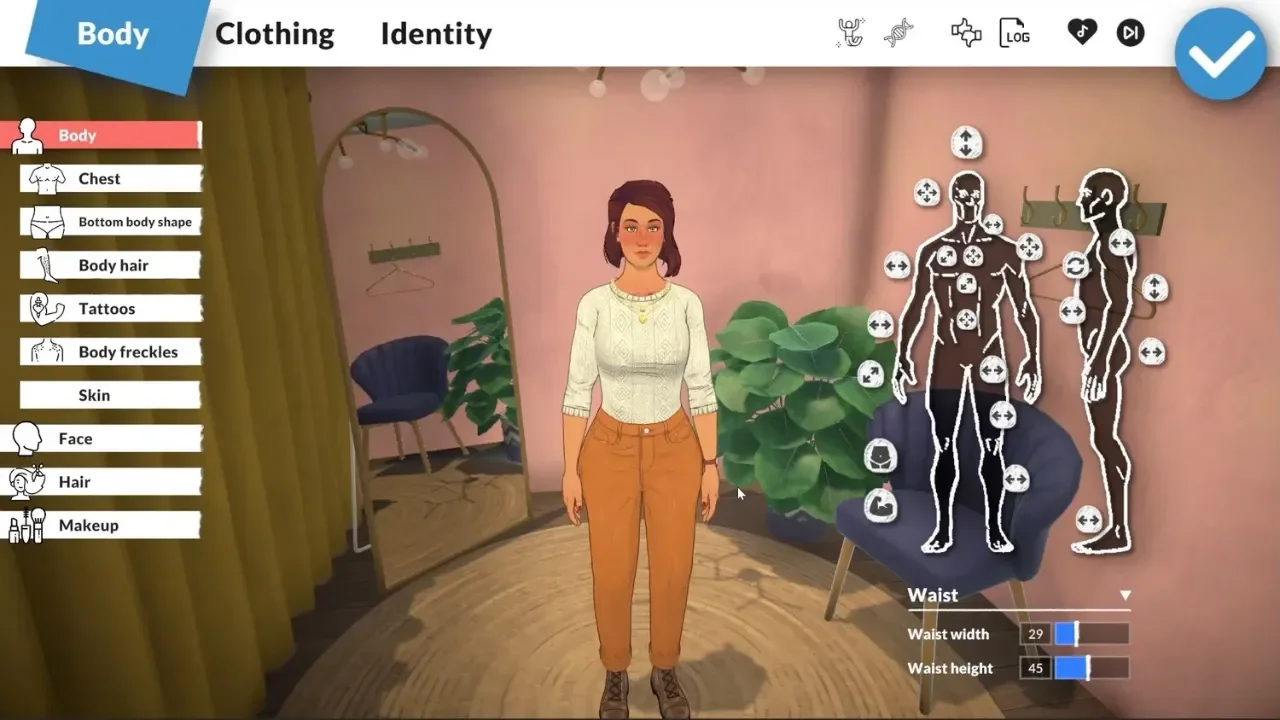
Select the character you want to fix, then press CTRL + F1 or CTRL + SHIFT + C to bring up the text field. Type EDITCHARACTER exactly as written and hit Enter. That drops you straight back into the Paramaker with everything editable again, from facial structure and body shape to hair, makeup, and tattoos on the visual side, and personality traits, talents, voice, and pregnancy settings underneath. Fix whatever went wrong, confirm your choices, and the game sets you right back down in your house with the new model and traits fully in place. No lost progress, no starting over, just the do-over I honestly wish existed for real life sometimes.
Rotating What They Wear
Getting into the wardrobe side of things doesn't require any tech tricks at all, since it's a built-in feature.
Every character starts with four clothing presets built during creation: Casual, Formal, Workout, and Pajamas. Your character switches between these automatically based on what they're doing, sliding into pajamas at bedtime and into work uniforms when they head out the door. If watching them wear the same shirt every single day starts to wear thin, click your character and look for the white shirt icon just below their name. That opens your saved wardrobe and swaps their outfit instantly, and it conveniently pauses the clock while you browse, so picking out a look doesn't cost you any daylight. Clicking directly on a wardrobe or dresser in the house works too, and it's a nice touch since your character actually walks over and changes on the spot instead of just teleporting into new clothes.
Building a Wardrobe Beyond the Basics
Four presets can start to feel limiting fast, especially if you like your character to have some range. The good news is you're not stuck with just those four.
Open the clothing menu from the white shirt icon and select Create New Outfit at the bottom. That pulls up a scaled-down version of the character creator, one that locks out genetic changes but leaves clothes, hair, and makeup fully open to edit.
The part that's genuinely easy to miss sits in the top right corner, just underneath the main outfit category icons. It's a tiny three-dot button, and clicking it reveals a hidden sub-window underneath. Hit the plus button in that lower menu to duplicate your current outfit, then adjust the colors or accessories from there without touching your original favorite look. There doesn't appear to be any hard cap on how many outfits you can stack, so building a distinct fit for every day of the week is completely doable if that's the kind of project you're into.