Conan Exiles Enhanced Migration Guide: How to Save Your Character and Loot
Switching engines is usually a nightmare for your save file, but I can help you move your character to Unreal Engine 5 without losing your mind.
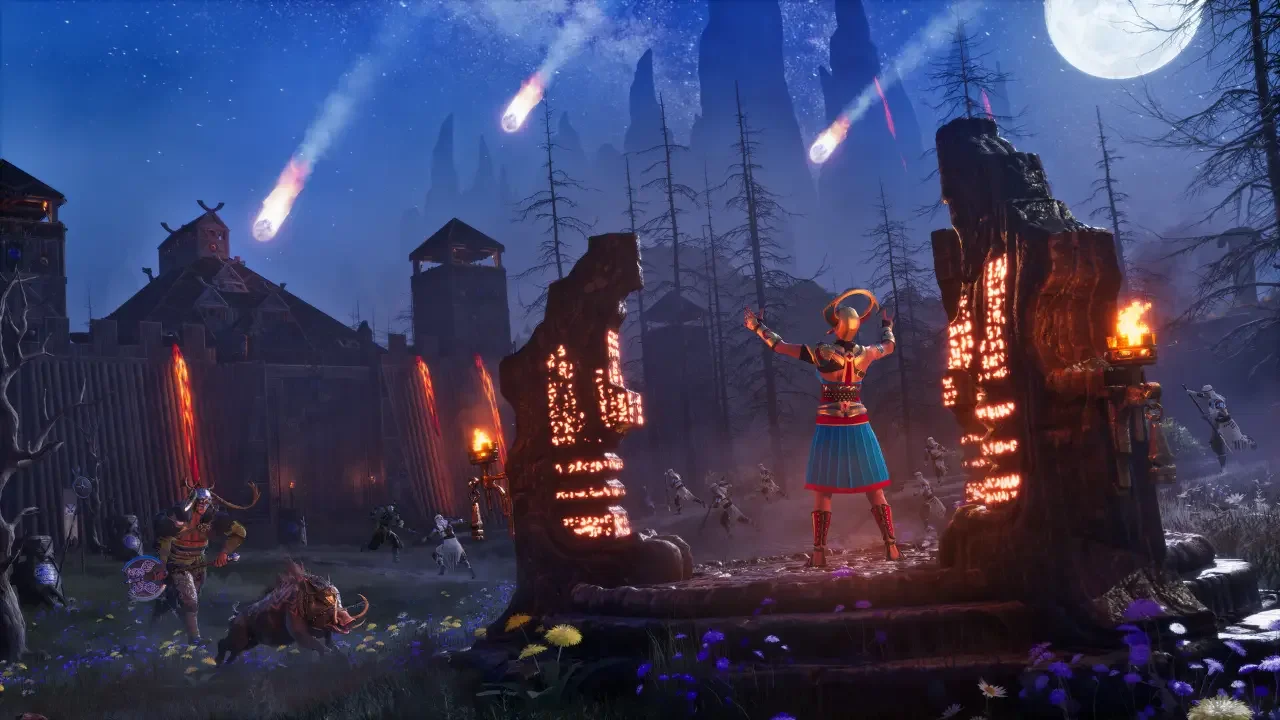
The launch of Conan Exiles Enhanced on May 4, 2026, was basically a massive anniversary gift from Funcom and Inflexion Games. Moving the entire experience into Unreal Engine 5 is a bold play that transforms a survival staple that has been around for eight years. While the visual upgrades are stunning, the technical jump has left a few of you scratching your heads about what happens to your legendary gear and those massive fortresses you spent weeks perfecting.
I have spent a lot of time in the Exiled Lands, and I know how crushing it is to log in and find your progress reset. If you are a new arrival, you can just start fresh and enjoy the new UI. However, if you are a veteran with a history on the official servers, there are a few hoops you need to jump through. Before you start planning your next build, make sure you know exactly which world you are stepping into by checking my guide on Conan Exiles Enhanced server types.
The Reality of the Unreal Engine 5 Upgrade
This isn't a small patch. Funcom essentially rebuilt the groundwork of the game to unify eight years of content into a single, modernized package. The visual refresh is the first thing you'll notice, but the technical changes under the hood are what actually matter for your character's survival.
Visual and Performance Overhaul
The rework of the Exiled Lands and the Isle of Siptah means the terrain and surfaces look sharper than they ever have. I was particularly impressed by the shadow accuracy and the new dynamic lighting system. The night and day cycles actually feel realistic now, rather than just a global brightness slider moving up and down. Performance is also a major focus, with a target of 60 FPS on most setups and solid support for the Steam Deck if you want to farm resources while on the move.
Technical Quality of Life
Aside from the eye candy, the game size has been trimmed down significantly. I'm happy to report you no longer need to sacrifice 120GB of your SSD just to keep this installed. You also have the ability to manage multiple characters and a much cleaner UI that actually makes sense when you're trying to craft in the middle of a sandstorm.
The Great Platform Divide
Before we talk about the actual migration steps, I have some bad news if you aren't on Steam. The Enhanced edition is a free gift for Steam owners, but those of you playing on Epic Games or the Windows Store are being left behind.
If you are on one of those legacy platforms, your character is staying on the old version of the game. You won't get the UE5 visual updates, you won't get access to the Bazaar, and your servers won't receive any more official updates. This is effectively a permanent split in the community. If you want to experience the future of the game, you'll need to be on the Steam version.
How Migration Works for the Exiled Lands
If your main base is in the Exiled Lands on Steam, I have good news for you. The migration process is almost entirely automatic. Funcom utilized a Server Transfer Tool that handles the heavy lifting for you.
When you load into the Enhanced edition, your character, your current level, and your entire inventory should be exactly where you left them. This includes your hotbars, progression, and even your followers. Your base should also remain intact, assuming you haven't let your decay timers run out during the transition period. It is the most seamless way to jump into the new engine, allowing you to pick up your sword and keep moving without missing a beat.
The Isle of Siptah Rebuild Strategy
Things get significantly more complicated if you were playing on the Isle of Siptah expansion. Because Funcom merged the two massive regions into a single unified world, the server architecture had to change. This means your Siptah base is not going to transfer automatically.
I know how much it hurts to hear that your hours of architectural perfection are effectively gone, but you can still save your materials and your progress. Before the migration fully settles, you need to follow a specific manual process to ensure you don't lose your wealth.
Steps to Save Your Siptah Hoard
Dismantle Everything: You need to manually take down your entire base piece by piece. Do not just let it rot.
Load Up Your Followers: Your followers are your mobile storage units. Fill their inventories with all the building materials, crafting stations, and rare loot you want to keep.
Update the Game: Once you have your followers packed, update to the Enhanced version and return to the island.
Retrieve and Rebuild: You will find your followers and their inventories waiting for you. You'll have to find a new spot to set up shop, but at least you won't be starting with a stone hatchet and a loincloth.
Migration Results Comparison
I put together a quick breakdown of what actually survives the jump to the Enhanced version based on where you were stationed.
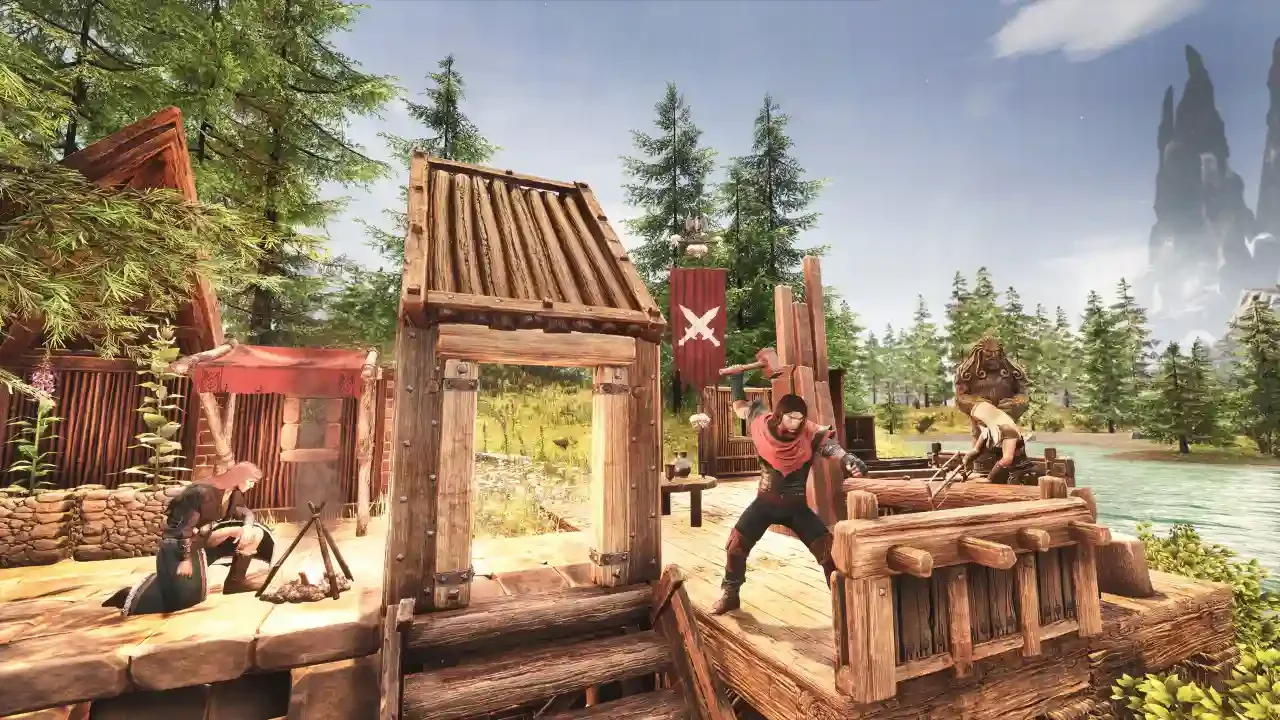
Rebuilding on Siptah is an annoying chore, but look at it as an opportunity to use the improved building system and the new visual assets. The unified map system is the real winner here, as you can now travel between the two regions without needing to switch characters. Just make sure you get your packing done before you commit to the update, or you'll be staring at an empty beach with nothing but regrets.