How to Fix Ultrawide and FOV in Crisol: Theater of Idols
Nothing ruins the immersion of a blood-soaked Spanish nightmare quite like staring at massive black bars on a premium monitor.
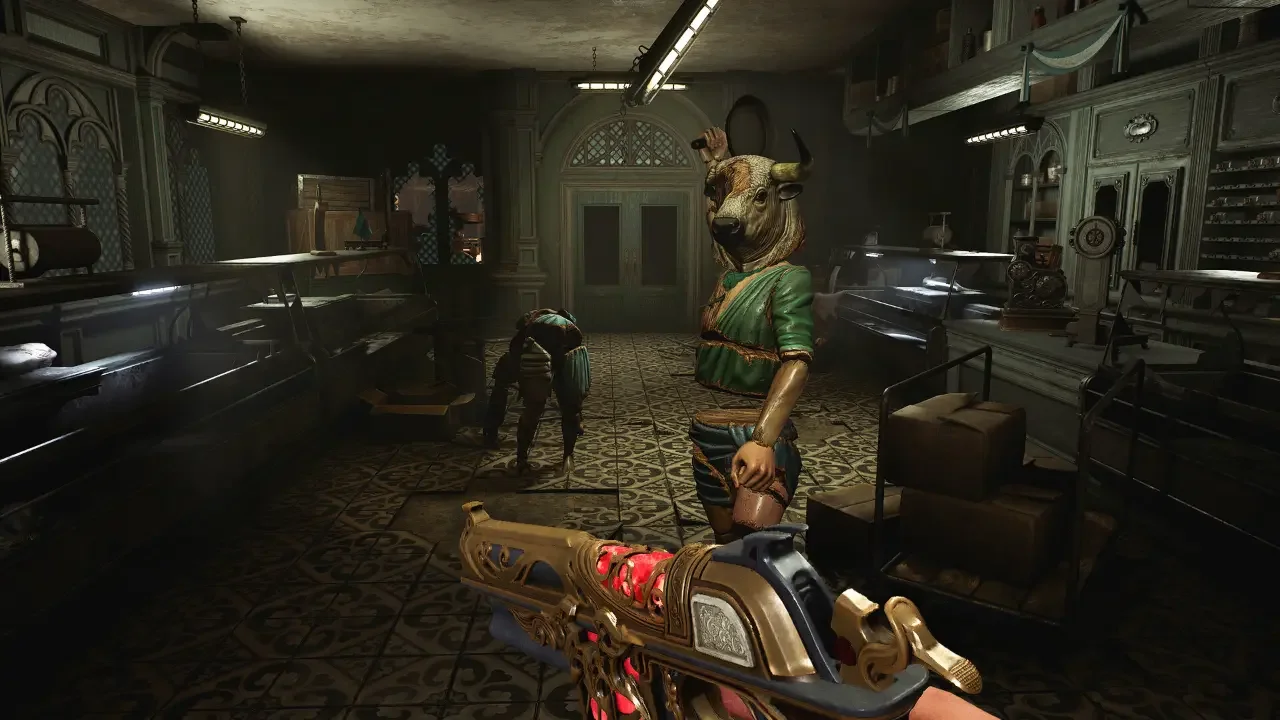
Playing as Gabriel, a soldier who literally weaponizes his own blood to survive a cult-infested island, is a genuinely great time. What is absolutely terrifying, however, is launching a PC game in 2026 and realizing it lacks native 21:9 support and a basic field of view slider. The camera is so heavily zoomed in that it practically induces motion sickness.
Thankfully, the Steam community always steps up when developers drop the ball. A user named LittleTale figured out exactly how to bypass these restrictions. You have to edit the game's executable file directly using a hex editor. It sounds like digital witchcraft if you have never done it before, but the process takes about two minutes. Here is exactly how to fix your screen.
Editing the Aspect Ratio
Before you do anything else, download a free hex editor program like HxD or Notepad++. Once that is installed, you need to track down the main executable file for the game and make a backup copy of it just in case you accidentally delete something important.
Locating the Target File
Navigate to your Steam installation folder and follow this exact path: \SteamLibrary\steamapps\common\Crisol Theater of Idols\CRToiPrototype\Binaries\Win64\.
You are looking for a file named CRToiPrototype-Win64-Shipping.exe. Right-click that file and open it with your hex editor.
Swapping the Hex Values
Use the search function in your hex editor to find this exact value: 3B 8E E3 3F.
You should find exactly six instances of this specific code grouped together in the same offset section (361). Ignore any other similar codes. You need to highlight and replace all six of those instances with the new hex code that matches your specific monitor resolution.
Fixing the Field of View
Forcing the game into a wider aspect ratio is completely useless if the camera is still crammed against the back of Gabriel's head. You need to pull the FOV back to actually see your surroundings.
The FOV Hex Edit
Keep the same executable file open in your hex editor. This time, run a search for the hex value 36 FA 0E 3C.
Unlike the aspect ratio edit, there is only a single instance of this code in the file. Highlight it and replace it with your preferred FOV width. A quick warning: pushing the camera back can occasionally cause minor visual bugs with the depth of field effects during specific cutscenes. Some characters might look a bit blurry when they are supposed to be in focus. It is a very small price to pay to stop feeling claustrophobic.
Once you have swapped out the codes, save the file and close your hex editor. Boot up Crisol: Theater of Idols and make sure your display settings are set to Borderless Window mode. Fullscreen will break the fix and stretch the image.
Now you can actually see the bloodthirsty cultists sneaking up on your flanks.