Forza Horizon 6 Guide: Capture And Download Pristine Wallpapers
If your game captures look more like grainy security footage than professional automotive photography, you are doing it wrong.
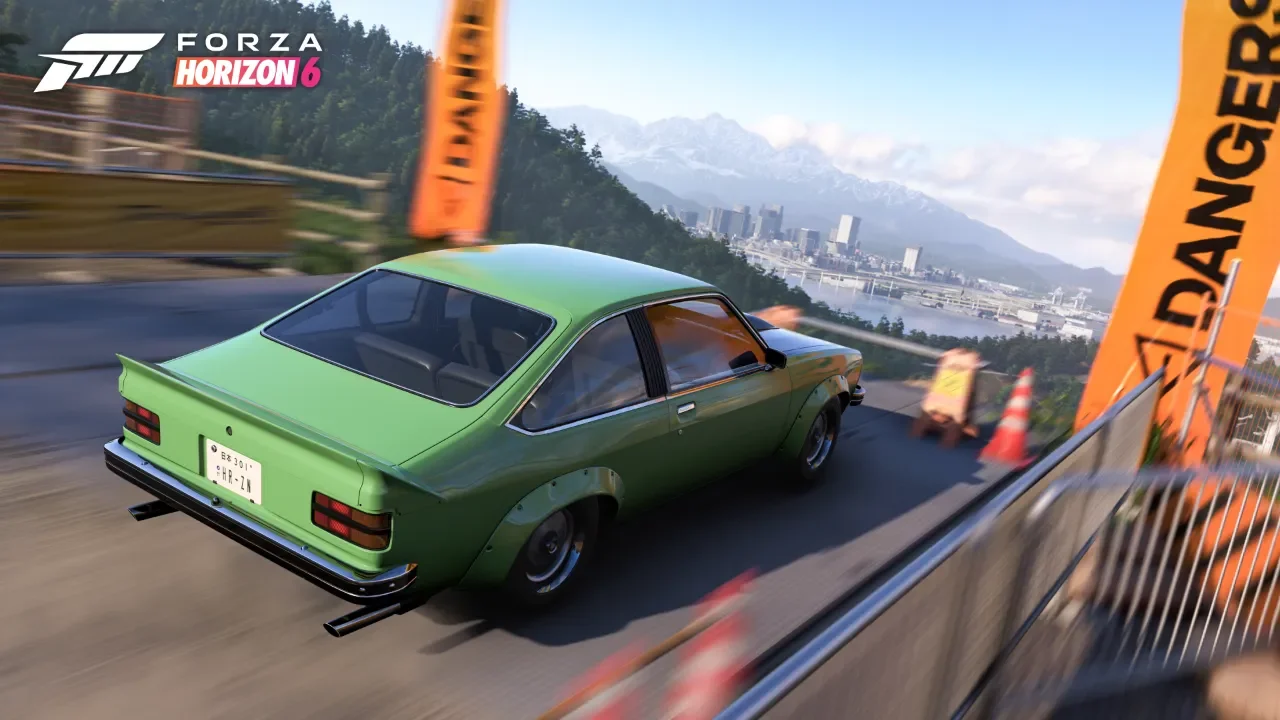
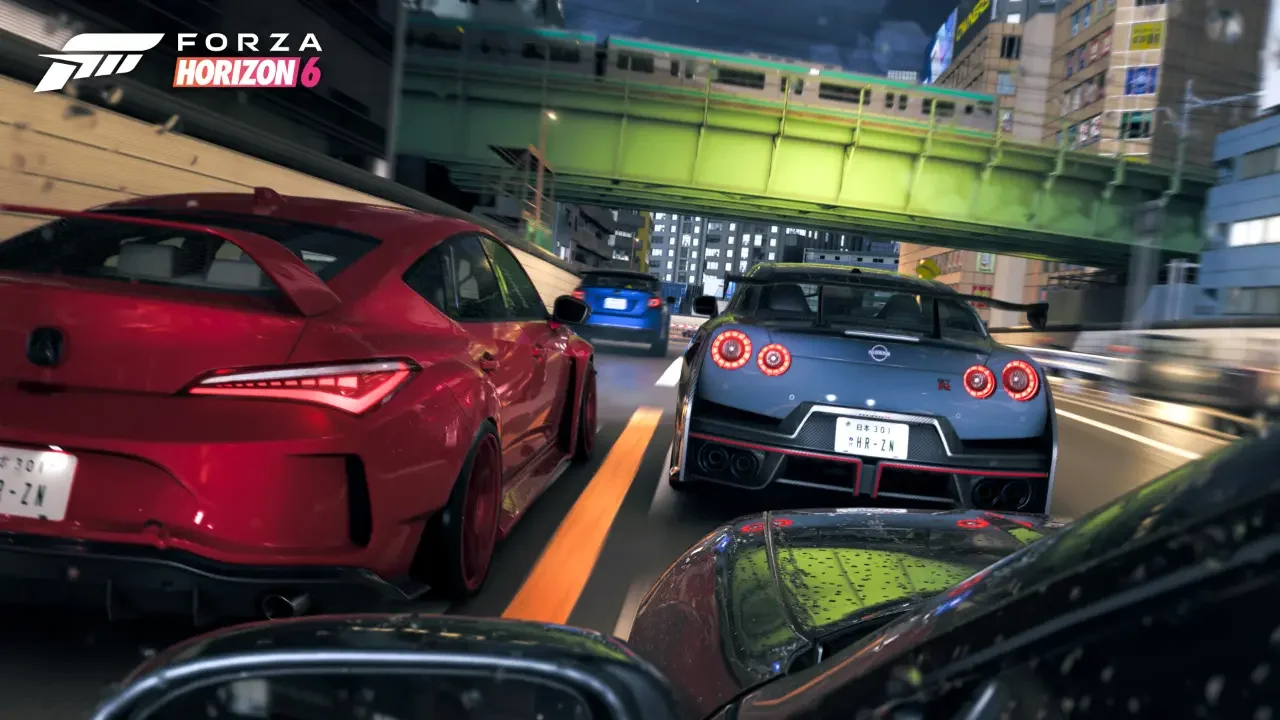
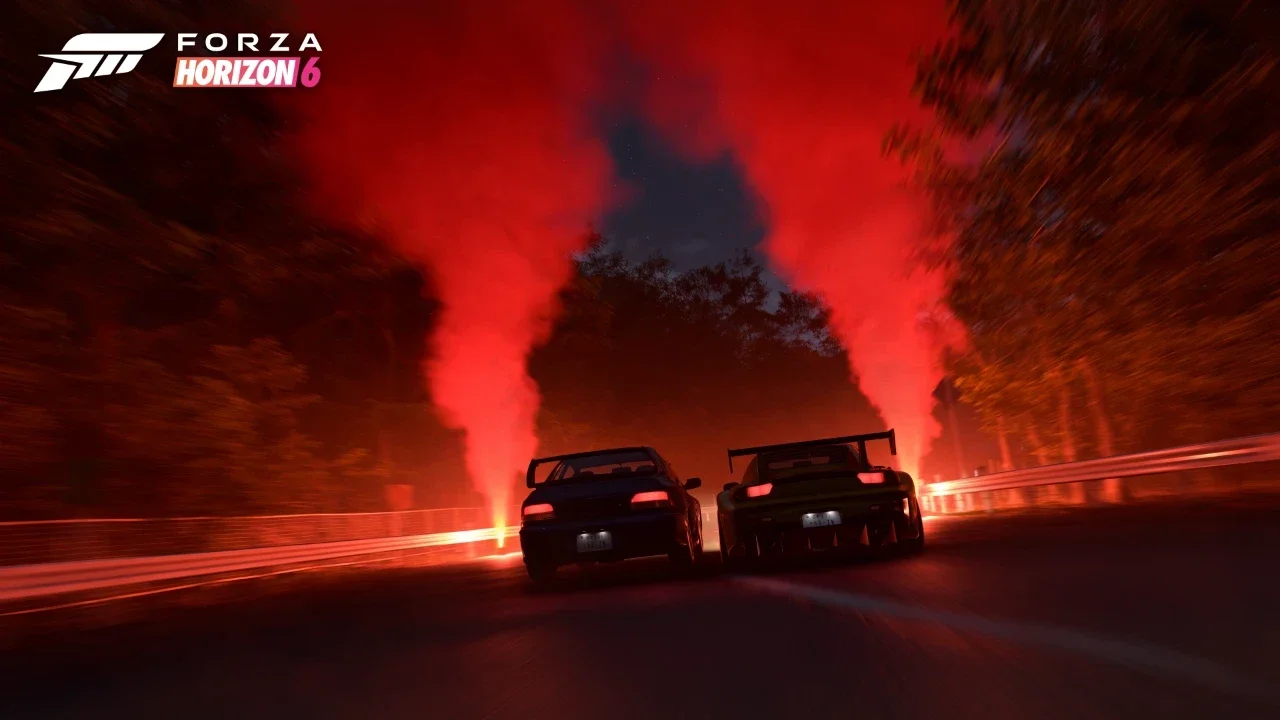
Playground Games packed its rendition of Japan with some seriously advanced rendering technology. From the shadow of Mt. Fuji to the Kinkaku-Ji Temple, the world is a goldmine for incredible shots. The catch is that the game features a surprisingly clunky backend for actually getting those images off your console and onto your desktop. If you just snap a picture and exit the menu, the file vanishes completely into the local storage ether. Before you waste an hour staging the perfect drift only to lose the file forever, I mapped out the exact rules, exposure tricks, and export steps you need to build a flawless virtual portfolio.
Taking Pictures Anywhere On The Map
You do not have to limit your photography sessions to standard roadside pull-offs while exploring the map. The game gives you multiple distinct ways to pull up a camera rig depending on the exact scene you are trying to frame.
The Core Camera Options
If you are just cruising around the open world in free roam, getting into the camera is as simple as pressing Up on your D-pad (or hitting the P key if you are steering with a keyboard). Snapping pictures of cars earns you Horizon Festival points, while framing notable landmarks like the Statue of Hachiko in Shibuya Crossing racks up points for your Discover Japan journal.
If you want to pull together a massive group shot, go hunt down an overworld parking area or an official Meetup spot. These zones let you wander around other real vehicles and trigger the camera mode to photograph any car parked in the lot.
Garage And Drone Shots
You can also run professional studio sessions inside your own real estate. Head into any home you own, click over to the Customizable Garage tab, and hit View Garage to unlock a dedicated interior photo mode tool. If you want a massive list of shortcuts to zoom between these properties instantly, you can check out my Forza Horizon 6 fast travel guide to map out your routes.
If you are out in the wild and want a bird's eye view without your car blocking the shot, open up ANNA and deploy your Drone. The drone interface does not let you open the official camera settings menu, but it features a dedicated button to completely hide the UI so you can capture clean screenshots from a distance.
Dialing In Realistic Camera Settings
The lighting system means you can no longer just crank the saturation slider and hope it looks good on social media. Realistic car photography is all about restraint, and the game heavily rewards a clean, cinematic aesthetic.
Before you touch any of the smaller contrast or color settings, treat your Exposure and Brightness sliders as your primary tuning scales. I recorded the optimal baseline rules for these two settings below.
Framing The Perfect Scene
In general, realistic screenshots tend to look slightly darker, less saturated, and lower in contrast than typical social media posts. You should also pay close attention to the weather. Cloudy conditions, sunrise, or sunset usually produce the most realistic results in the wild.
How To Save And Download Your Photos
This is where everyone trips up. Snapping the shutter button does not automatically put the file on your hard drive.
The Critical Saving Sequence
Before you hit the back button and accidentally delete your masterpiece, you must choose to save and share the image. If you only save without sharing, the image stays stored locally inside the game and you will never be able to download it from the web.
You must manually type out a unique file name before confirming. Give it a distinct name every single time. The web gallery organizes your uploads strictly by title, and generic auto-generated names make finding specific shots incredibly frustrating later on.
Retrieving Files From The Web
Once your image is officially shared in-game, the system automatically strips out all HUD elements and on-screen text. The file exports directly at your current playing resolution, meaning playing in 4K gets you a clean 4K desktop wallpaper.
Open a browser on your computer or phone and navigate to forza.net/myforza.
Log into the portal using the exact account you play the game with.
Locate your uploaded photo in the gallery and hit download to save the full resolution file.
Alternate Methods For PC Players
If you are running the game on a PC, you have a couple of platform exclusive shortcuts that let you bypass the official website entirely.
Steam And Xbox Game Bar Caps
If you are playing through Steam, your standard Steam screenshot function works normally. Alternatively, if you are utilizing the Xbox App, you can use the Xbox Game Bar to capture screenshots at any point during gameplay.
The Console Limitation
These PC shortcuts are quick and convenient, but they capture exactly what is currently rendered on your monitor. They will include the HUD unless you are already in Photo Mode when you press the button. Console players on Xbox Series X and Series S do not have access to these Steam or Windows capture overlays anyway, making the official web portal the only reliable option for extracting clean files.
If you are just hunting for a stunning backdrop to test out your new camera settings, you will probably want an insanely expensive ride to fill the frame. If you need quick cash to afford one, you can take advantage of my Forza Horizon 6 infinite money exploit guide to instantly fill your garage with high-end machinery before the developers patch the loophole out of existence.