Hytale Multiplayer Guide: How to Play With Friends Without Losing Your Mind
Hytale might look like a cozy sandbox, but trying to get your friends into the same world can feel like a full-time IT job if you are not prepared.
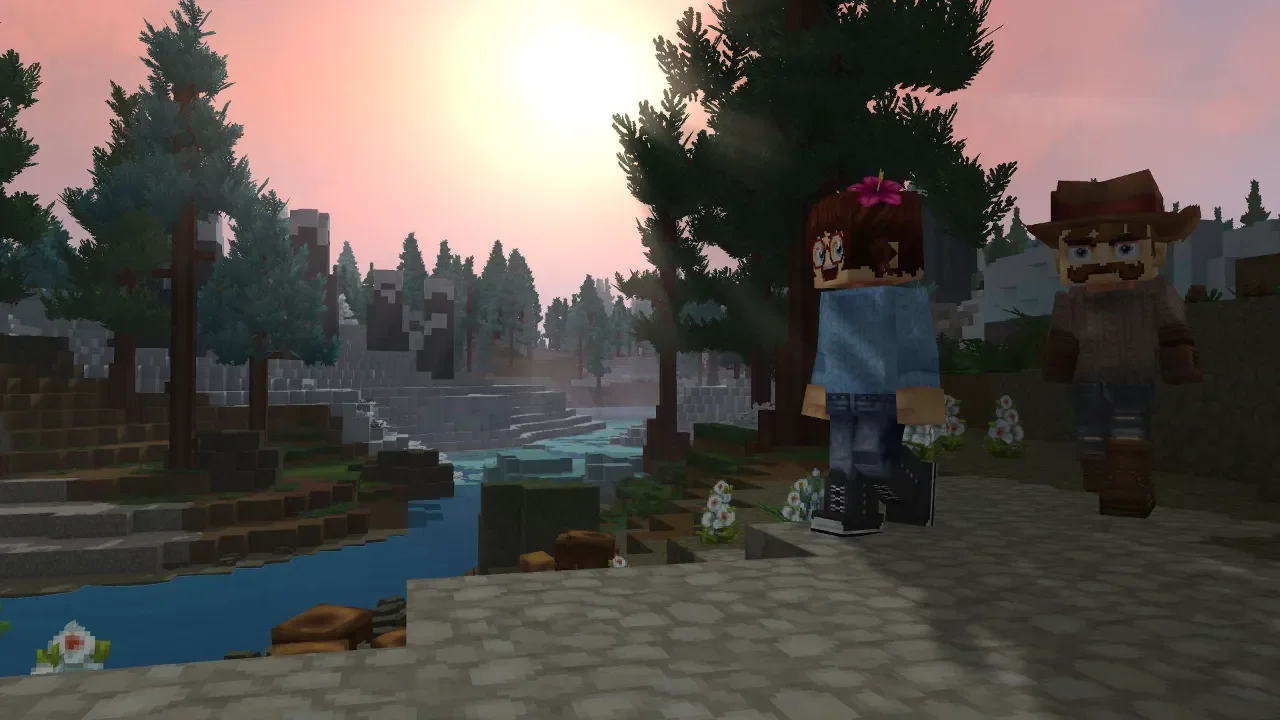
I have spent a lot of time in these blocky worlds. Playing solo is fine if you want to be a hermit, but Hytale is built for the chaos of a group. Whether you want to grind through the zones in an Exploration world or just build a massive monument to your own ego in Creative mode, you are going to need a server. The game uses some smart tech like UPnP to bridge the gap between your router and your friends, but as with any sandbox launch, it is not always a smooth ride. I have seen enough "Connection Timed Out" messages to last a lifetime, so here is how you actually get the squad together.
Hosting Your Own World for the Squad
Creating a server in Hytale is integrated directly into the world creation process. When you hit the Worlds page, you have to decide if you are going for survival or the "god mode" experience.
Exploration vs. Creative
Exploration worlds are for the survivalists. You have to craft, build, and progress through the zones. Creative worlds are for people who do not want to work for their resources. If you want everything unlocked from the start, go Creative. Once you have picked your poison and entered the world, hit the ESC key and find the Online Play option. This is where you actually open the doors to other people.
Generating the Share Code
You need to toggle Allow Other Players to Join to "On." I highly recommend setting a password so randoms do not join and trash your base. Once you save the settings, Hytale generates a private share code. You just copy that to your clipboard and send it to your friends. If your router supports UPnP, the game does all the heavy lifting for you. If it does not, you are going to be diving into port forwarding menus, which is a special kind of hell I would not wish on anyone.
Joining a Friend’s Session
If you are the one joining, the process is much simpler. You do not even need to be in a world. Just head to the main menu and select the Servers page.
You have two options here. You can click Join Via Code and paste whatever string of nonsense your friend sent you. If the host has a password, you will be prompted for it now. If you plan on playing on this server frequently, you can choose to Add a Server to your favorites. This requires a connection address, but it saves you from having to hunt down a new code every single time the host restarts their game.
Fixing Connection Disasters
It is 2026 and we are still fighting with routers like it is the early 2000s. Sometimes the code just does not generate, or your friends get stuck in an infinite loading loop. Most of the time, the culprit is a firewall or a router setting that thinks Hytale is a security threat.
A Note on Private Dedicated Servers
If you want a world that stays online 24/7 without your PC running, you are looking at a dedicated server. This is a lot more work and requires some technical knowledge. The host computer is going to eat a lot of RAM and CPU resources to keep a large world stable. I only recommend this if you have a spare machine or you are willing to pay for a hosting service. For most casual squads, the in-game "Join Via Code" method is more than enough. Just make sure the person with the best internet connection is the one hosting the world.
Got a hot take on this? I know you do. Head over to r/neonlightsmedia to discuss it.
YOU MIGHT ALSO LIKE