Mechanical vs. Membrane Keyboards: Stop Bottle-Necking Your Skills With Mushy Plastic In 2026
We are staring down the barrel of 2026. You likely have a PC with a GPU that costs more than a used car, a monitor with a refresh rate faster than the human eye can perceive, and a mouse that weighs less than a sheet of paper.
So why, in the name of all that is holy, are you still pressing down on a rubber nipple to move your character?
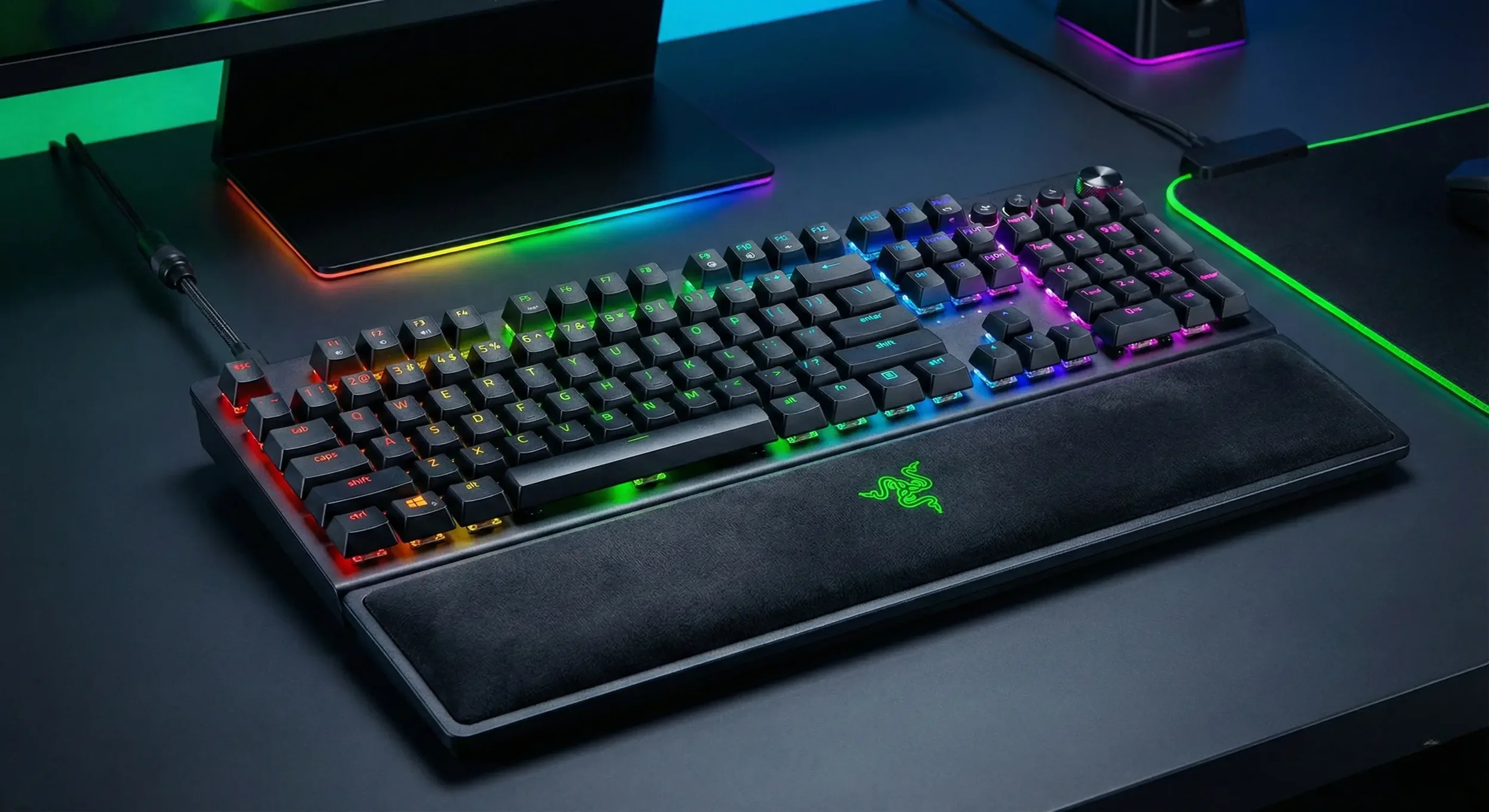
The debate between mechanical and membrane keyboards has been raging for decades, but as we head into the new year, the gap hasn't just widened; it has become a canyon. With the rise of Hall Effect switches, Rapid Trigger tech, and affordable hot-swappable boards, the argument for membrane has effectively died. But for the sake of thoroughness (and to convince you to finally upgrade), we are going to break down exactly why mechanical is the only choice for gaming in 2026.
The Membrane Defense: Cheap, Quiet, and Terrible
Let’s start with the "competition." A membrane keyboard works on a very simple principle: there are two plastic sheets with conductive traces, separated by a spacer. Above them sits a rubber dome (the "membrane"). When you press a key, you squash the dome, the top sheet touches the bottom sheet, and a signal is sent.
The Problem with Squashing: To register a keypress on a membrane board, you have to bottom out. You have to press the key all the way down until the rubber hits the plastic. This creates a few massive issues for gaming:
Mushy Feel: There is no crisp definition. It feels like typing on wet oatmeal.
Fatigue: Because you have to bottom out every single keystroke to get it to register, your fingers are doing more work than necessary.
Inconsistency: As the rubber ages, it hardens or cracks. Your "W" key will feel completely different from your "P" key within a year of heavy gaming.
Ghosting: Most cheap membrane boards share circuits. Try to strafe, sprint, and switch weapons at the same time, and the board simply won't register the third or fourth key. You died because your keyboard literally couldn't do the math.
Is there any benefit? Sure. They are waterproof (usually), cheap, and quiet. If you are gaming in a library or you are on a budget of $10, they exist. But don't pretend they are "good."
The Mechanical Supremacy: Precision Engineering
Mechanical keyboards don't use sheets of plastic. Under every single keycap is a standalone mechanical switch with its own spring, stem, and contacts.
Why it wins for gaming:
Actuation vs. Bottom Out: You don't have to press the key all the way down. A mechanical switch might travel 4mm, but it activates at 2mm. This means you can tap keys faster, react quicker, and type with less force.
Consistency: A mechanical switch feels the same on day one as it does on day 1,000.
N-Key Rollover: You can roll your face across the keyboard and every single key will register. No ghosting. No missed inputs.
The 2026 Meta: It’s Not Just "Mechanical" Anymore
If this article was written in 2020, we would stop there. But it’s almost 2026. The landscape has shifted. We aren't just talking about Cherry MX Reds anymore.
1. Hall Effect & Magnetic Switches (The God Tier) This is the standard for competitive gaming in 2026. Boards like the Wooting 60HE, Razer Huntsman V3 Pro, and SteelSeries Apex Pro use magnets instead of metal contacts.
Why it matters: Because there is no physical contact, you can adjust the actuation point via software. Want your WASD keys to activate at 0.1mm for instant movement? You can do that. Want your grenade key to take a heavy press so you don't fat-finger it? You can do that too.
Rapid Trigger: This feature resets the key the instant you lift your finger, allowing you to spam inputs faster than is physically possible on a standard mechanical switch. If you play Counter-Strike or Valorant, this is basically legal cheating.
2. Optical Switches These use a beam of light to register a press. They are faster than traditional mechanical switches (zero debounce delay) and last virtually forever.
3. Hot-Swappable PCBs In 2026, you shouldn't buy a keyboard where the switches are soldered in (unless it's Hall Effect). Hot-swap boards let you pull out the switches and replace them. Don't like how the Spacebar feels? Swap the switch for a heavier one. It makes your keyboard a long-term platform, not a disposable toy.
The "Mem-chanical" Scam
A quick warning: You will see keyboards marketed as "Mem-chanical" or "Hybrid." Do not buy these. They are membrane keyboards with a little plastic clicker added to make a noise. They combine the worst parts of both worlds: the mushiness of membrane with the annoying noise of mechanical. It is marketing fluff designed to trick parents.
The Verdict: It’s Not Even Close
In 2026, the price barrier that used to protect membrane keyboards is gone. You can buy a decent mechanical keyboard from brands like Keychron, Redragon, or Royal Kludge for under $50.
If you care about gaming, if you care about your inputs actually doing what your brain tells them to do, you need a mechanical board. Specifically, if you play shooters, look for Hall Effect or Optical switches. The membrane keyboard had a good run in the 90s and early 2000s, but it belongs in a museum, not on your desk.
Upgrade your board. Your K/D ratio will thank you.