How to Control Aging and Life Stages in Paralives
Spending three hours perfecting a character's jawline only to watch them age out a few weeks later feels like a genuinely unfair trade, and thankfully Paralives gives you a way around it.
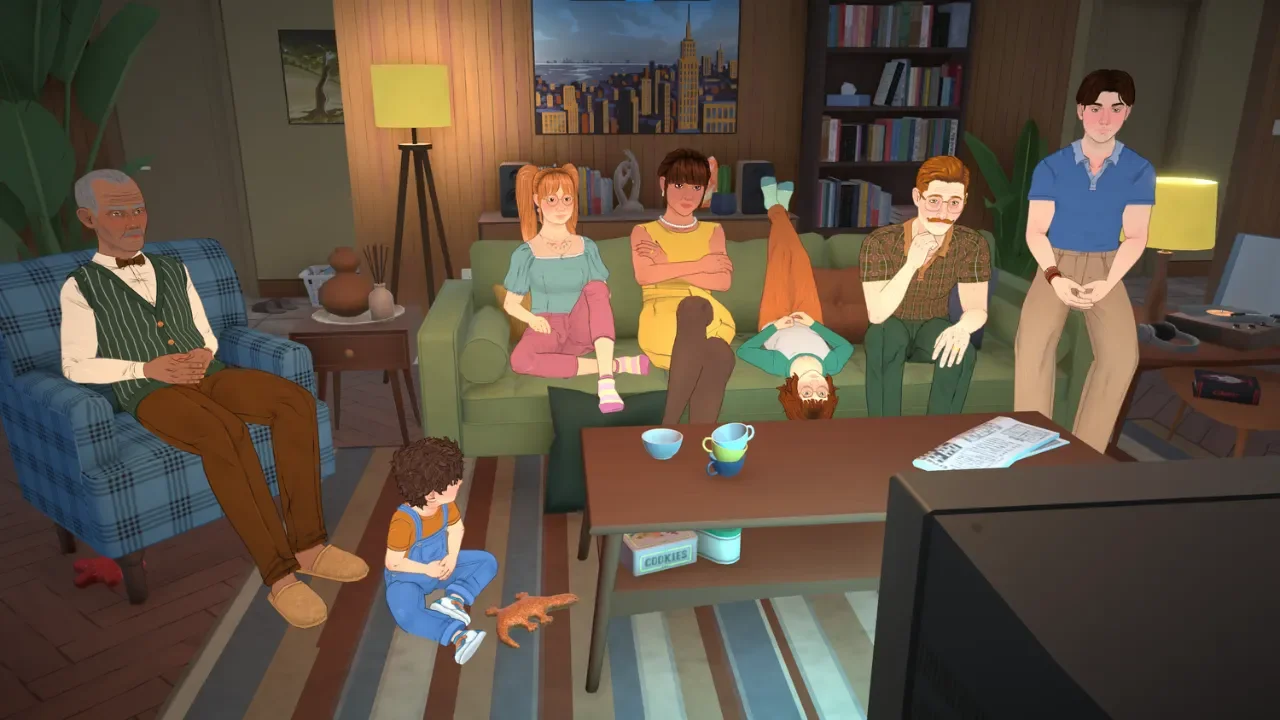
Nobody's forced to just sit back and watch a carefully built character wither away here. Aging can be frozen entirely, stretched out to buy more time, or left completely untouched if the natural pace feels right. It's really just a matter of knowing where the settings actually live.
How Age Actually Gets Tracked
Paralives splits a life into eight stages: Baby, Toddler, Child, Pre-Teen, Teen, Young Adult, Adult, and finally Elder. Checking how much time's left before the next transition just means opening a character's profile from the side menu and clicking the small figure icon under their name.
That profile view shows the upcoming life stage directly, and hovering over the lifespan bar reveals the exact number of in-game days remaining. Younger characters, specifically Children and Pre-Teens, show a segmented bar instead of a solid one, and each segment marks a specific growth spurt still ahead of them.
Turning Off Aging Completely
Switching aging off makes a character fully immortal. They stay locked in whatever life stage they're currently in, permanently. For anyone who wants a household that never changes and never loses anyone, this is the setting that does it.
Getting there means clicking the three dots in the top right corner to open the options menu, heading into the Storyteller section, and selecting Custom Storyteller. These narrators quietly control a lot of the background math running the world, so digging into their settings is worth doing carefully. Under the Time subheading sits a toggle labeled Household Paras Age, and switching that off is really all it takes.
There's a genuinely odd quirk worth knowing here too. Every default narrator starts with aging turned on for the active household, but Non-Household Paras Age is switched off by default. That means without touching anything further, a household will age and eventually pass on while every random neighbor stays young forever. If the goal is having the whole town age alongside a household, that Non-Household toggle needs to be flipped on manually, since it won't happen otherwise.
Stretching Out Life Instead
Full immortality isn't for everyone, and stretching the clock out instead is a solid middle ground. It buys enough time to actually max out a career or a hobby without racing the lifespan bar the entire time.
The same Custom Storyteller menu holds a setting called Duration of Life Stages, with three options to choose from. Short cuts life down considerably, Normal sits as the default baseline, and Long stretches things into something closer to a marathon. There's also a Minutes Per Real-Life Seconds slider tucked into the same menu, which controls how fast the actual clock ticks and can make individual days last noticeably longer.
This is worth thinking through ahead of time if there's a wedding or a proposal planned somewhere down the line. Building a relationship all the way from a first conversation to an actual marriage takes real time, so stretching life stages out beforehand can make the difference between reaching that finish line comfortably and racing against an Elder transition. I walked through the full dating and marriage process separately in my romance and marriage guide if that's the next stop after sorting out aging.
Skipping the Settings Entirely
For anyone who'd rather not touch the global Storyteller options and just wants control over one specific character, the console offers a much more direct route. Forcing someone into their next life stage, triggering a growth spurt early, or even reviving a character who passed away unexpectedly are all possible that way.
The Full Numbers
Here's exactly how each duration setting breaks down by life stage, in case the specific math matters for planning ahead.
Whether the plan is stopping the clock entirely or just giving a favorite character a longer, fuller life, these settings make it pretty easy to build the exact pace that fits the story.