How to Fix REANIMAL Ultrawide Issues and Remove those ugly Black Bars
It is completely baffling that a stunning Unreal Engine 5 game released in 2026 ships without native ultrawide support.
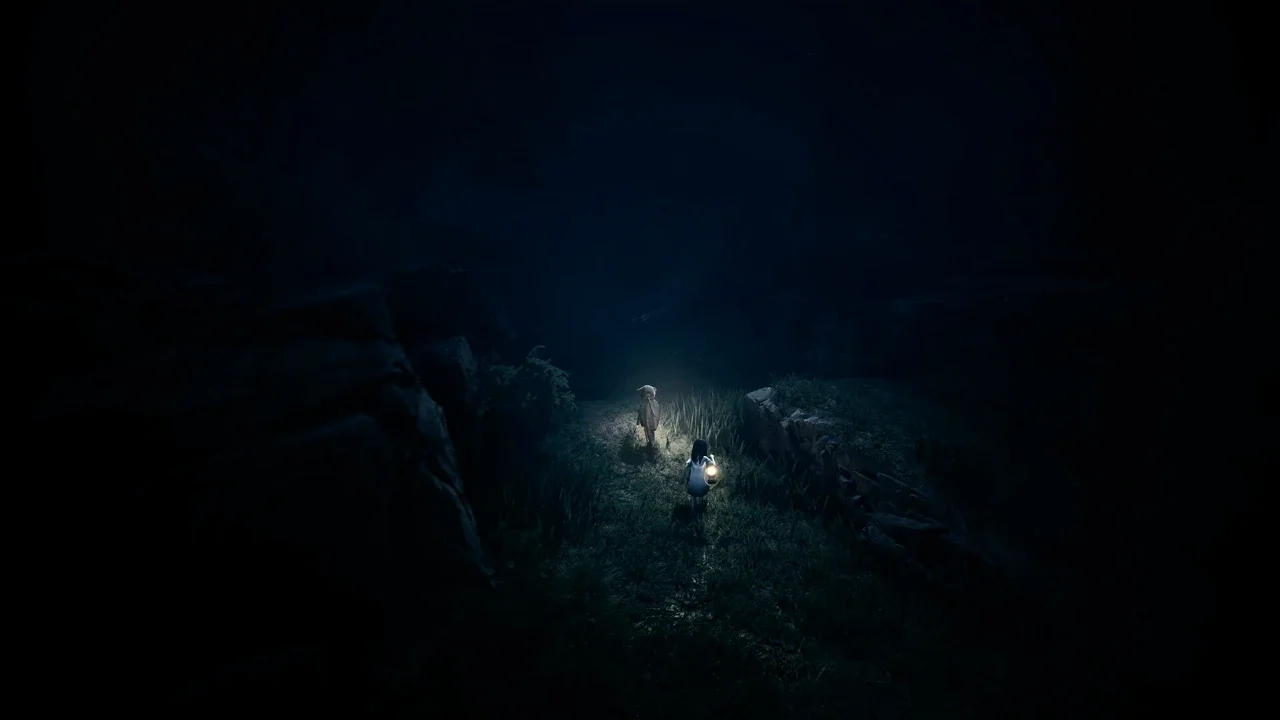
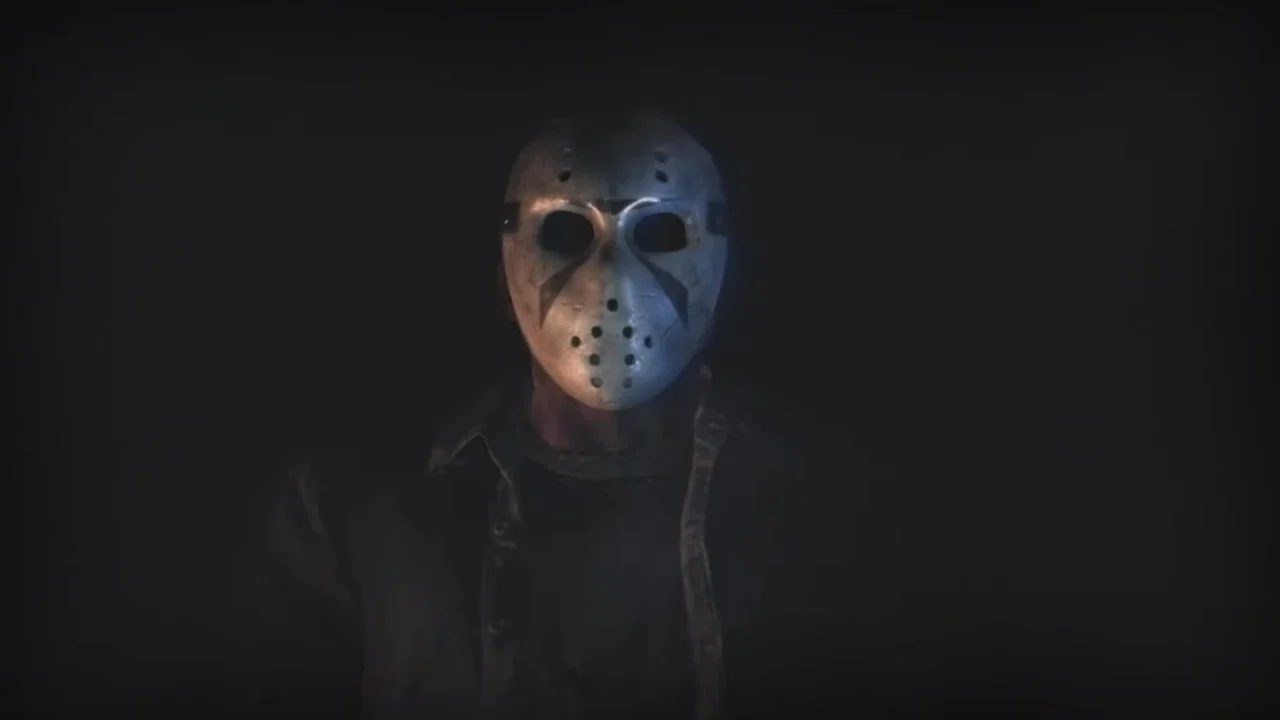
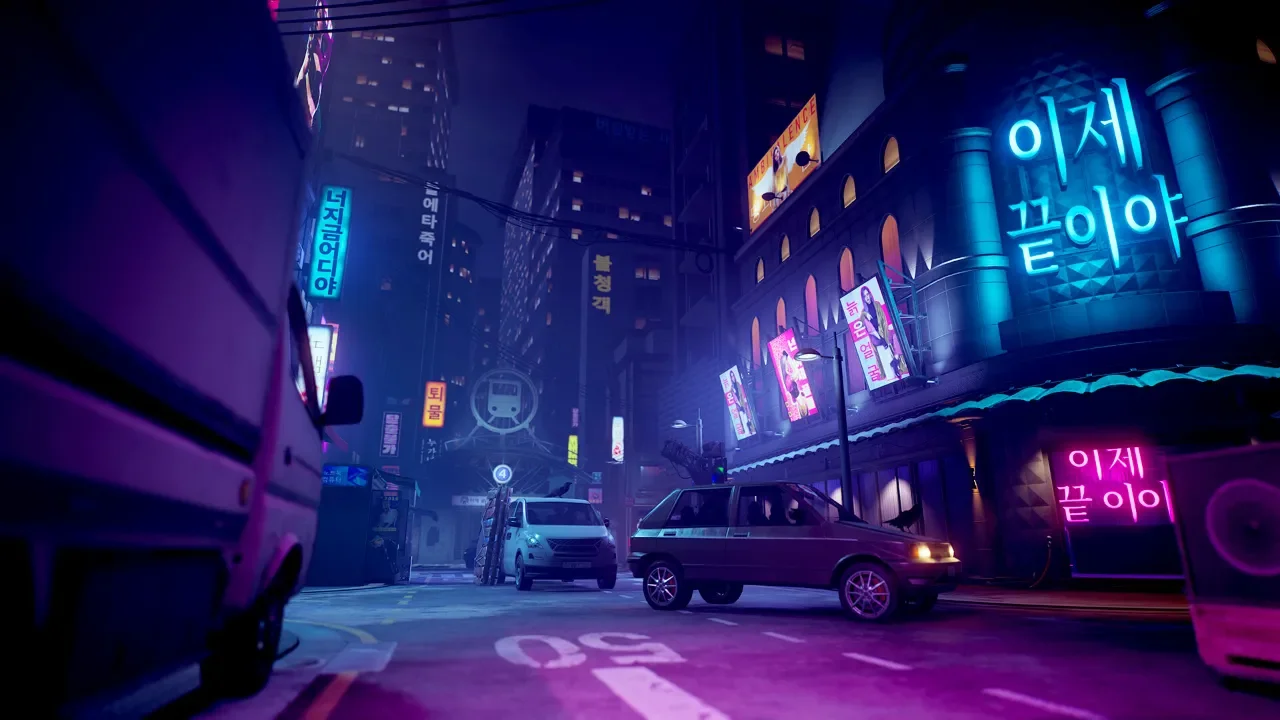
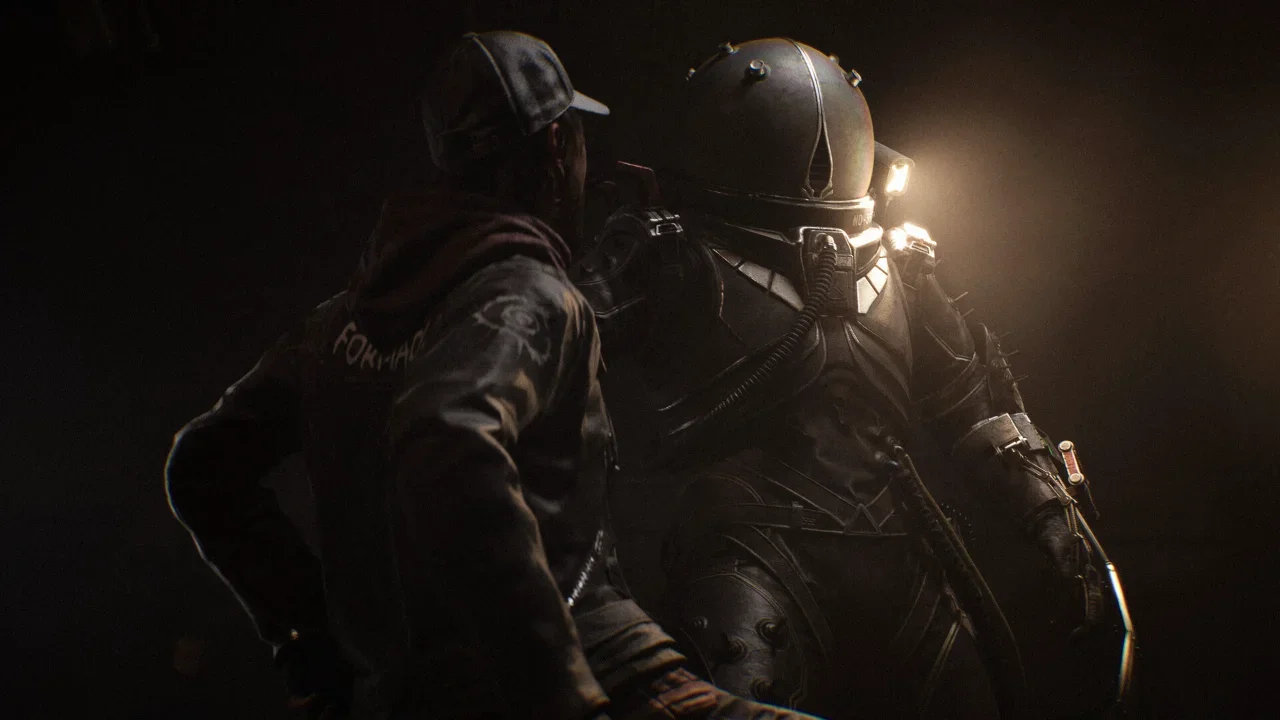
Tarsier Studios knocked it out of the park with the visuals in REANIMAL. The game runs surprisingly well compared to the stuttering mess that was High on Life 2. Sadly, if you spent a small fortune on an ultrawide monitor, you are rewarded with hideous black bars framing the screen. Pillarboxing and letterboxing belong in the past. Thankfully, the PC modding community works faster than game developers. A modder named Lyall has already built a patch to bypass these artificial limitations. Here is exactly how to get it running.
Installing the Ultrawide Mod
Setting this up is incredibly painless. You do not need a fancy mod manager or a degree in computer science to fix the aspect ratio.
Download the Files
First, make absolutely sure REANIMAL is closed. Head over to Codeberg and look for Lyall's REANIMAL patch. You want to navigate to the "Installation" section and click on the SUWSF zip folder to download the latest version.
Extract and Paste
Open that zip file and extract everything inside it to a temporary folder on your desktop. Now, copy all of those extracted files. You need to paste them directly into your main REANIMAL installation directory. If you are playing on Steam, this is usually found in your steamapps\common\REANIMAL folder. That is literally it. Launch the game and the black bars will be gone.
Performance Impact and UI Notes
Forcing a game to render more of the environment than the developers intended comes with a catch. Your hardware has to work harder.
I noticed a slight dip in frames because the GPU is drawing a much wider scene. However, the overall graphical experience still felt incredibly smooth on my rig. The trade-off is absolutely worth it for the immersion. Also, because REANIMAL relies heavily on its cinematic atmosphere and barely has a user interface, you do not have to worry about the mod stretching your health bars or messing up menus. Everything looks completely natural.
How to Uninstall the Mod
If your PC starts choking on the extra pixels or you just want the cinematic framing back, reverting the changes takes ten seconds.
The absolute easiest way to remove the patch is to just go back into your common\REANIMAL folder and delete the files you pasted earlier. Restart the game and you are back to vanilla. If you want to be a nerd about it, you can navigate into Engine\Binaries\Win64 and open the SUWSF.ini file in Notepad. Change the Enabled=true line to Enabled=false. Honestly though, just deleting the files is vastly superior.
I really hope Tarsier considers officially adding wider resolutions in a future update. Until then, I am extremely grateful to modders for doing the heavy lifting.