Splatoon Raiders starts out as a solo trip, but there's a whole cooperative layer hiding in plain sight if you know where to look.
Find the Radio First
Nothing points you toward this, which is honestly the biggest hurdle. After you clear the introductory missions, you get free rein of the team's ship base, and tucked in the corner opposite the treasure bot's platform sits a radio. That radio is the entire gateway to multiplayer, so it's worth interacting with early even if you're not ready to team up yet.
The first time you use it, the game asks you to pick a nickname for online play. It pulls your Switch 2 name automatically, but you can swap it for anything that fits Nintendo's online terms. Get that step out of the way now so it's not slowing you down later when you're actually trying to jump into a raid.
Online Wireless vs Local Wireless
From the radio, you'll choose between online wireless and local wireless. Worth clearing up now so you don't waste time setting up something that won't work the way you expect: local wireless isn't local co-op. There's no split-screen here, so anyone joining you in person still needs their own system and their own copy of the game.
If you go the online route, you've got three paths in. Join a room someone else already made, pull in friends straight from your console's friend list, or set up your own room with a password so specific people can hop in. One thing worth knowing going in, raids get noticeably more chaotic in a party. Extra enemies show up and the whole pace picks up, so don't be surprised if a stage that felt calm solo turns into a bit of a scramble with company.
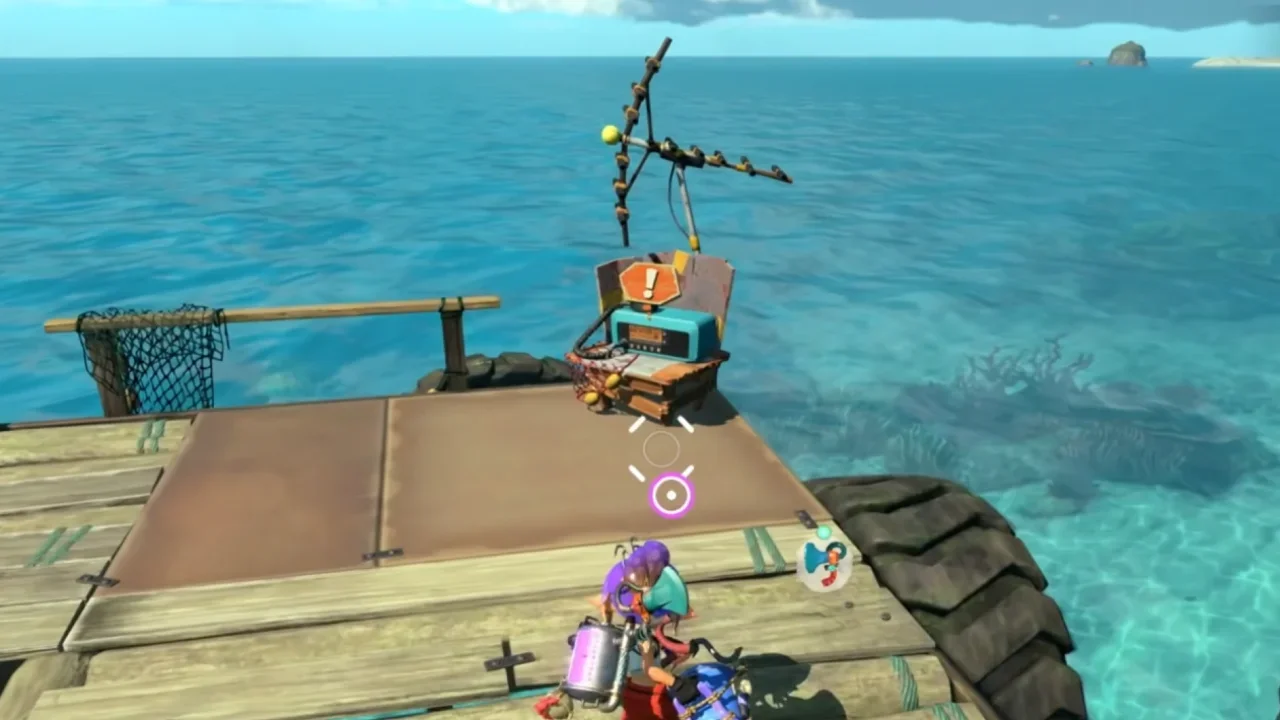
The Radio
Calling for Help Mid-Dungeon
If you're stuck on a specific level rather than looking to squad up in general, there's a more targeted option. The Call for Help button unlocks once you've failed a dungeon at least once. From there, you'll spot a prompt on the right side of the screen letting you press Minus to call in backup, and up to two other people can drop in to help you push through.
This one's genuinely handy if you keep running into a wall on something nasty, a high danger stage isn't going anywhere and extra hands make it a lot less stressful to chip away at. Clear the raid with help and you'll need to wait a bit before calling again, with a timer on the Dungeon start screen showing when it resets. Fail it, though, and you can call again immediately, you just won't get to keep any loot from that attempt.
Making an Actual Lobby With Friends
Want something more structured than a one-off assist? You'll need to finish the three main levels on Erpp Island first, since those function as the game's tutorial stretch. Once the last one's done, a new device shows up back on the boat that lets you build proper raid parties of up to four.
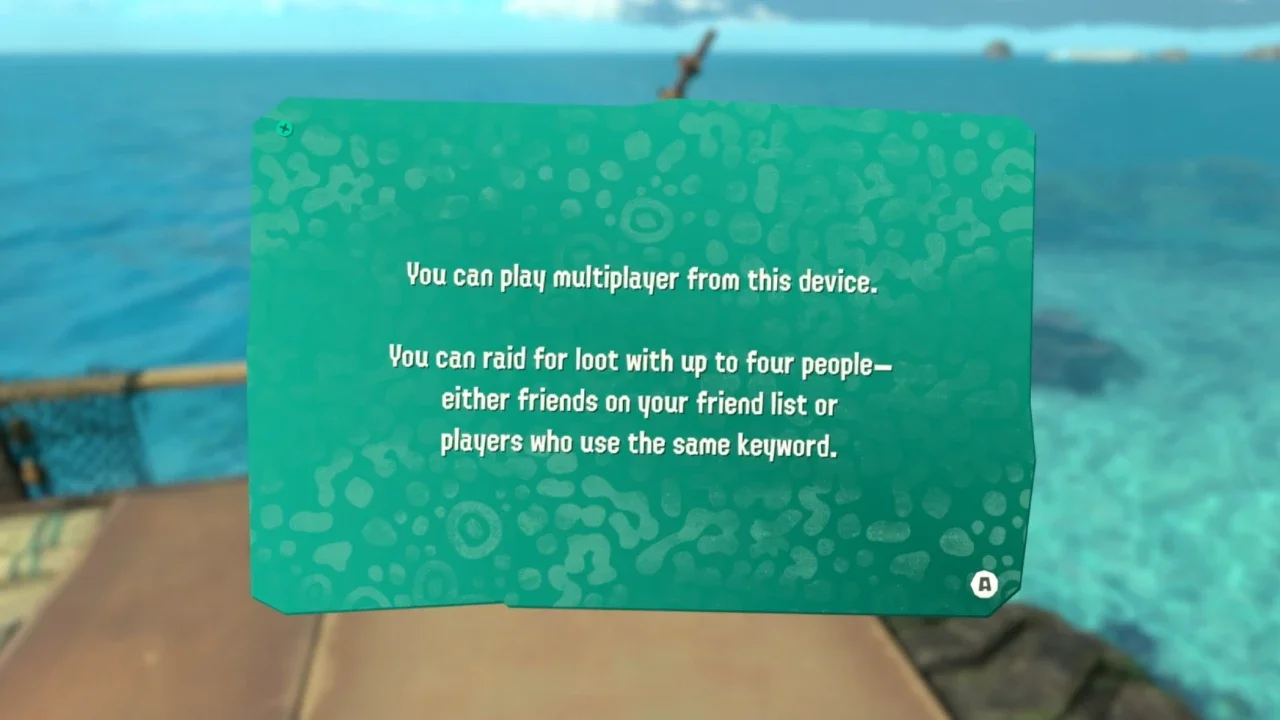
To use it, the people joining you need to already be on your friend list, or you can hand out a keyword so others can find their way in. Press Y at the device and you've got your own room ready to go.
Helping Other People Out
There's also a way to be the backup instead of calling for it. Once you clear the first major raid boss over in the Bowtlode Temple stage, the Go Help button opens up. This matches you with someone else who's stuck on a tough level, and if you manage to help them clear it, you walk away with a nice Help Bonus for your trouble.
Fail the run, and there's no reward, so it's a bit of a gamble jumping into someone else's fight. You also won't get to pick which stage you're dropped into, it's random, so this works best when you're just looking to help out and pick up a little extra loot along the way rather than practicing a specific level.