Directive 8020 Guide: Should You Trust The Oracle Supercomputer?
Messing with a ship's brain is usually a classic sci-fi mistake, but in Directive 8020, ignoring the machine might actually be worse.
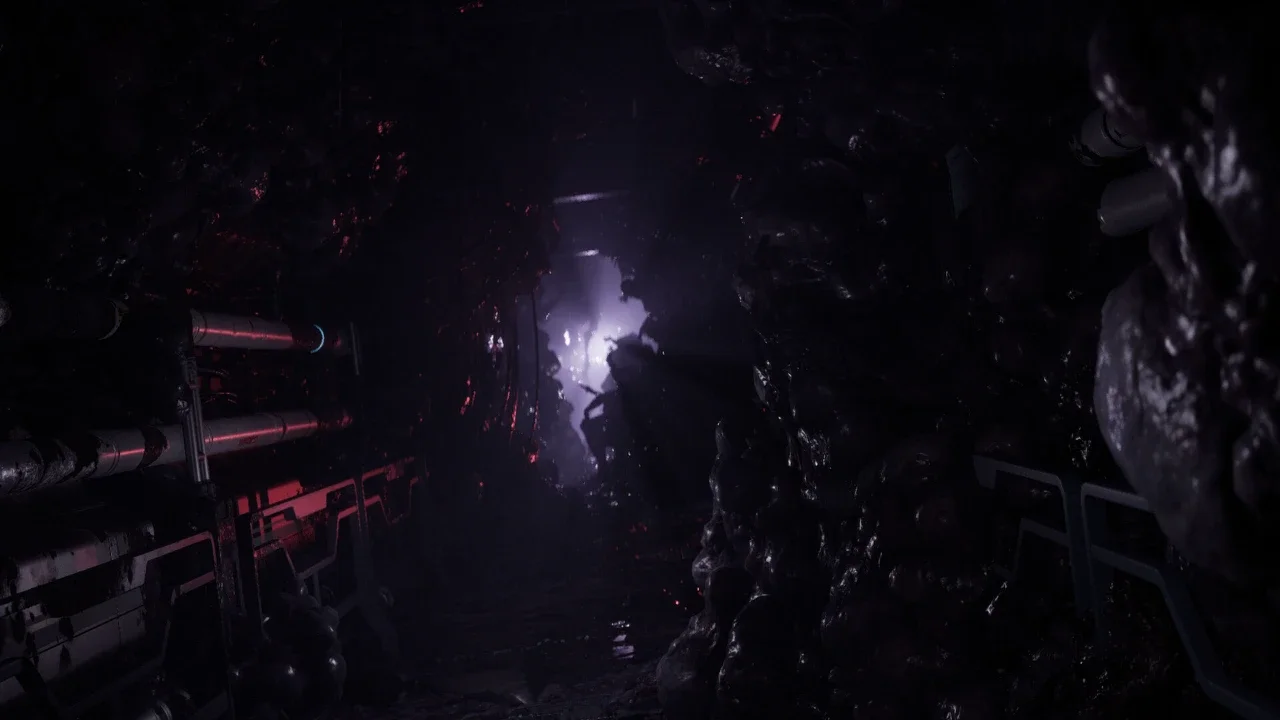
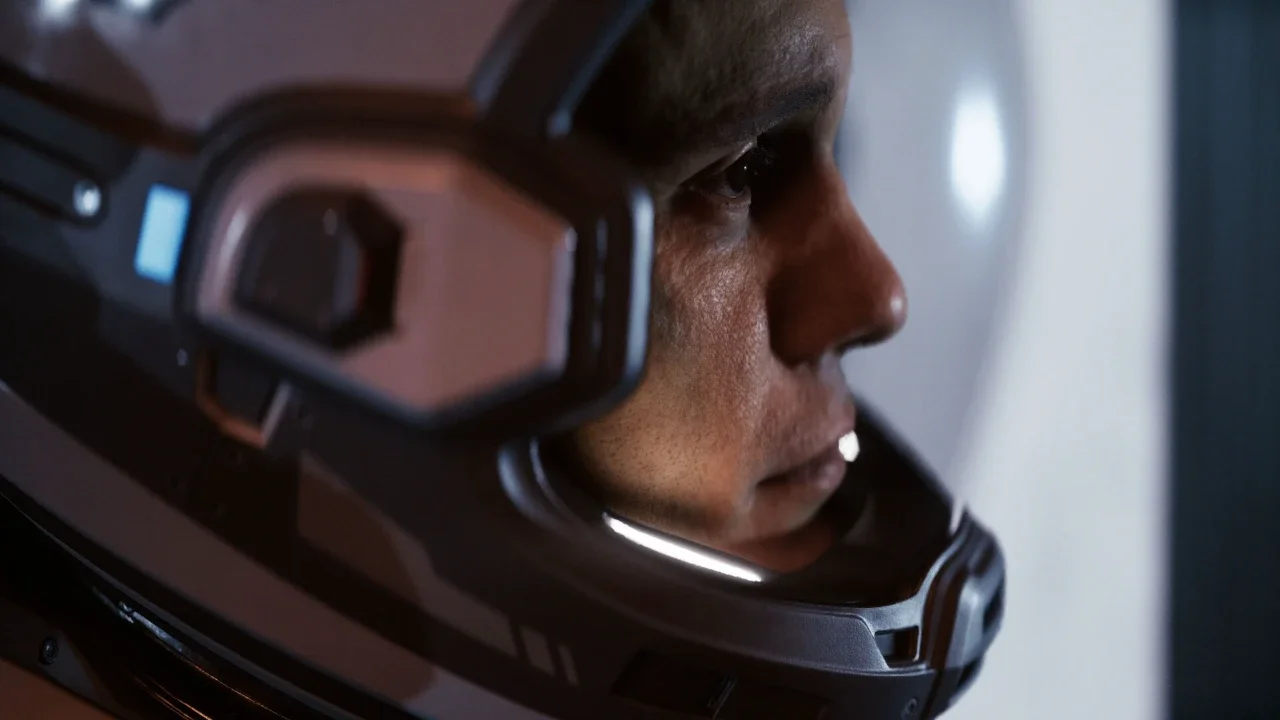
Before you let your paranoia regarding evil AI get you killed, you need to understand that the Cassiopeia isn't exactly in peak condition. You are barely out of the tutorial as Simms and Carter when the meteorite hits, and suddenly, you are faced with a choice that feels like a standard horror movie trope. The Oracle supercomputer wants to "help," but as a veteran of these branching stories, I know your first instinct is probably to keep that thing at arm's length. However, Directive 8020 uses this moment to introduce you to the Turning Point mechanic, and being a stubborn luddite here has actual, tangible consequences for your survival.
Making these choices correctly is the first step toward managing your Directive 8020 character destinies guide because staying alive is a pretty strict prerequisite for having a destiny at all. I have spent enough time in these dark corridors to know that while the AI might be creepy, a jammed door during a chase sequence is much scarier.
To Consult Or Not To Consult
The first fork in the road is deciding whether to even walk into the Oracle's chamber. This is essentially a gateway choice. If you choose to ignore the Oracle, Simms and Carter will go about assessing the damage themselves. You aren't missing out on any massive plot twists yet, but you are effectively locking yourself out of the more important decision that follows.
I recommend you take the time to consult the computer. It provides some much-needed context for the supercomputer running the Cassiopeia's subsystems and, more importantly, it opens the path to the reboot choice. Skipping it doesn't give you a tactical advantage. It just makes the world feel a little smaller and removes your ability to influence the ship's stability.
The Reboot Dilemma: Authorized Or Delayed?
If you did the smart thing and spoke to the Oracle, it'll ask you for a reboot to properly assess the ship's damage. Simms is going to complain that this will delay repairs, and the game puts the final call in your hands as Carter.
Authorization Leads To A Clear Path
Choosing to reboot the Oracle is the "pro" move here. It might feel like you are wasting time, but the computer uses that restart to fix anomalies across the ship's electronic subsystems. Once the reboot is finished, you and Simms head out for a space walk to fix the hull. The real payoff for this choice happens much later when things start hunting you. Because the systems are stabilized, the ship works like it's supposed to, and you won't find yourself fighting the environment and the aliens at the same time.
Delaying The Reboot Creates Environmental Hazards
Before you decide to delay the reboot to "save time," you should know that you are essentially planting a landmine for yourself. If you skip the reboot, those "minor anomalies" the Oracle mentioned don't just go away. After you finish the hull repairs and head back inside, something starts chasing Carter through the ship.
If you didn't authorize that reboot, an electronic door in your escape path is going to malfunction. This forces a much more difficult situation where you have to maneuver around a faulty bulkhead or nail a high-stakes QTE. Depending on your difficulty setting, this one small act of defiance against the AI can easily send you back to the lobby. It's a classic example of how a small choice in the first act can put you six feet under in the second.
Oracle Choice Consequences
I've mapped out the outcomes of these early interactions so you can see exactly where the danger lies.