Half Sword Performance Guide - Stop the Lag, Start the Stabbing
Let’s be real: Half Sword in its current Early Access state is about as well-optimized as a brick through a window.
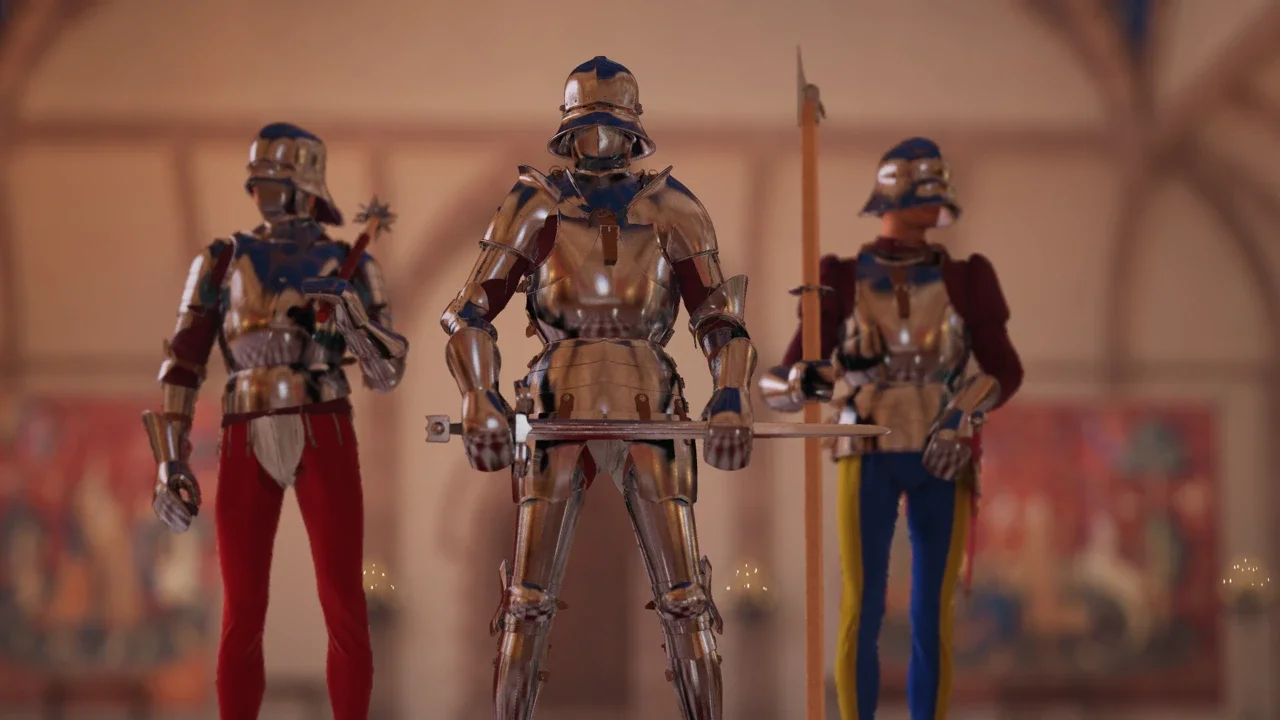
I love a good indie physics simulator, but Half Sword in Early Access is currently running like it’s being powered by a hamster wheel. Optimization seems to have been an afterthought. Even on a rig that should chew this game up (I'm testing on an RTX 3060 setup), I was seeing dips, stutters, and visual glitches that made parrying impossible.
If you are tired of watching a slideshow instead of a duel, I’ve compiled the best settings to claw back some frames. I also found a config file tweak that nukes the visuals but makes the game actually playable.
The Best In-Game Settings for Raw FPS
The in-game menu is your first line of defense. Through my testing, I found that trying to make this game look "pretty" is a fool's errand right now. You need to embrace the potato aesthetics if you want responsive combat.
My strategy here is simple: cap the frames to stop the spikes and rely heavily on upscaling.
The "Engine.ini" Fix (Advanced Tweak)
If the table above didn't fix your stuttering, you have to get your hands dirty.
Credit where it's due: I spotted this fix from community members 'michael' and 'Silvarell' on Steam. They figured out how to force the Unreal Engine to disable expensive effects that the in-game menu doesn't let you touch, like deep fog and specific lighting interactions.
This boosted my FPS by a solid 30%, but be warned: the game will look flat.
Step 1: Locate the Config File
You need to find the hidden AppData folder. The easiest way to do this is to hit Win + R on your keyboard and type:
%LOCALAPPDATA%
From there, navigate through these folders: HalfSwordUE5 > Saved > Config > Windows
Step 2: Create the File
In that folder, create a new text file and name it exactly: engine.ini
Open it with Notepad and paste the following block of code inside. This kills grass, blur, bloom, and reduces texture overhead:
engine.ini
[SystemSettings]
foliage.LODDistanceScale=0
grass.Enable=0
r.AOQuality=0
r.BlurGBuffer=0
r.DefaultFeature.AntiAliasing=0
r.DefaultFeature.Bloom=0
r.DepthOfFieldQuality=0
r.Fog=0
r.MotionBlurQuality=0
r.SceneColorFringeQuality=0
r.Tonemapper.Quality=0
r.PostProcessAAQuality=0
[/script/engine.renderersettings]
r.Upscale.Quality=0
[ConsoleVariables]
r.ScreenPercentage=100
[/script/engine.inputsettings]
bEnableMouseSmoothing=False
Step 3: The Most Important Part
Save the file and close it. Now, right-click on your new engine.ini file, select Properties, and check the box that says Read-only.
If you don't do this, the game will overwrite your hard work the moment you launch it, and you'll be back to lagging.
Is it a pain in the ass to do this just to play a game? Yes. Does it work? Absolutely. Until the devs patch the performance leaks, this is your best bet for survival.