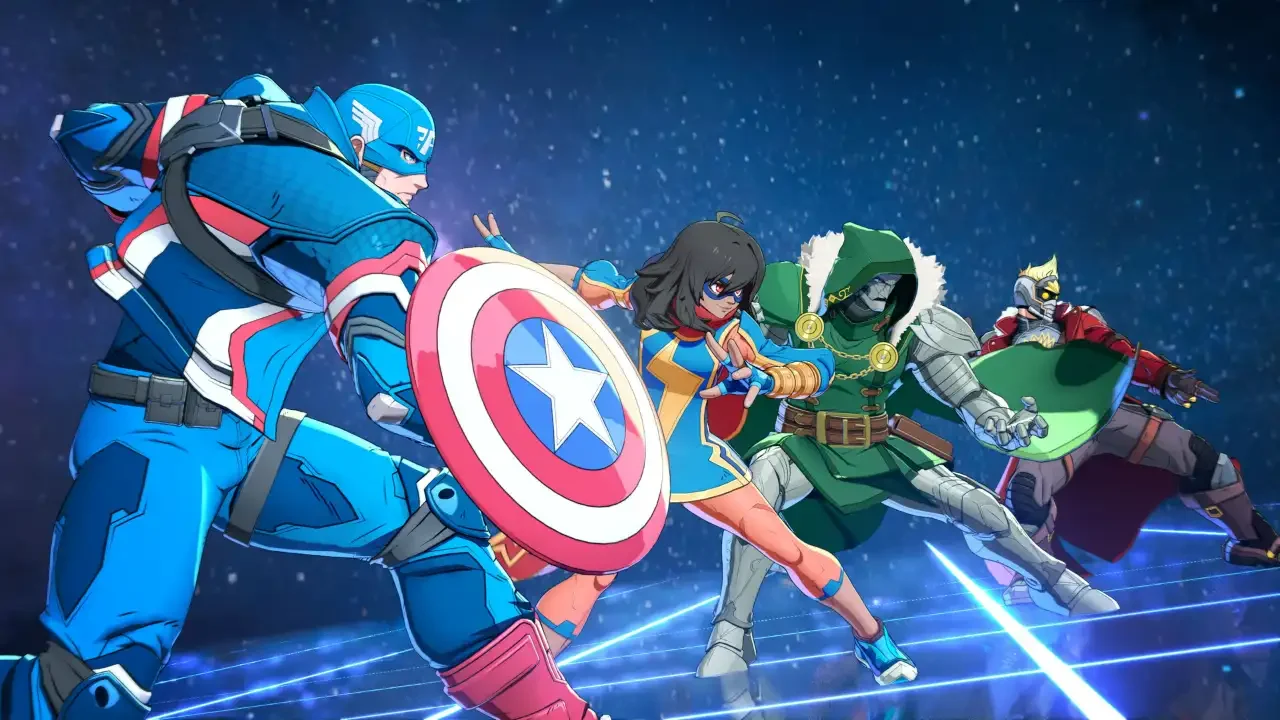
Marvel Tokon: Fighting Souls Open Beta Schedule And Access Guide
Arc System Works is finally letting you test their chaotic 4v4 Marvel tag fighter without needing a golden ticket.
The official launch for Marvel Tokon: Fighting Souls is locked in for August 6, 2026. Last year, Arc System Works kept things restricted to a closed test on PS5. That phase is over. The development team is preparing a massive global Open Beta right before launch. You will have full access to all 20 playable characters dropping on day one, giving you a chance to lab combos with new additions like Blade before the servers officially go live for everyone.
The Open Beta Schedule
Before you start clearing out your weekend plans, keep these exact dates and platform details in mind.
The exact hour the servers light up is still unannounced. You also might want to hold off on planning cross-platform tournaments with your friends. Arc System Works has remained completely silent on whether crossplay support between PS5 and PC will be active during this specific testing window.
Downloading The Beta On PS5
If you are on a PlayStation 5 or the new PS5 Pro, getting into the arena is incredibly straightforward. You do not have to wait around refreshing your email for an invite code.
Make sure you are signed into your main PlayStation Network account. Open up the PlayStation Store and manually search for the Marvel Tokon: Fighting Souls Open Beta. Hit download on the beta client. Once the installation finishes, you just have to wait for July 24 to roll around. Launch the client during that active window and you are good to go.
PC Requirements And Access
Things require an extra step if you are booting this up on a computer. You can choose to download the beta client through either the Steam or Epic Games storefronts. Search for the beta on your preferred platform and get the download started.
Before you waste time staring at a login error on day one, understand that you absolutely need a PlayStation Network account to play. Sony is treating this like their other console exclusives making the jump to PC. Have your PSN login details ready to go. You will be prompted to sign in with that Sony account the second you launch the client through Steam or Epic. Once you get past that login screen, you can spend the rest of the weekend throwing down.