Getting the hang of this charming little hide and seek game takes a bit of practice, but learning how to properly use your camouflage tools makes outsmarting everyone incredibly rewarding.
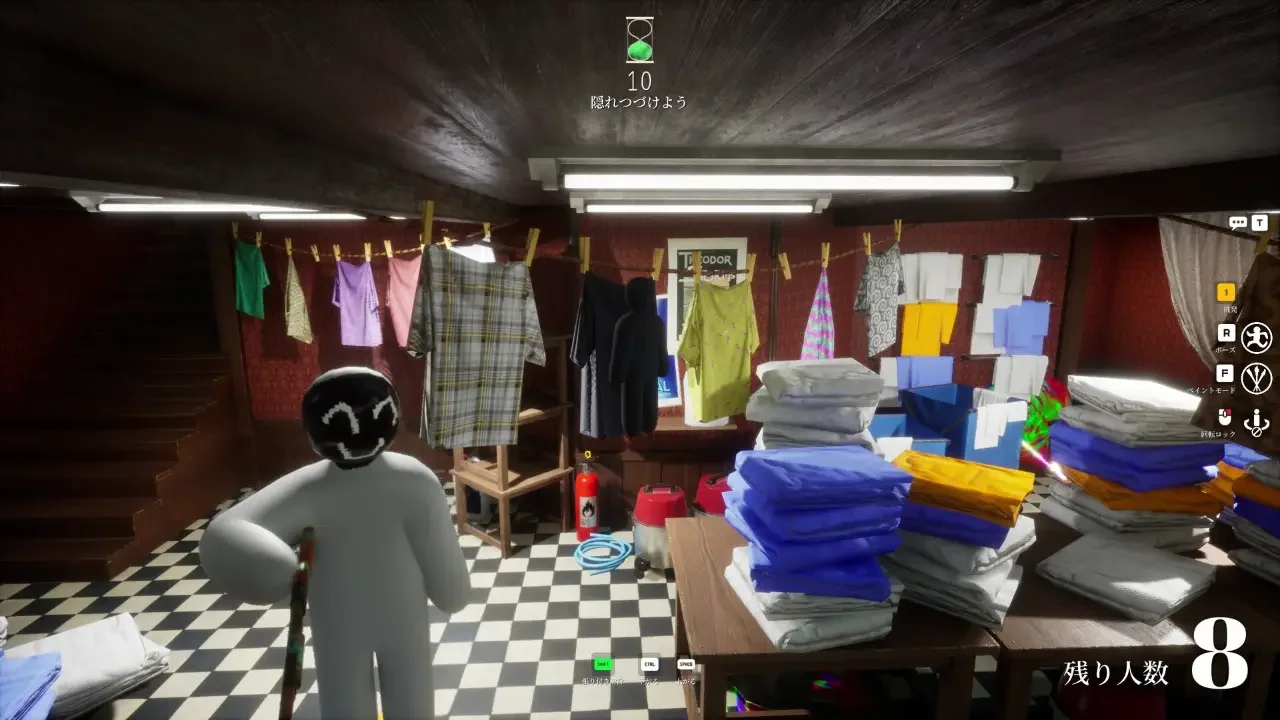
Meccha Chameleon is a delightful $5.99 Steam party title that drops you into a room as a blank white stick figure. The entire goal relies on painting yourself to match the scenery so the hunters walk right past you. It sounds straightforward on paper, but turning yourself into a convincing piece of the background is a genuinely hilarious puzzle. If you want to survive the first few minutes of a match, you have to understand exactly how the stealth mechanics operate.
Setting Up the Lobby and Game Modes
Everything starts with making sure your group can actually play together. The game runs exclusively on Windows, and ensuring all your friends have the exact same version downloaded prevents the matchmaking system from crashing. Taking a minute to sync up means you get to skip the frustrating technical hiccups and jump straight into the fun.
The host also has a few great tools to keep the evening fresh. Turning on a Monochrome filter makes everything black and white, while mixing Horror and Mosaic filters totally changes how you see the map. The host can also enable Forced Taunt, which forces everyone to press the 1 key and whistle on a set timer.
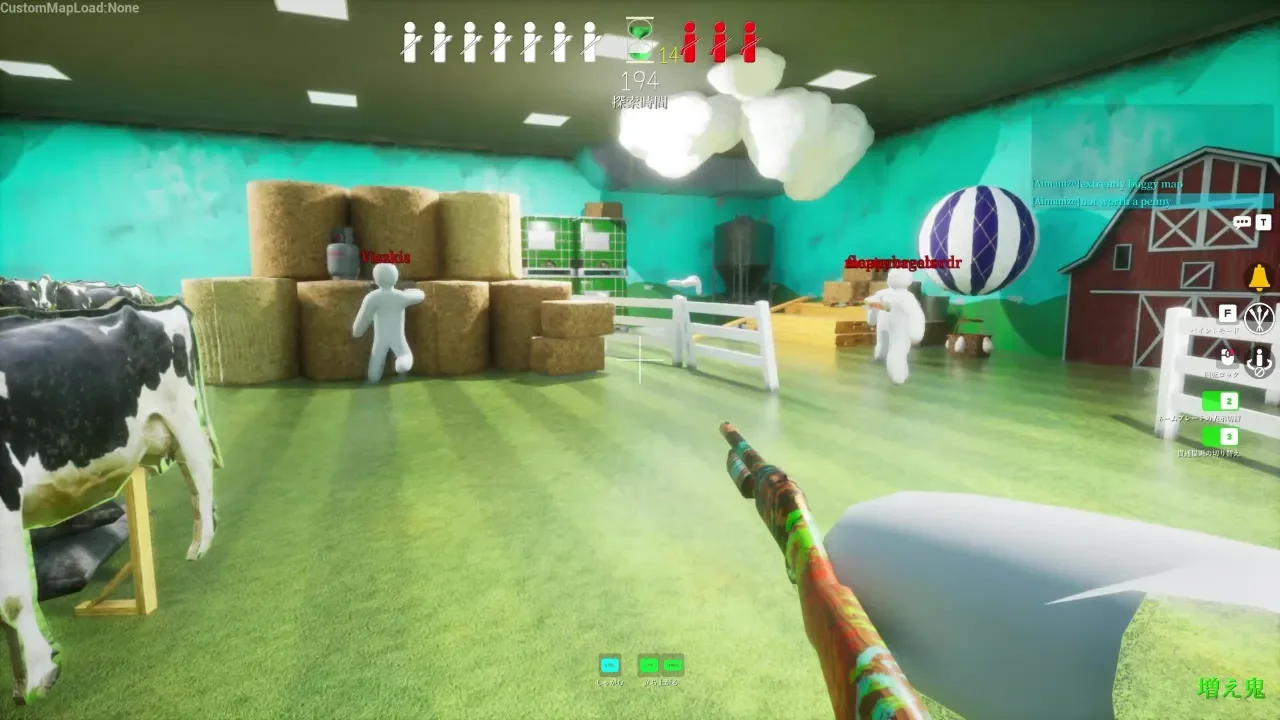
You can rotate through three different game modes depending on how chaotic you want the lobby to be. Basic Mode splits you into two normal teams for a standard game of hide and seek. Infection Mode starts with everyone hiding, and getting tagged immediately turns you into a hunter to help track down the rest of the group. Double Mode is purely chaotic, as everyone hides during the prep phase and then everyone hunts at the exact same time once the round starts.
Finding the Perfect Hiding Spot
A match flows through two specific phases. The prep phase gives you a wonderfully frantic, short window to run around the map while the hunters are frozen. You have to find a spot, lock in your location, paint your character, and strike a pose. Picking a simple surface quickly usually saves you from running out of time and panicking.
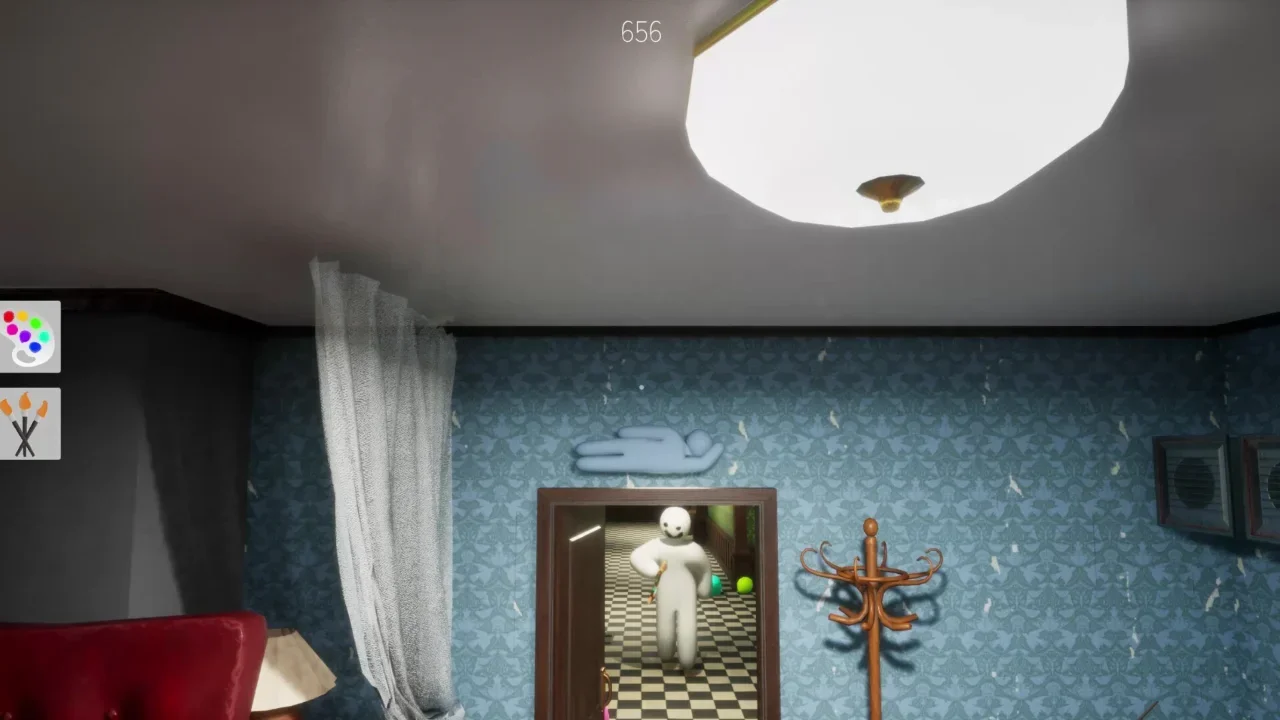
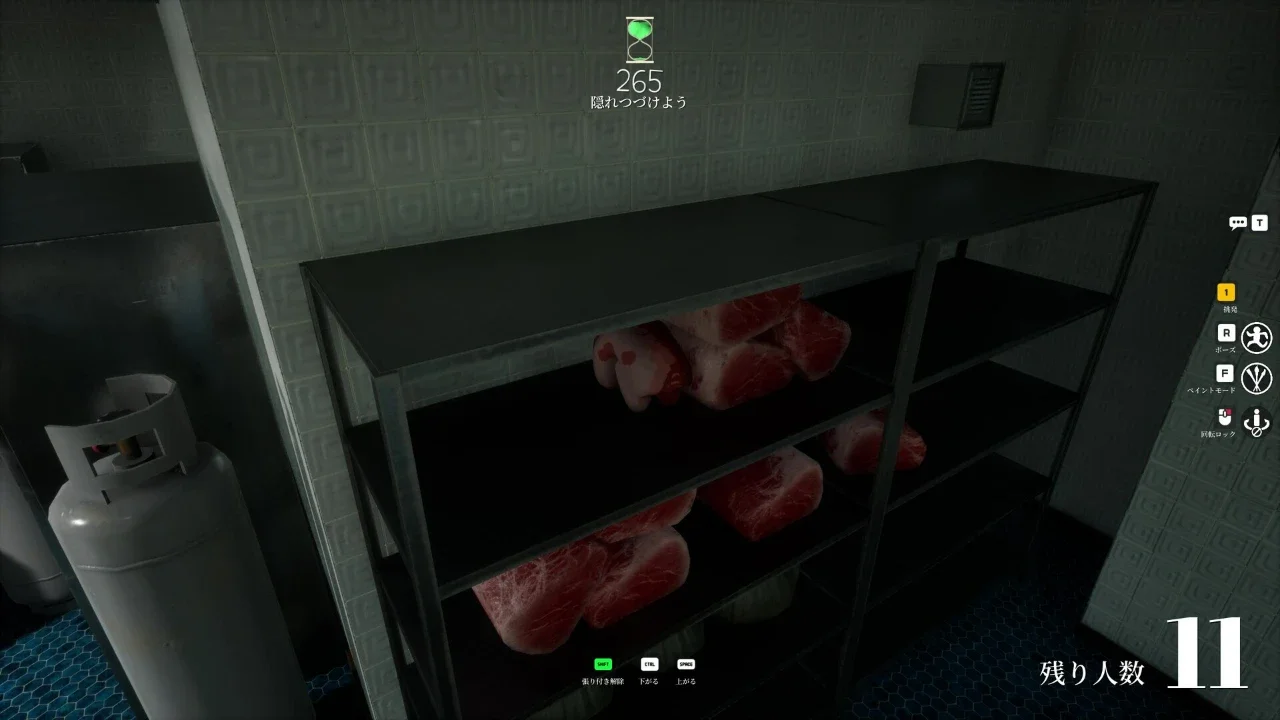
Hiding directly behind large objects like sofas or tables usually backfires because those are the very first places anyone checks. Flat walls and plain ceilings also spell trouble since they offer zero visual clutter to mask your outline. You want to look for busy areas with overlapping colors and objects. Finding an area with lots of visual noise makes it much easier to hide tiny imperfections in your paint job.
Crafting a Convincing Disguise
Running into the middle of a room and pressing the F key to open the paint menu usually ends in disaster. You always want to walk directly to your chosen hiding spot first.
Once you are in position, holding the Space bar pulls up a handy eyedropper tool. You simply hover your mouse over the exact surface you plan to lean against to instantly copy the color.
Matching the Textures and Lighting
A completely flat color looks really out of place on a 3D character model. Real objects shift from light to shadow depending on where the room lighting originates. You can use the HSV sliders to match this effect perfectly. Brightening the side of your body facing the light and darkening the opposite side gives your character natural depth.
You also get access to metallic and roughness sliders, and tweaking these makes a world of difference. Dropping the metallic value helps you blend into matte surfaces like wood or plaster. Crank up the roughness if you plan to hide against heavily textured walls. Taking a few extra seconds to make sure your character doesn't shine like polished plastic turns an okay hiding spot into a masterpiece.
Adjusting Your Shape
A human outline stands out immediately, regardless of how flawless your color matching skills are. Holding the R key opens the emote wheel, letting you pick a pose that fits the geometry of your environment. Crouching works beautifully near low furniture, while lying flat helps you blend into floors.
You can even press the ESC key to access a menu that lets you move your upper body independently. Twisting your character into a weird shape to imitate a vase, a painting, or a box of food is genuinely funny and incredibly effective.
The Final Camera Check
First person view lies to you constantly. What looks flawless on your own screen might look incredibly obvious from the angle a hunter actually walks in from.
Tapping the F key or holding the middle mouse button lets you rotate the camera completely around your character before the prep timer ends. Checking for unpainted white elbows or awkward gaps between your limbs ensures your hard work actually pays off when the search begins.
Surviving the Hunt
After the timer drops to zero, the hunt phase begins. The hunters unfreeze to scan the room, and your character locks in place. Staying totally still during the hunt is vital, but staring at a wall gets a bit boring.
Pressing the 5 key activates a Free Camera that automatically follows the hunters. Watching their confusion in real time is easily one of the best parts of the game. Pressing the 4 key detaches the camera so you can free roam and scout new hiding spots for the next round. Hitting 4 and then 5 brings your view right back to normal.
If you feel confident in your camouflage, sitting right on a main walking path actually boosts your score. The game rewards you for staying directly in the line of sight. Getting spotted and having to run away sparks massive bonus points, turning a quiet, tense match into a chaotic chase through the map.