Meccha Chameleon Guide: Advanced Hiding and Paint Tricks
Surviving the hunt takes a keen understanding of lighting and shapes when the seekers finally learn exactly what visual clues to look for.
Surviving consistently requires a complete focus on visual logic. Seekers actively search for weird shadows, impossible reflections, and shapes that simply don't belong in a room. I'm going to walk you through exactly how to manipulate the paint tools and body mechanics to make them walk right past you.
Letting the Room Do the Work
A flat wall looks incredibly tempting because it takes almost zero effort to paint. It actually serves as a really tough place to sit. Blank walls hand the seeker a perfectly clean canvas to spot your outline against.
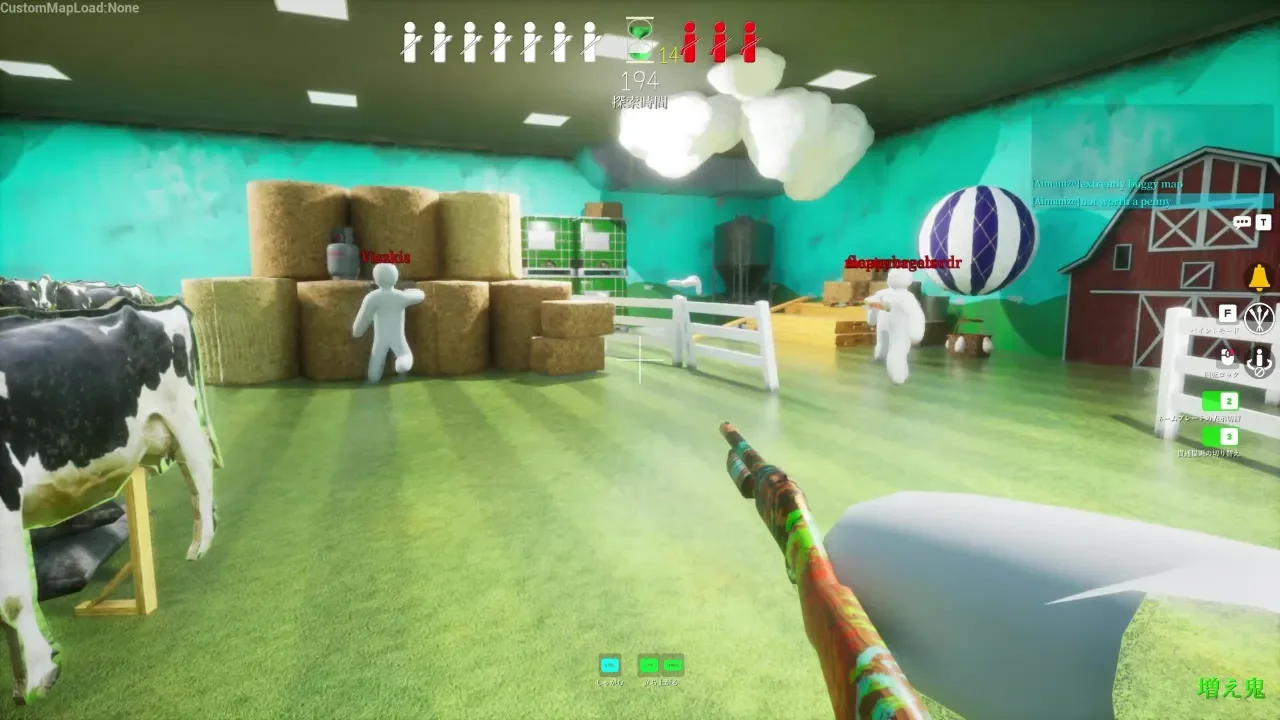
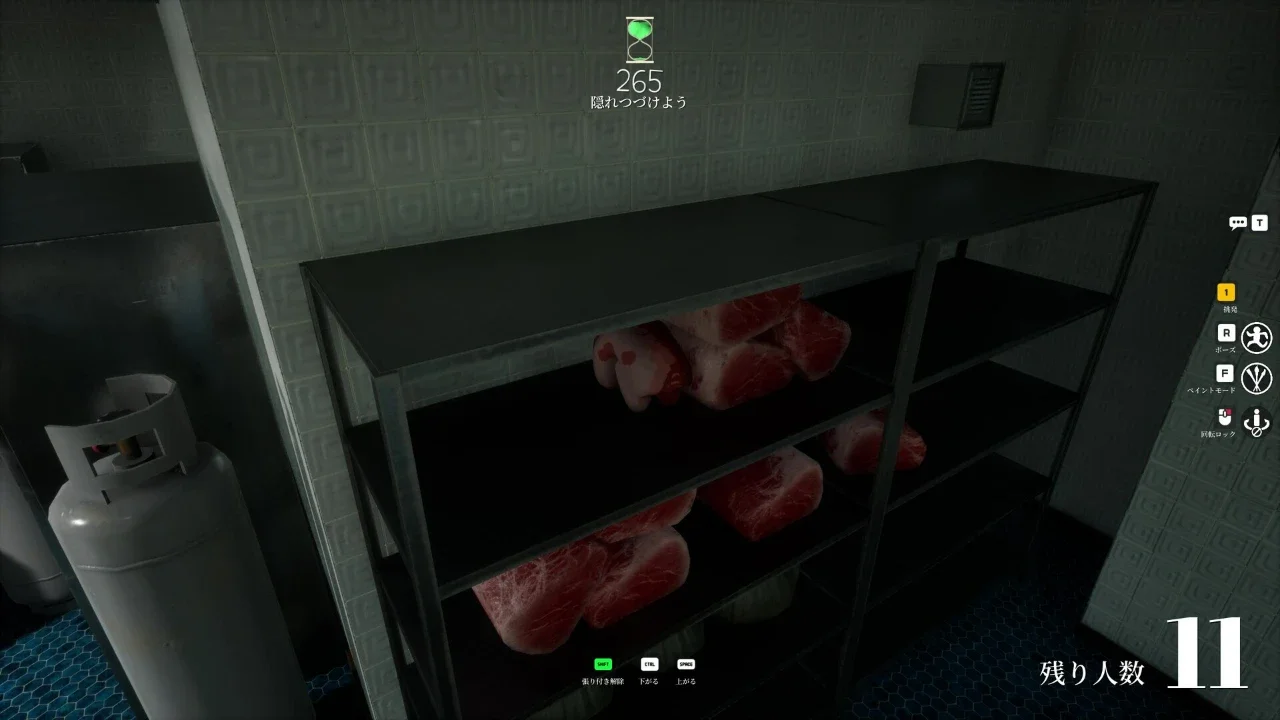
You want to hunt for busy backgrounds instead. Finding stacked boxes, messy shelves, or corners with intersecting shadows works wonders. A cluttered background completely swallows any slight mistakes in your color match. Letting the room do the heavy lifting takes a lot of the pressure off your disguise and keeps the match lighthearted.
Replicating Complex Patterns
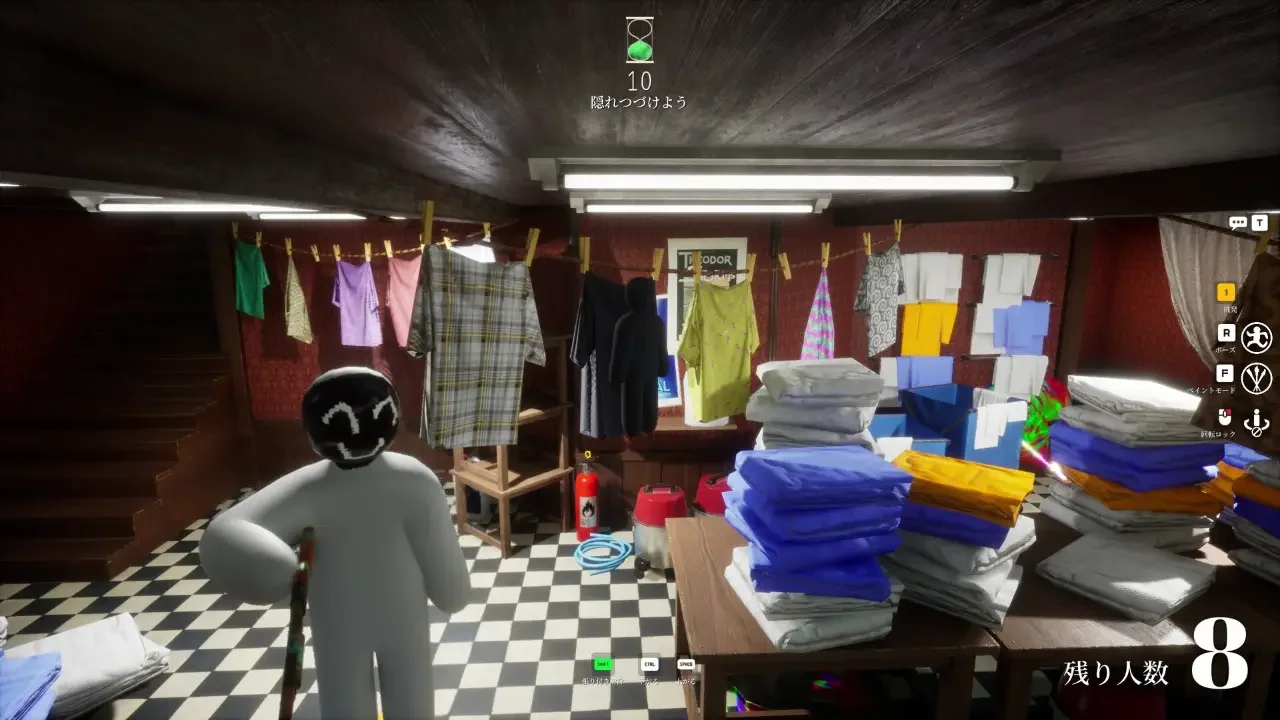
Hiding against a checkered floor, tiled wall, or geometric wallpaper requires you to put a little extra work in. You have to physically sample the different colors and recreate the pattern across your body so the lines match up flawlessly with the surface behind you.
If the pattern lines up, people often pause for just a second while they figure out what they're looking at. That tiny bit of hesitation buys you a few extra seconds.
Making Your Paint Job Feel Natural
Getting the base color right with the eyedropper tool only handles the first step. Every room features a specific light source, and your paint job needs to reflect that reality.
Directional Lighting and HSV Sliders
Slapping one uniform color across your entire body makes you look like a flat sticker pasted onto a 3D world. You need to manually adjust your shade using the HSV sliders to create artificial depth. Identifying where the light comes from in the room lets you brighten the side of your body facing the light and darken the side sitting in shadow. This single technique keeps you safe and makes your disguise look incredibly natural.
The Metallic and Roughness Sliders
A perfect color match means nothing if you hide against a dull wooden crate while your body shines like polished chrome. Analyzing the texture of your background before locking in your disguise helps immensely. Dropping the metallic value and cranking the roughness up turns your skin matte, helping you blend seamlessly into plaster or wood.
Changing Your Shape
Color handles your paint job, while your physical shape is usually what gives you away. People usually notice shapes before they notice tiny color differences.
Picking a Fun Pose
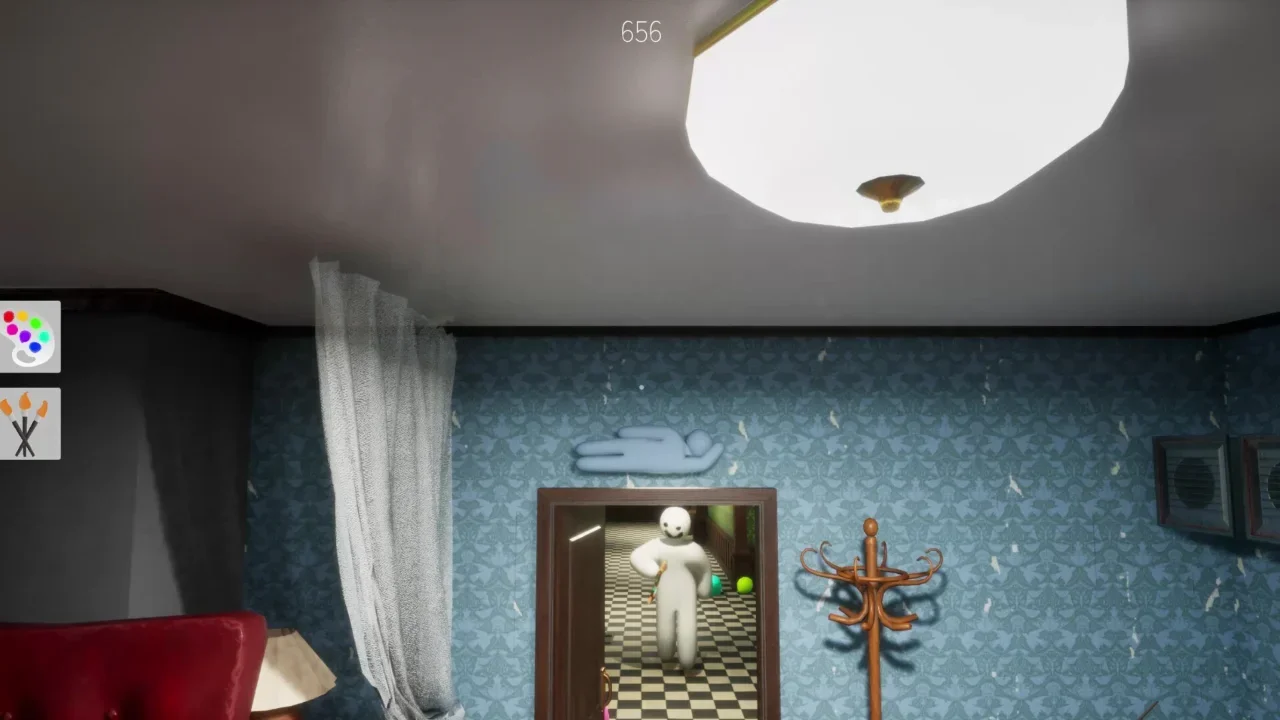
Holding the R key opens your emote wheel. Picking a pose that actively disrupts your outline and matches the geometry of the room is essential. Crouching works perfectly when surrounded by low objects, while lying completely flat is often your best bet in a wide open room.
You also have a few ways to manipulate your body even further. Pressing the ESC key to open the menu allows you to move your upper body independently while posing. You can arch your back or twist into awkward shapes to hide your human form. Always remember to tap the F key to adjust your camera angle, or hold the middle mouse button to rotate a full 360 degrees around your character before the hunt begins. Double-checking for unpainted white elbows helps keep your disguise convincing.
Fun Tricks and Camera Controls
Once the hunt phase starts, you absolutely can't move. A tiny camera adjustment will instantly alert a sharp seeker. You still have a few tricks up your sleeve to stay entertained while you wait.
Using Decoys and Free Cam
If someone picks a spot right next to yours and slaps on a highly visible paint job, just stay exactly where you're at. Seekers usually pounce on the obvious target first, assume the immediate area is clear, and walk right past your clever hiding spot on their way out.
While sitting perfectly still, you can press the 5 key to use the free camera. This lets you target and follow the seekers around the map to see exactly what they check. Pushing the 4 key detaches the camera entirely so you can free roam and scout out new spots for the next round. Just hit 4 and then 5 again when you want to return to your body. Using the camera tools keeps you actively engaged even when you're stuck in one place.
Hiding in Plain Sight
If you're feeling confident, you can even hide in surprisingly obvious places. It sounds backwards, but people sometimes overlook what's right in front of them. The game awards you significantly more points for spending time directly within the seekers' line of sight. Planting yourself right on a main walking path boosts your score compared to safely tucking yourself under a desk.
You must feel really secure in your camouflage for this to work. If a seeker stops and you know they finally spotted you, simply break your pose and run. Even if things go wrong, those last-second chases often turn into some of the funniest moments in the match—and you still earn points while they're looking at you.
Surface and Slider Reference
Dialing in your textures based on the environment gets much easier with a quick reference guide. Matching these sliders to your surroundings takes the guesswork out of the prep phase.
Wooden Crates & Plaster Walls: Drop the metallic slider to zero and max out the roughness slider to completely eliminate all reflections.
Glossy Tiles & Polished Floors: Lower the roughness slightly and add a small amount of metallic sheen to flawlessly match the floor glare.
Deep Shadows: Keep the roughness high and drop your HSV brightness to cleverly mimic the absence of direct light.