Mina the Hollower Guide: How To Use Difficulty Modifiers Explained

Before you snap your controller in half over a brutal boss fight, you need to look at the in-game modifier menu.
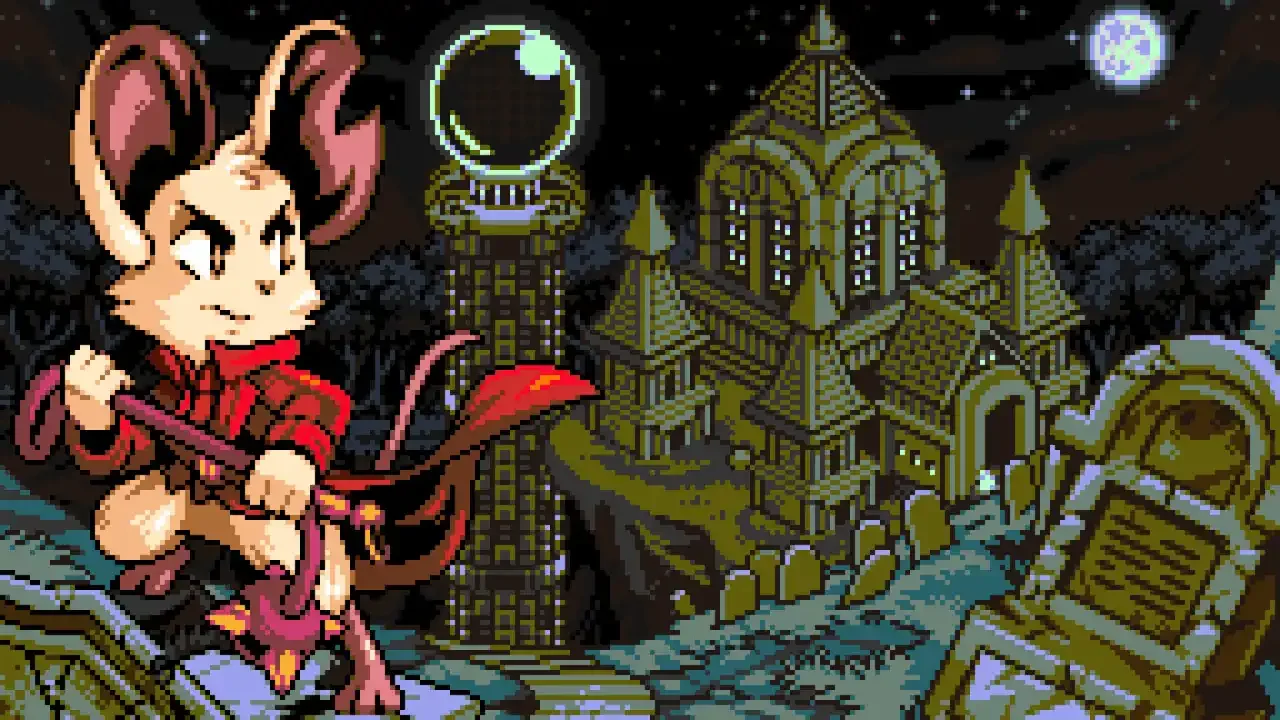
Retro pixel art of Mina from Mina the Hollower wielding a whip in front of a gothic mansion and graveyard under a starry night sky.

 love a good challenge, but sometimes a specific room or boss just feels like a brick wall. Tenebrous Isle is packed with nasty hazards. Luckily, you have total control over the experience. You can flip a bunch of toggles to make your life significantly easier, crank the pain up to eleven, or just turn the screen into a weird technicolor fever dream. Before you go tweaking the engine to survive, you might just have a bad build. Make sure to check out my Mina the Hollower weapons guide to lock in a better loadout first. If you still need help, the modifiers are sitting right there waiting for you.

How To Access The Modifier Menu

Getting to the settings is incredibly straightforward, though you need to actually create a save file first. Open the Main Menu, tab over to the Options icon on the far left, and look for the Modifiers / Assist tab sitting right underneath your list of Feats.

Once you open that tab, you get a massive list of filters to help you sort through the chaos.

  • All: The giant master list.

  • Starting: Toggles enabled by default (you only see this in New Game+).

  • Currently Enabled: Exactly what it sounds like.

  • Favorites: The ones you pinned for quick access.

  • Combo: Modifiers that pair well together to create unique challenges.

  • Visual: Purely cosmetic changes that don't impact gameplay.

  • Harder: Options designed to crush your spirit.

  • Easier: Options to keep you breathing.

  • Weird: Goofy physics, speed tweaks, and visual filters.

  • Enemy / Sidearm / Trinket: Category specific tweaks.

  • Allows Feats: The safe list if you care about your trophies.

The Golden Rule Of Feats

I need you to read this carefully before you start flipping switches. If you turn on any "Easier" modifier, the game permanently disables your ability to earn Feats on that specific save file.

You can't just turn on infinite health for one boss, turn it off, and expect to get your achievements back. The save file gets branded. The only way to fix it is to delete the entire file and start from scratch. There are a handful of quality of life toggles that bypass this rule, but anything that gives you a raw combat advantage will lock you out forever.

The Complete Modifier List

Modifier Name Effect & Category
Dealt / Taken Damage Numbers Displays the raw numbers for damage you deal or take. (Visual / Works with Feats)
Global Palette Cycle between 21 color styles. You can even set it to change every time you jump or take damage. (Visual / Weird / Works with Feats)
1.5x Giant! Makes you physically 50% larger. (Visual / Weird)
No Weather / Weather Disable all weather effects, or permanently force random rain, snow, and embers. (Visual / Weird / Works with Feats)
No HUD Turns off the entire user interface. (Visual / Weird / Works with Feats)
Less Invulnerability Time Shrinks your safety window after taking a hit. (Harder)
Take 1.5x / 3x Damage Significantly increases incoming pain. (Harder)
Less Plasma / Fewer Plasma Roses Starves you of the resources you need to heal. (Harder)
Less Healing Water / Fewer Underlabs Checkpoints are rare, and the baths inside only restore half your health. (Harder)
Scale Combat Adjusts a global scaling stat from 0 to 16 to make everything more extreme. (Harder)
No Sidearms Sub-weapons simply don't drop. (Harder / Sidearm)
Lose One Level When you lose your Sparks, your Attack, Defense, and Sidearm levels drop. (Harder)
Boning Up 20% Slower Requires 20% more Bones to level up. (Harder)
Veteran Mode A brutal preset that slows progression and turns on nine other hard modifiers. (Harder / Weird)
Auto Jump / Infinite Burrow You auto jump when burrowing into pits, and you can stay underground forever. (Easier)
Jump to Exit Burrow Press jump to exit a tunnel instead of holding it. (Easier / Works with Feats)
Walk on Spikes / Walk on Pits / No Pit Damage Removes the threat of environmental hazards entirely. (Easier)
No Surge Line Removes the timer line when fixing Spark Generators. (Easier)
Move Invulnerability Time Gives you more time to escape after taking a hit. (Easier)
Infinite Health / Take 0.75x / Take 0.5x Damage Basically makes you an unkillable god. (Easier)
Steady Healing / Quick Heal / Free Vials Heals trigger faster, don't consume vials, and can't be interrupted by enemy attacks. (Easier)
More Plasma / Recovery Roses / Healing Plasma Floods your pockets with health resources and makes Plasma heal you directly. (Easier)
More Underlabs / Boss Checkpoints Drops a convenient save room right before every major boss fight. (Easier)
No Aggro / Weak Boss / Ignore Damage Enemies ignore you, bosses melt, and taking hits doesn't matter. (Easier / Enemy)
Free Sidearms / Cheap Sidearms Using your sub-weapons costs zero or fewer Joules. (Easier / Sidearm)
Boning Up 20% Faster Leveling up requires 20% fewer Bones. (Easier)
Way More Bones / Boss Bones / Enemy Bones Drowns you in currency by vastly multiplying drops from regular foes and bosses. (Easier / Enemy)
Death Lose 50% Bones / No Bone Loss Removes the steep penalty for dying without a Spark. (Easier)
Warp Home Lets you teleport straight to Ossex from the pause menu. (Easier)
No Wind / Less Dark / No Darkness Removes annoying environmental hazards like wind pushing you and dark rooms. (Easier)
Assist Mode / Explore Mode Bundles a ton of cheats for a zero-stress run with absolutely no challenge. (Easier / Weird)
High Jump / Floatier Jumps / Jump and Hang Tweaks your physics to give you maximum airtime. (Weird)
2x Walk Speed / 2x Burrow Speed Turns you into an absolute speed demon. (Weird)
Game Speed / World Speed Slows down or speeds up the entire game from 50 to 200 percent. (Weird)
Boning Up (Modifier) Forces automatic leveling by location, jumps you to max level, or disables leveling entirely. (Weird)
Shop Prices Halves, doubles, or completely randomizes shop costs. (Weird)
Boom! Adds a heavy screen shake every time you hit an enemy. (Weird / Enemy / Works with Feats)
Previous
Previous

Mina the Hollower Guide: How To Save Your Game Explained

Next
Next

Mina the Hollower Weapons Guide: Choosing Your Arsenal