Mina the Hollower Guide: How To Save Your Game Explained
There's no shiny save button in your menu, but your progress on Tenebrous Isle is actually heavily protected if you know what to look for.
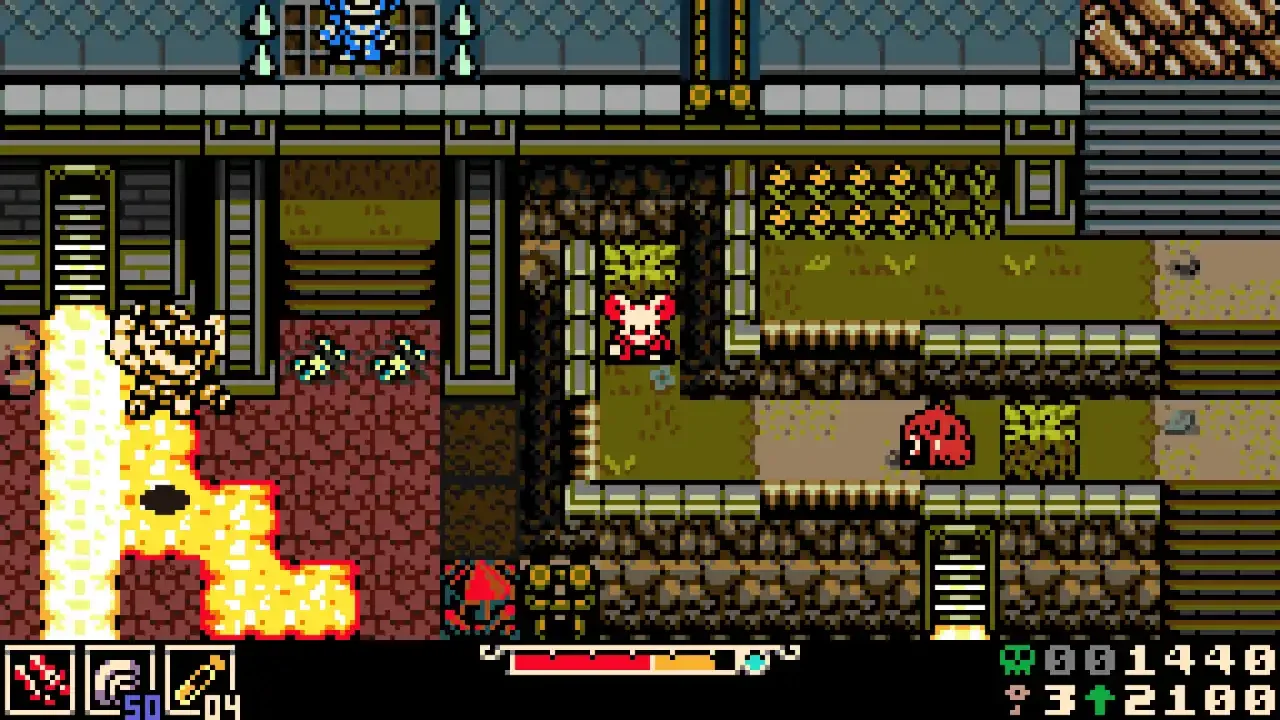
It's terrifying to clear a brutal dungeon and realize you have absolutely no idea how to lock in your progress. I spent an embarrassing amount of time digging through the pause screen looking for a classic save slot. The system here is incredibly minimalist, relying on background trackers and very specific tiles in the environment to keep your run secure.
The Manual Save System
Before you wander into a boss arena and get absolutely flattened, you need to find a burrow hole.
These specific spots serve as your only method to manually force a save. You're looking for a beige square tile with a diagonal star pattern. They have a faint, almost fire-like glow rising out of them. They're usually placed right before major encounters or at the entrance to a new zone.
All you have to do is walk over the tile. You'll hear a distinct audio cue that confirms your progress is safe. These spots also double as the entrance to your home base. If you drop down into the Underlab, you're officially locking in your file. I highly recommend unlocking the map down there while you have the chance. If you missed it, check out my Mina the Hollower map and Underlab upgrades guide so you can actually figure out where you're going.
How Autosaves Protect You
If you forget to step on a burrow hole, you're not entirely out of luck.
The game runs a persistent autosave in the background, very similar to how modern action RPGs handle your state. Whenever you trigger a major story beat or finish clearing an area, the game quietly logs your progress. You won't lose a massive chunk of your run just because you forgot to touch a glowing tile.
Just remember that these background saves only trigger on significant events. Don't grab a rare key item in the middle of a zone and immediately quit the game. If you're ever in doubt, just backtrack to a glowing star tile first. Also, if the difficulty is making you panic about losing progress constantly, you might just need to tweak your settings. Take a look at my Mina the Hollower difficulty modifiers guide to give yourself a slightly wider margin for error.