Paralives Community Center Guide: All Donation Bundles Listed
Paralives never points you toward its Community Center directly, so finding the building is half the challenge before the donating even starts.
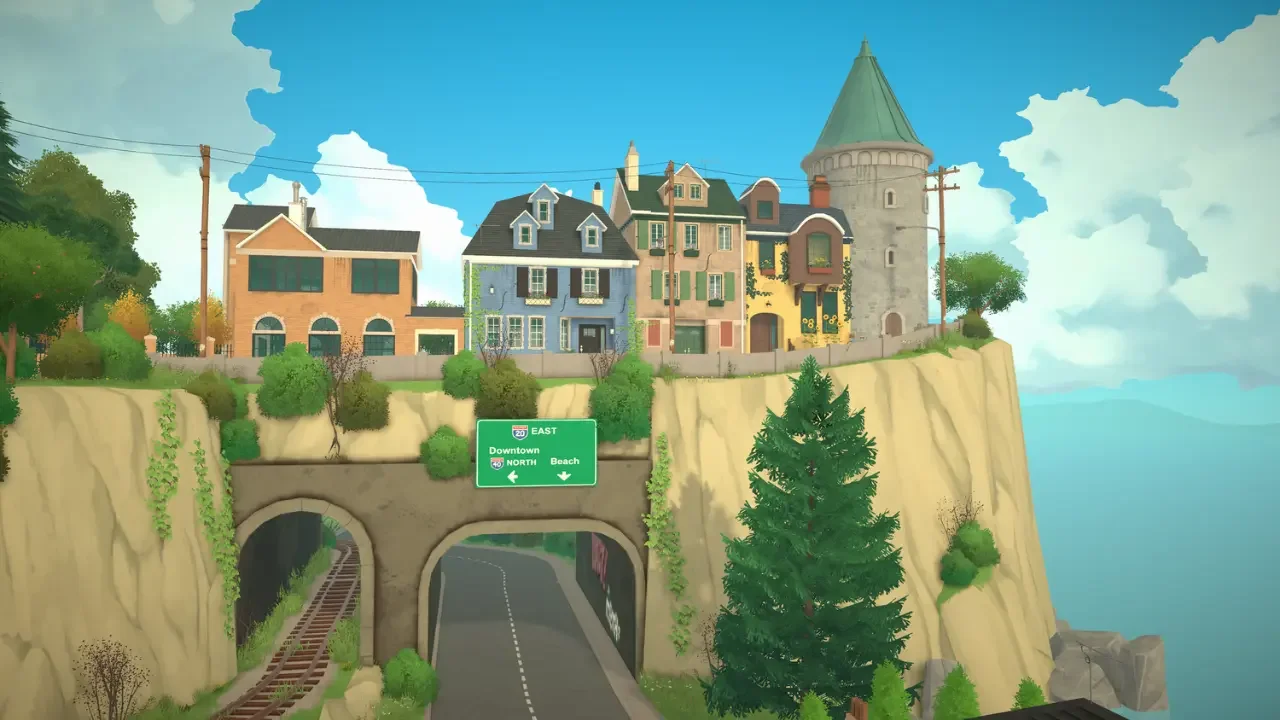
The Community Center sits in rough shape at the start of the game, and fixing it up means handing over a genuinely large amount of cash, art, food, and tech. None of that gets explained clearly, and the inventory system around donations has a few quirks that can trip up an evening pretty fast if nobody warns you first.
Tracking Down Castle Plaza
The building itself isn't hard to reach once you know where to look, but there's no marker pointing you there. Head toward the coastline, find the beach area with its scattered chairs and umbrellas, and with the water sitting at the bottom of the screen, pan the camera up and slightly left. That leads into a dense little neighborhood of stone buildings with blue and green roofs, built around a courtyard with one large central tree. That's Castle Plaza.
From the courtyard, look for railroad tracks running off a nearby bridge. Cross to the other side and there's a roofless, vine-covered stone building with wild plants taking over the floor. Walk in and four pedestals holding different colored books are waiting inside.
How the Book System Actually Works
Each book handles one donation category. Green covers Funding, yellow covers Art, blue covers Technology, and red tracks Food. Interacting with a book opens the Household Inventory, where selecting an item and hitting Donate hands it over. A green checkmark shows up next to anything already donated, and once a bundle's fully complete, its question mark icon turns into the actual reward. That icon still needs a manual click to claim though, so it's worth double checking pedestals instead of assuming a finished bundle pays out automatically.
The Inventory Catch Nobody Explains
This is where things get genuinely fiddly. The Community Center only accepts items sitting in the Household Inventory, not whatever's currently in a character's hands.
Foraged items are the easy case. Hovering over grass while exploring highlights valid mushrooms in white with a tooltip naming the species, and clicking one drops it straight into the stash with zero extra steps.
Furniture and food are a different story. Anything bought from a shop or cooked at home has to be forced into the inventory manually. Press Tab to open Build Mode, select the item in question, click the three dots in the bottom menu bar, and choose Add to Inventory.
Food is the trickiest of the bunch, mostly because a character will try to eat it the second it exists. The workaround takes a bit of timing. Have the character cook the meal, let them grab a slice and sit down at a table, then cancel their current action the moment they sit. They'll stand up and leave the food behind. From there, jump into Build Mode fast, select the abandoned plate, and shove it into inventory before anyone tries for a second bite. It's a small dance, but it works every time.
Funding and Technology
These two are the most straightforward in concept, since they're purely about spending Paradimes rather than hunting anything down. The final Funding tier asks for a genuinely steep 500,000 Paradimes, so this one rewards patience and a decent income more than luck. The Technology bundle, on the other hand, is close to the easiest thing in the whole building. Buy the Gamini gaming set from the shop, place it in the house, and run it through the same Build Mode inventory trick as any other furniture.
Knowing the Funding tiers ahead of time makes it a lot easier to pace saving toward that final 500,000 goal instead of feeling blindsided by it partway through.
Art and Food
These two ask for a completely different kind of effort. Standard canvases can be painted at home, but the famous paintings only come from digging up buried chests scattered around town, so there's no shortcut through skill alone. It stings a little to know that handing over an original masterpiece for Art Bundle 2 or Famous Painting Bundle 2 earns nothing back, but both are required to fully complete their category regardless.
Food leans just as heavily on cooking skill and foraging luck. The Gourmet Meal and Rare Mushroom bundles stay completely hidden from the menu until their lower tiers are finished first, so there's no way to skip ahead even with the right ingredients already in hand.
Given how many of these tiers stay locked behind lower ones, the easiest fix is making foraging a small daily habit rather than a big grind later. Checking the town each morning for dirt mounds and rare mushrooms builds up a stockpile naturally, so by the time a pedestal actually needs something specific, there's already a decent chance it's sitting in inventory waiting.