Subnautica 2 Base Building Guide: Finding the Habitat Builder
Getting out of that cramped Lifepod is your first real test on this hostile ocean world.
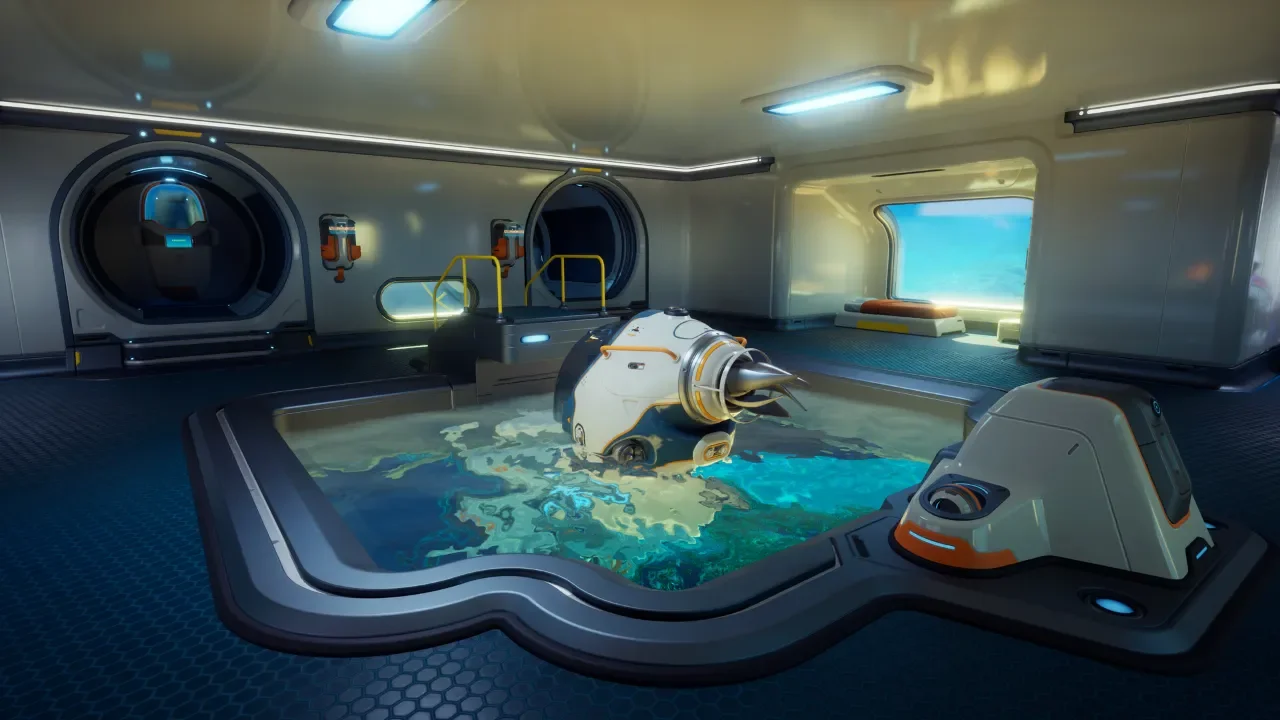
You can survive out of the initial drop pod for a little while, but the Lifepod fabricator is heavily damaged and restricts you from crafting advanced materials. Before you waste hours hoarding random resources in portable lockers, you need to establish a real foothold. To do that, you have to track down a specific tool called the Habitat Builder.
The game does not hand this tool to you. You have to earn it by venturing out into the ocean and scanning degraded versions left behind by previous colonists. Once you secure the blueprint, a massive chunk of the survival loop opens up.
Finding the Habitat Builder Scans
You need to find and scan two broken Habitat Builders to unlock the crafting recipe. If you are struggling to figure out the scanning mechanics in general, you should read my guide on Subnautica 2 How to Unlock Blueprints first. There are several broken builders scattered around the map, but I highly recommend targeting two specific locations for your earliest run.
The Welcome Center Ruins
The absolute easiest place to look is the Welcome Center colony ruin. Head southeast from your Lifepod. You will find one broken Habitat Builder sitting inside an open crate just to the right of the main entrance by the Welcome Center sign.
If you want the second scan immediately, you can find another one right below your fins. Salvage the metal scrap blocking the hole in the floor of the Welcome Center and swim down into the cave. Look inside the crate at the bottom to find the tool. Just watch out for the poison spores floating around down there.
The Gene Donor Location
If you prefer a different route, you can find a broken Habitat Builder near the Gene Donor. Stand on top of your Lifepod and face 20 degrees between north and northeast. Swim in that exact direction for about 160 meters. You will spot the massive Gene Donor underwater, and right at its foot, you will find a scattering of tools. One of them is a broken Habitat Builder.
Crafting the Habitat Builder
Once you scan two fragments, NOA will update your database with the recipe. Head back to your Lifepod to use the basic fabricator.
You need a handful of refined materials before you can actually print the tool. Most of these require processing raw ores you find scattered around the shallow starting biomes. Here is the exact breakdown of what you need to gather.
Constructing Your First Base
With the Habitat Builder in your hotbar, you are finally ready to claim a piece of the ocean floor.
I strongly advise you to build your first base a decent distance to the east of your Lifepod. As you complete NOA objectives, the story naturally pushes you eastward. Building near your drop pod just forces you to make massive, annoying return trips every time your pockets get full.
Operating the Tool
Equip the Habitat Builder and press the right mouse button to open the construction menu. You will see tabs for standard elements, interior facilities, and utilities. If you mess up a placement, do not panic. Hold the Q key to deconstruct a piece and completely refund your materials, or press F to simply move a structure to a new spot.
Essential Starter Structures
You will need a lot of raw Titanium to get started. Find a flat patch of terrain without large corals or obstructions. If the game gives you a message saying the location is under construction, you are trying to build in a restricted zone and need to move.
Start with a standard Room, which costs five Titanium. Early on, you might only have the blueprint for Corridors, which cost two Titanium each. Corridors are fine in a pinch, but they offer zero space for larger installations. Once you have a Room or a Corridor placed, snap a Hatch onto the side for one Titanium and one Quartz. You now have an airtight structure, but it is completely useless until you give it some juice.
Powering and Upgrading Your Hub
A base with zero power will not produce oxygen, meaning you will drown standing inside your own living room.
You need to establish a rudimentary power grid immediately. Since you are likely still in the shallow waters, you want to rely on the sun.
Setting Up Solar Panels
Open your builder menu and select the Solar Panel from the exterior facilities tab. Each one costs one Titanium and two Quartz. Slap it right on the roof of your new base. A single Solar Panel generates between one and eight energy per second.
You can check your power threshold in the upper left corner of the screen when you are near the base. The blue bar shows your production, while the red bar shows your draw. Solar Panels are fantastic for your starter home, but be aware that they lose effectiveness at night and completely stop working past a depth of 200 meters.
The Fully Functional Fabricator
Once the lights turn on and oxygen starts flowing, your absolute highest priority is building an interior Base Fabricator. This requires one Titanium, one Copper, and one Quartz.
Unlike the broken junk in your Lifepod, the Base Fabricator is fully functional. This machine removes all early crafting limits and allows you to manufacture complex components like Wiring Kits and System Chips, which are strictly required to progress the story.
The Refund Base Warning
Before you go crazy building massive storage lockers, I need to warn you about a specific menu option. If you hit the Escape key, you will see an option labeled Refund Bases. This is a great tool for destroying an old outpost and instantly recouping your base building materials into a temporary storage cache.
However, using the Refund Bases option deletes everything stored inside your lockers. You will get the raw Titanium back for the locker itself, but all the precious silver, gold, and quartz you stuffed inside it will be permanently deleted. If you plan to move, manually empty your storage first.
Still struggling to survive on Proteus? Check out my complete Subnautica 2 Guide Hub for base building tips, resource maps, and more.