Subnautica 2 Guide: How to Expand Your Inventory and Hotbar
Trying to survive an ocean world with only twenty inventory slots is a guaranteed path to madness.
You start your underwater journey with barely enough room to hold a basic toolkit and a few snacks. Your pockets fill up in a matter of minutes the second you start picking up quartz and titanium. Before you waste half your playtime swimming back and forth to empty your pockets, you need to prioritize finding actual upgrades. I spent a lot of time mapping out the early zones, and I am going to show you exactly where to find permanent stat boosts and how to manage your resources efficiently.
The Permanent Biobed Upgrades
The only way to permanently expand your carrying capacity is by tracking down abandoned Colonist Bunkers.
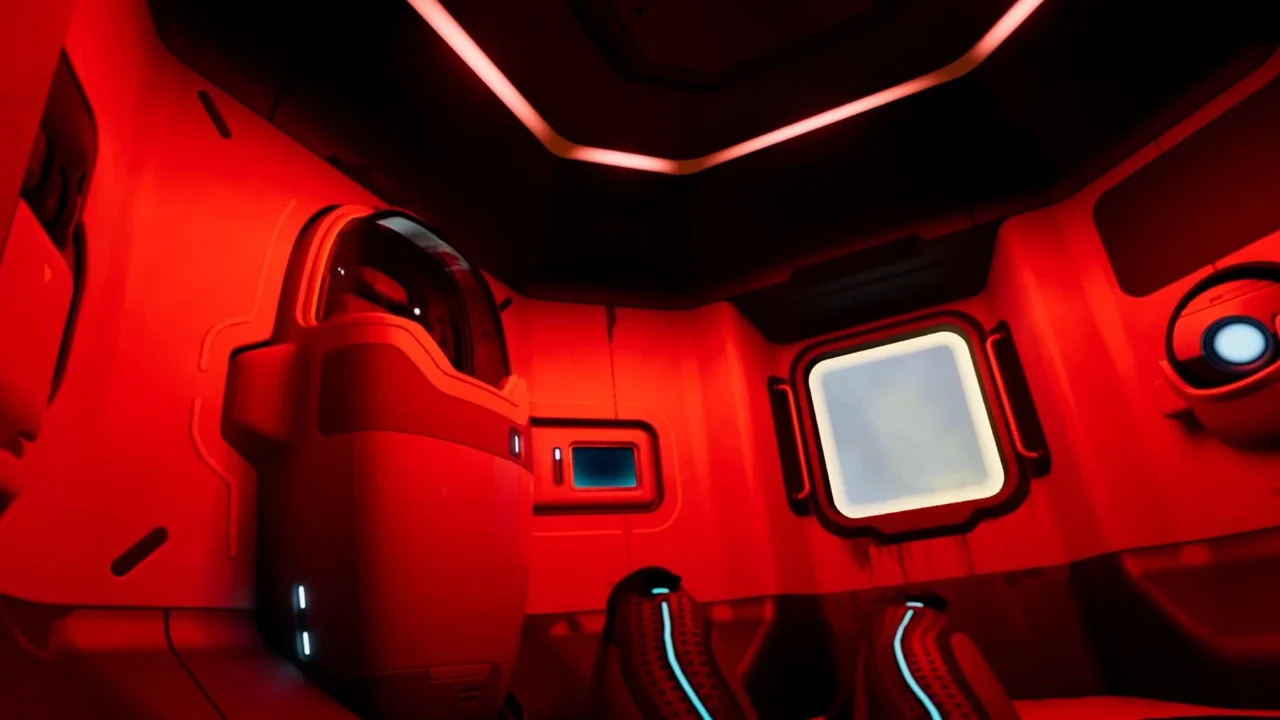
Inside these ruined outposts, you will find facilities called Biobeds. You don't just use them as respawn points. You need to look for the computer terminal attached directly to the bed. Interacting with this terminal for the first time grants you a permanent genetic upgrade. You'll either receive an Endurance boost to expand your main inventory or a Dexterity boost to add more slots to your quick access hotbar.
Finding these bunkers requires paying close attention to your surroundings. Whenever you spot glowing blue lightsticks planted in the seabed, follow them. They almost always mark a trail leading to a hidden habitat. You should also follow the NOA black box waypoints, as those story missions naturally route you past several of these exact outposts.
Exact Upgrade Coordinates
If you want to skip the aimless searching, I grabbed the exact coordinates for four specific upgrade terminals located right near the starting zone. Grab your fins and check these spots.
The Portable Locker Crutch
While you are hunting down those permanent upgrades, you need a temporary solution. That is where Portable Lockers come into play.
These deployable containers hold 15 items. You can physically pick them up and carry them in your hands while you swim around looking for resources. The massive drawback is that you can't equip or use any tools while holding the locker. You have to drop it on the seafloor to pull out your scanner or your survival tool.
Despite the annoyance, it's absolutely worth carrying one during long mining trips. You don't even have to craft your first one. There's a free Portable Locker sitting at the very bottom of the cave located directly underneath your Lifepod. It even respawns periodically, meaning you can grab multiple free chests to organize your starter base before you unlock heavy duty wall lockers.
Smart Hoarding Habits
Even with a fully upgraded Biobed character, you'll run out of space if you play recklessly. You need to drop your bad hoarding habits early on.
The most common mistake involves Metal Salvage. You'll find these hunks of scrap metal everywhere. A single piece of Metal Salvage takes up exactly one slot in your inventory. If you take it to a fabricator and break it down, it turns into four pieces of Titanium. Those four pieces instantly eat up four slots. Do yourself a favor and keep your salvage fully intact until the exact moment you need the titanium for a crafting recipe.
You should also pin your active blueprints. If you right click a recipe in the menu, it pins the required components to the top right corner of your screen. Use this feature to grab exactly what you need and nothing more. Pack a single spare battery, one snack, and a water bottle. Leave everything else safely stowed in your base.
Still struggling to survive on Proteus? Check out my complete Subnautica 2 Guide Hub for base building tips, resource maps, and more.