Assassin's Creed Black Flag Resynced Guide: How To Fast Travel
Sailing the massive Caribbean sea is incredible until you realize you are forty nautical miles away from your actual objective.
Plundering ships and hunting wildlife from the deck of the Jackdaw keeps the game exciting, but sometimes you just need to get your boots on the ground to advance the story. Getting from one side of the map to the other takes a serious amount of time. You need to use the fast travel system, but it comes with a few strict limitations you should understand first. Before you start zipping across the ocean, make sure your game is actually running smoothly by checking my AC Black Flag Resynced graphics settings guide.
Unlocking The System
Before you try opening your map and mashing buttons, you have to unlock the ability to warp around.
The game locks this feature away during the opening hours. You need to push through the main story until you complete a specific quest called "This Tyro Captain" in Sequence 3. Once you finish that mission, the fast travel mechanics finally open up.
Synchronizing Viewpoints
Your main method of getting around relies on the classic synchronization points scattered across the islands.
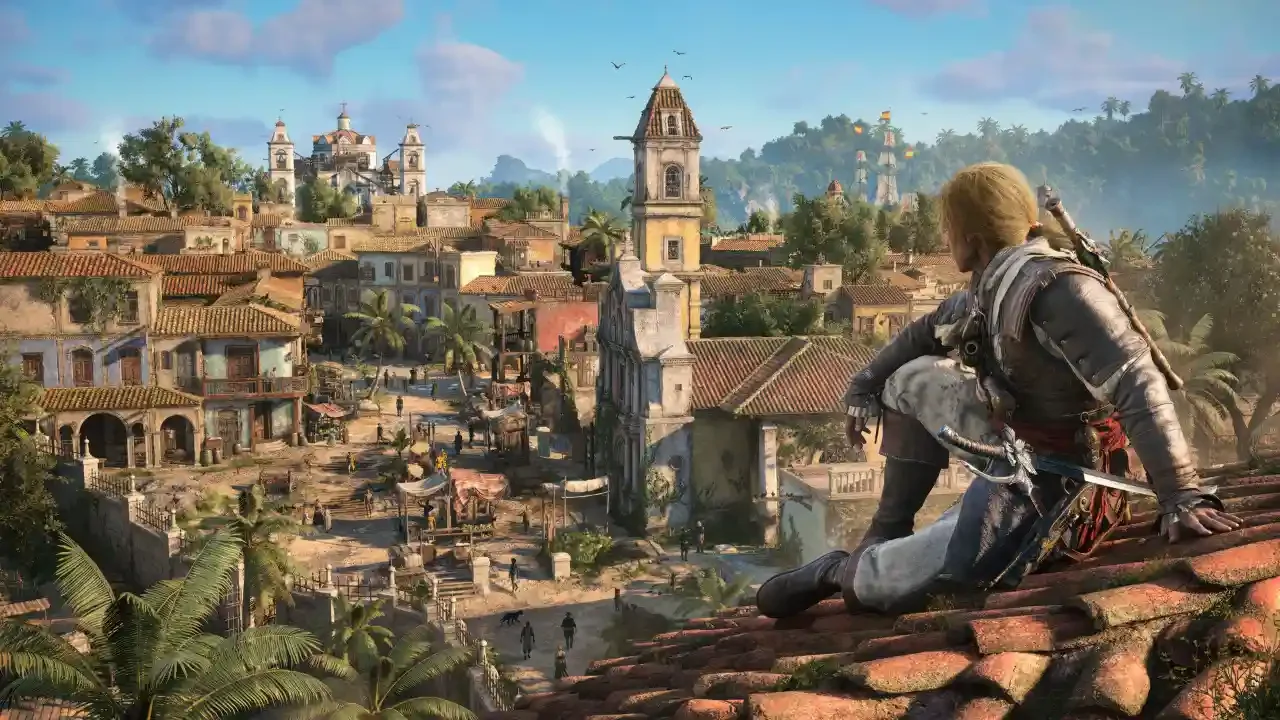
Open your world map and look for the eagle icons. A white eagle means you have untouched territory. You have to physically climb up the structure and synchronize the point to activate it. Once you do that, the icon turns yellow. To jump across the map, just highlight any yellow viewpoint and hold Triangle, Y, or Space depending on your hardware. You can do this from anywhere on the map regardless of distance.
I highly recommend syncing every single point you walk past. It unlocks your travel routes and reveals all the nearby collectibles like shanty music sheets and hidden chests.
Named Locations And Forts
Viewpoints are only one piece of the puzzle. You can also jump directly to major named locations you have discovered during your travels.
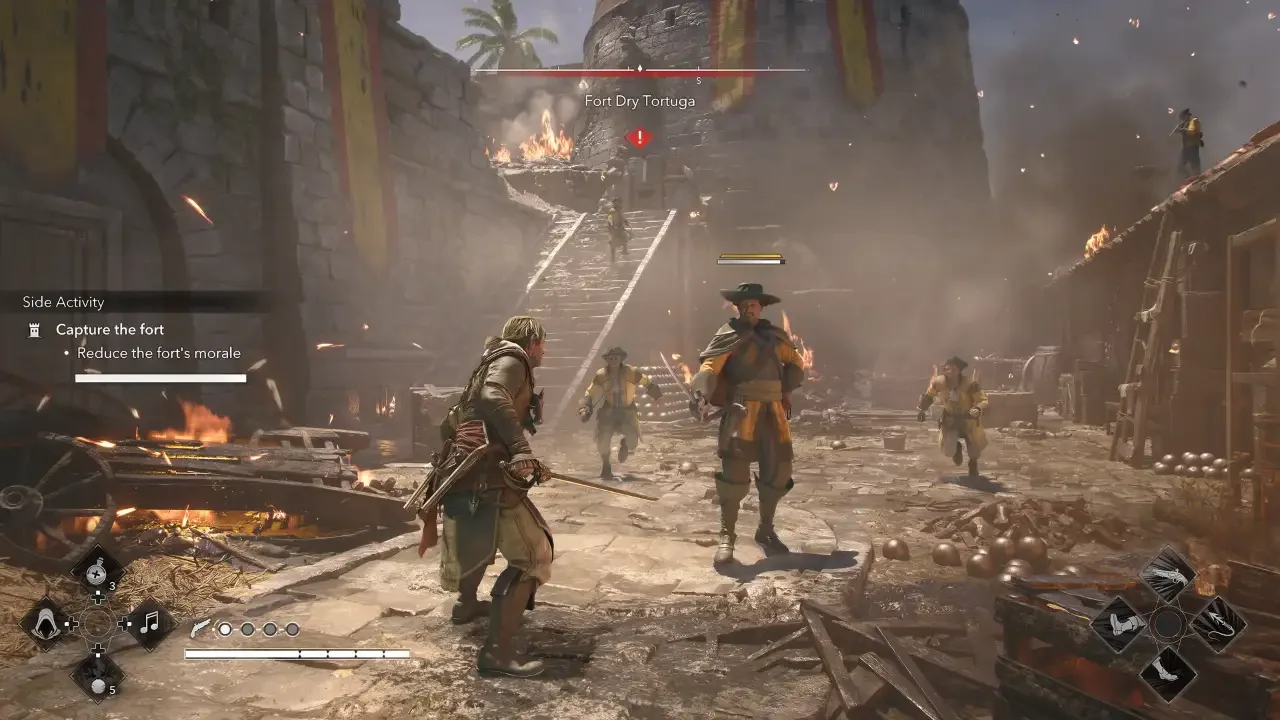
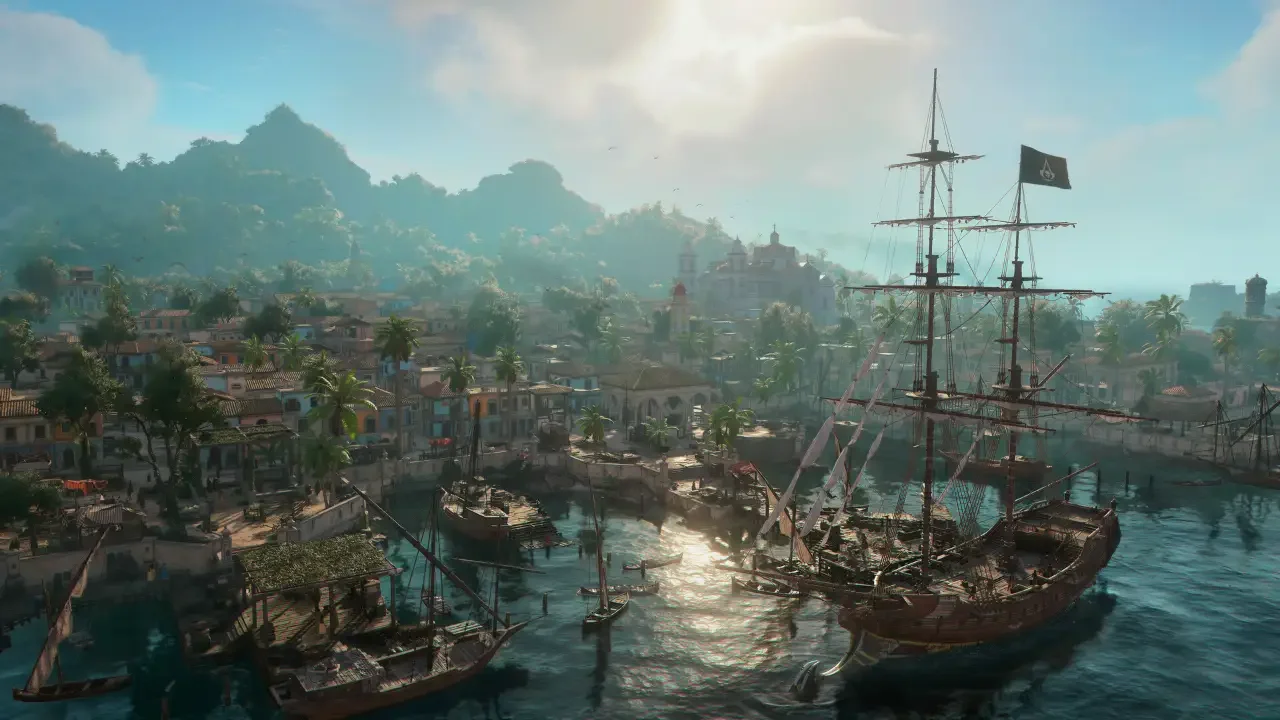
If you zoom out on the world map and highlight a named location, you can hold the fast travel input to warp there instantly. You do not even need to have a synchronized viewpoint in that specific town to do this. Taking this route always drops you right at the local dock. You can also fast travel directly into any naval forts you have successfully captured.
Boarding The Jackdaw
If you are deep in the jungle and want to get back to the ocean, your ship acts as its own mobile fast travel point.
You can pull up the map, highlight the Jackdaw icon, and warp straight to the deck. You also have the option to use the small rowboats parked along the shorelines of most islands. Interacting with a rowboat is supposed to trigger a brief loading screen and transport you back to the ship.
Before you rely on those rowboats, I have to warn you about a frustrating bug. When I tried using them, the game hung on a loading screen for about 30 seconds before spitting me right back out on the beach next to the boat. I recommend sticking entirely to the map method to save yourself the headache.