Crimson Desert Guide: How To Hide That Ugly Shield And Save Your Fashion
It took a massive title update, but we finally have the technology to stop our oversized swords from clipping through our favorite cloaks.
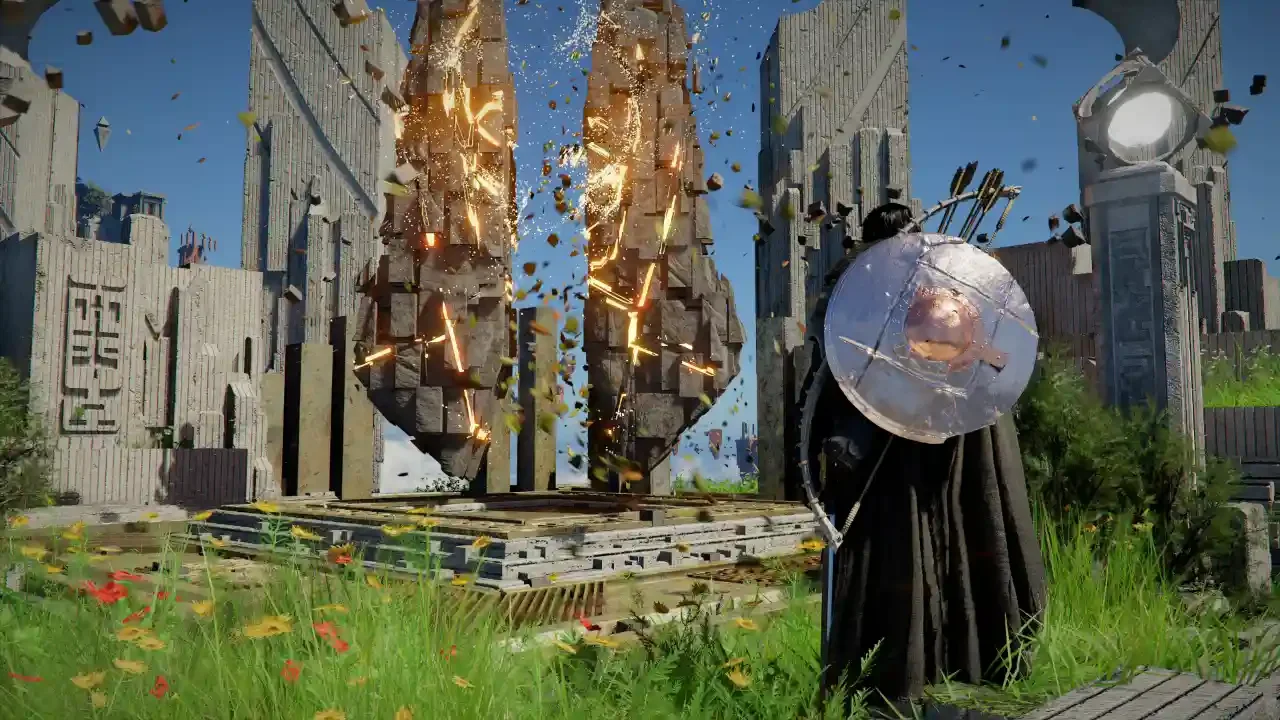
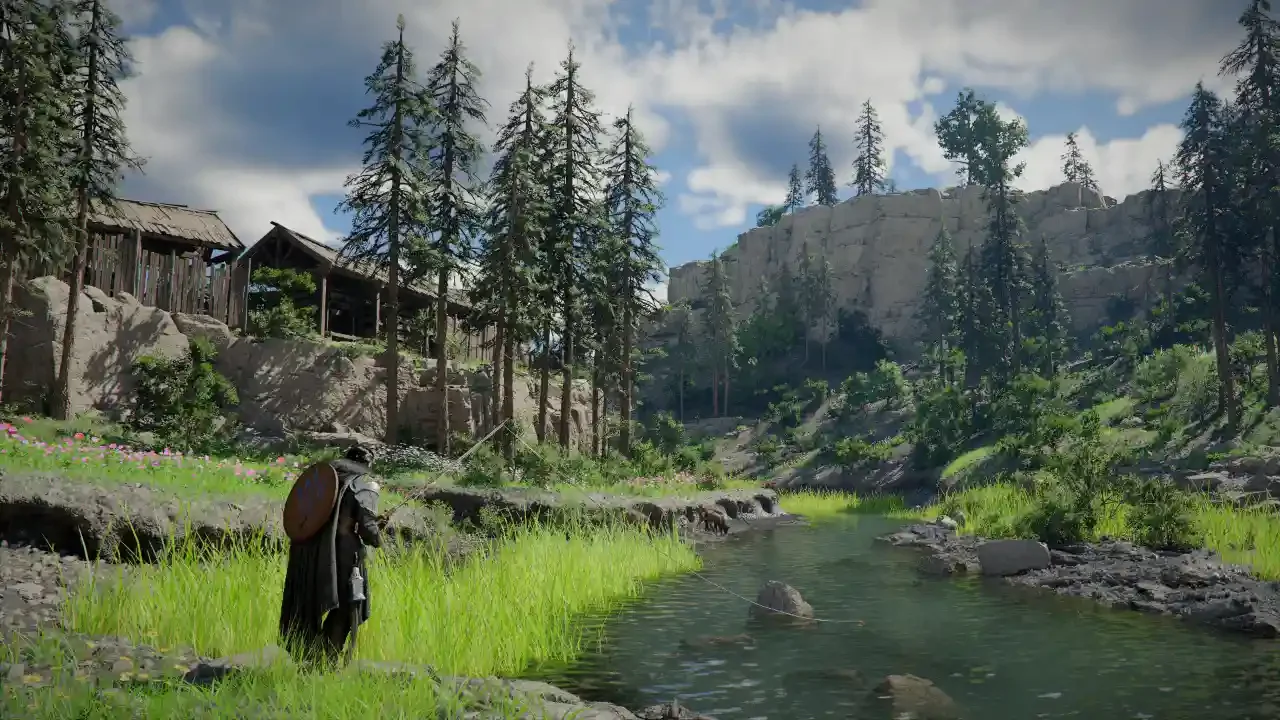
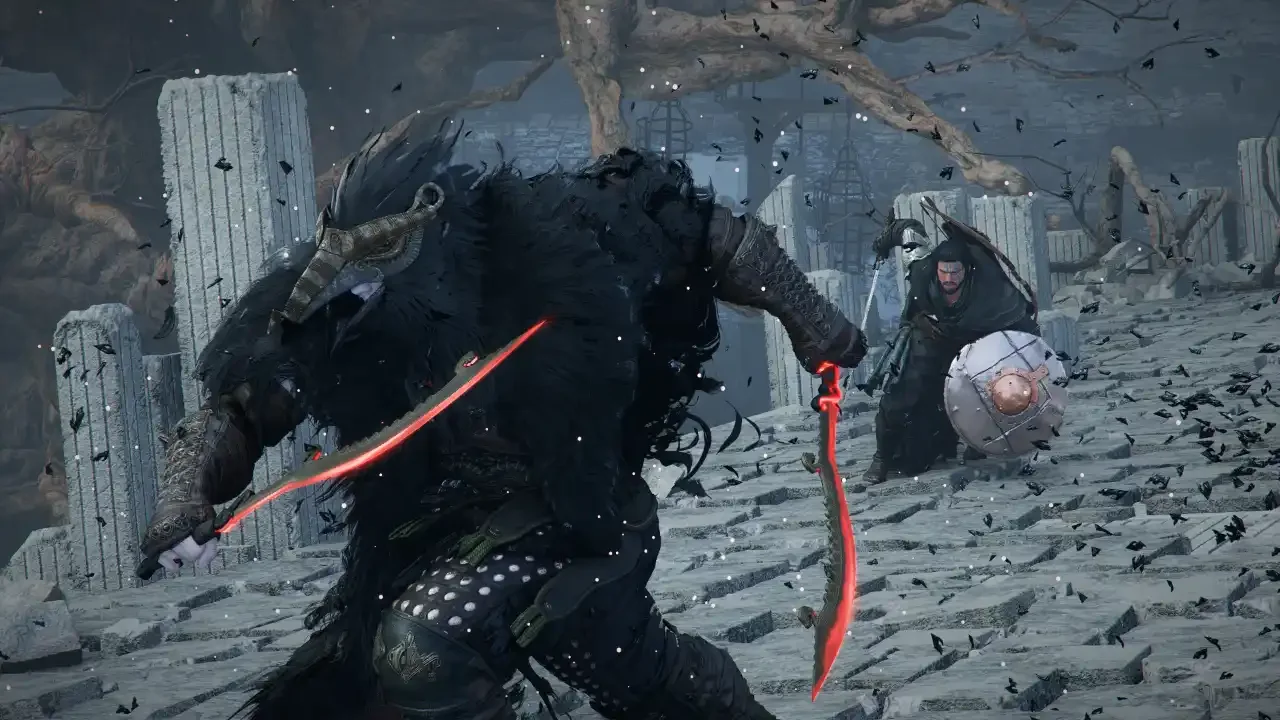
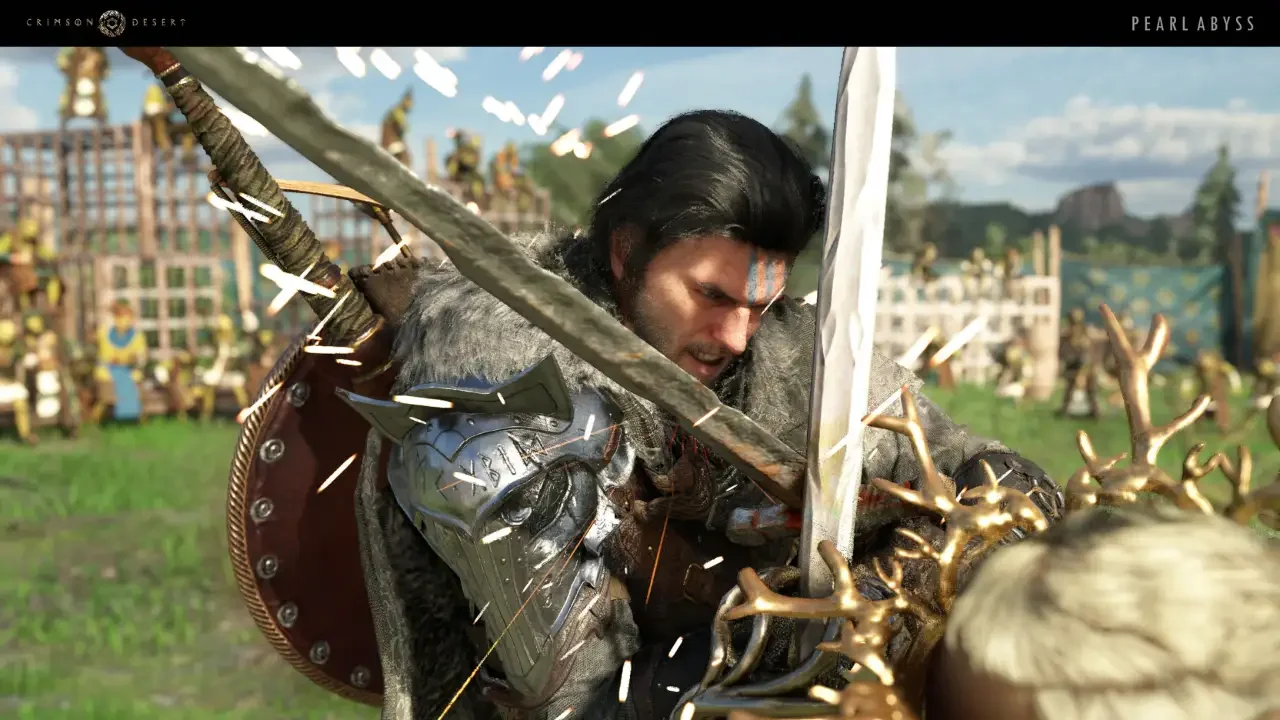
Fashion is the real endgame of any massive role playing experience. You spend dozens of hours grinding for the perfect chest piece and meticulously matching your dyes. Then you equip a massive kite shield and a bulky wooden bow, and your sleek mercenary suddenly looks like a walking junkyard. Back equipment clipping through armor has been a headache since the game launched.
We could always hide our helmets, but the community has been begging Pearl Abyss for the ability to turn off the rest of the visual clutter for months. If you were playing on PC, you could rely on the modding community to fix the problem. Console players were just completely out of luck.
Thankfully, the developers finally listened. Patch 1.03.00 quietly introduced the Weapon Display option. It is a completely official, built in toggle that lets you hide your gear without breaking the game or risking a corrupted save file.
Navigating The Menus
The developers buried this incredibly useful feature deep within the system settings. You have to go digging through a few tabs to actually find the toggles.
Hold down the Options button on your controller to bring up the primary radial menu. Tab over to the section labeled Others and select Settings from the list.
Once you are in the main configuration screen, you want to navigate over to the Languages and Gameplay tab. Scroll down this list until you spot the two new options added by the recent patch. You are looking for Display Melee Weapons and Display Ranged Weapons.
Configuring Your Display
You do not have to just blindly turn everything off. The settings give you a decent amount of granular control over what actually renders on your character model.
For the Display Melee Weapons setting, I highly recommend changing the toggle to Selected Only. This instantly cleans up your back and removes all the excess clutter. The game will only render the specific melee weapon you are actively holding in your hands.
For the Display Ranged Weapons setting, switch the toggle over to Only When Used. This is an absolute lifesaver for your screenshots. Your massive bow and quiver will completely vanish into thin air, and they will only magically reappear the exact moment you hold down the trigger to draw an arrow.
Your Stats Remain Untouched
I know exactly what some of you are thinking because I had the exact same paranoid thought. If I make my shield invisible, does the game unequip it? Do I lose my block rating?
You do not need to worry. This toggle is purely cosmetic. Hiding your weapons and shields does not unequip them from your active loadout. You still retain every single stat boost, and you still receive all the passive buffs from your weapon and armor upgrades just like normal.
You get to keep your perfectly optimized combat build while maintaining a clean, uncluttered aesthetic. Take five minutes to dive into your settings and fix your display options. Your character is going to look significantly better without a wooden plank strapped to their spine.