Crimson Desert Guide: Uncovering The Hidden Merchant Restock Timers
Crimson Desert never tells you when a shop's stock refreshes, and it turns out the game's been running a fixed clock the whole time.
Burn through your supplies in one rough boss fight, limp back to town, and you'll find the local grocer picked clean with no countdown, no dialogue hint, nothing. The economy runs on an internal timer the game just doesn't bother showing you. One full in-game day works out to roughly two hours of real time, and depending on the shop, that translates to anywhere from a single day to nearly a week before new stock shows up.
How Long You'll Actually Wait
Twelve merchant types are scattered across the map, and they split into three restock tiers based on what they sell.
Plan your supply runs around the daily shops for anything you burn through fast, food, basic materials, ammo. Save the equipment and tailor visits for whenever you're passing through anyway, since chasing those on a tight schedule just wastes daylight.
One-Time Purchases Play by Different Rules
Crafting books, special equipment, and high-tier recipes don't follow the restock clock at all. They're one-time buys. See it, want it, buy it, because that inventory slot is gone once it sells.
If you'd rather not rely on shops for the basics, farming your own materials sidesteps the wait entirely. Our resource gathering guide covers where to find the good spawn points.
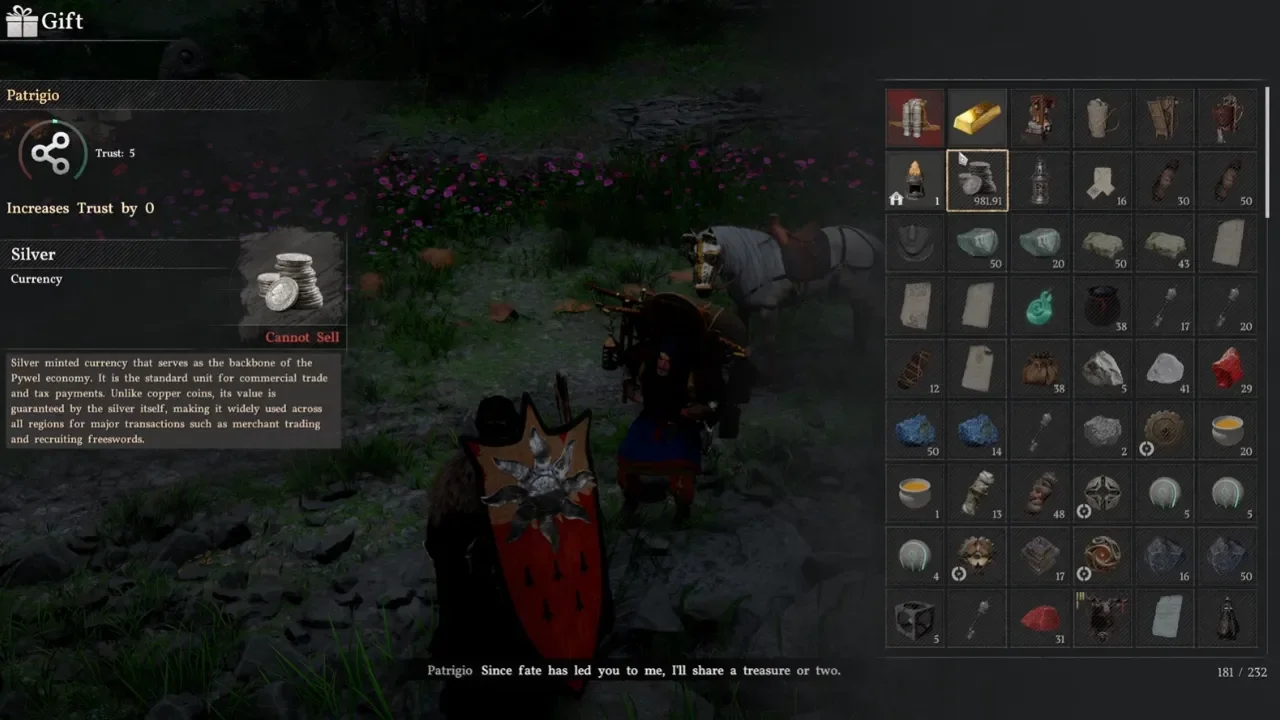
Lose a unique item by accident and you're not fully out of luck. Head to the Howling Hill camp and talk to Ben, and he can get dropped items back. Sell one to a random merchant for quick silver, though, and Ben can't touch it. You'll need to remember exactly which vendor you sold it to and buy it back from their specific stock.
The Three Shops That Basically Never Update
Saddleries, Dye Houses, and Furniture Shops sit outside the restock system entirely. I waited over 30 in-game days, roughly 60 hours of real time, just letting the clock run at one, and their shelves never changed once.
There's a rumor going around that finishing certain main quests forces these shops to refresh. I went looking for that trigger and couldn't replicate it under any conditions I tried. Based on my testing, what's on the shelf when you first walk in is what you're stuck with for the rest of the playthrough. Grab what you want the moment you see it.
A Glitch Worth Knowing About
Sometimes the game just refuses to cooperate. Stand next to a merchant right when their timer's supposed to roll over and the inventory won't update while you're standing there. If a restock is overdue and the shelves still look untouched, force the NPC to reload. A manual save and reload from the main menu works, or you can fast travel to a different region and immediately jump back. Either one usually kicks the shop into updating. If you need a refresher on getting around the map quickly, our fast travel guide has the fastest routes between regions.