Death Stranding 2 PC Crash Guide: Fixing The Loading Screen Of Death
You just paid top dollar to walk across a beautifully rendered apocalyptic wasteland, but instead, you are staring at your desktop wallpaper.
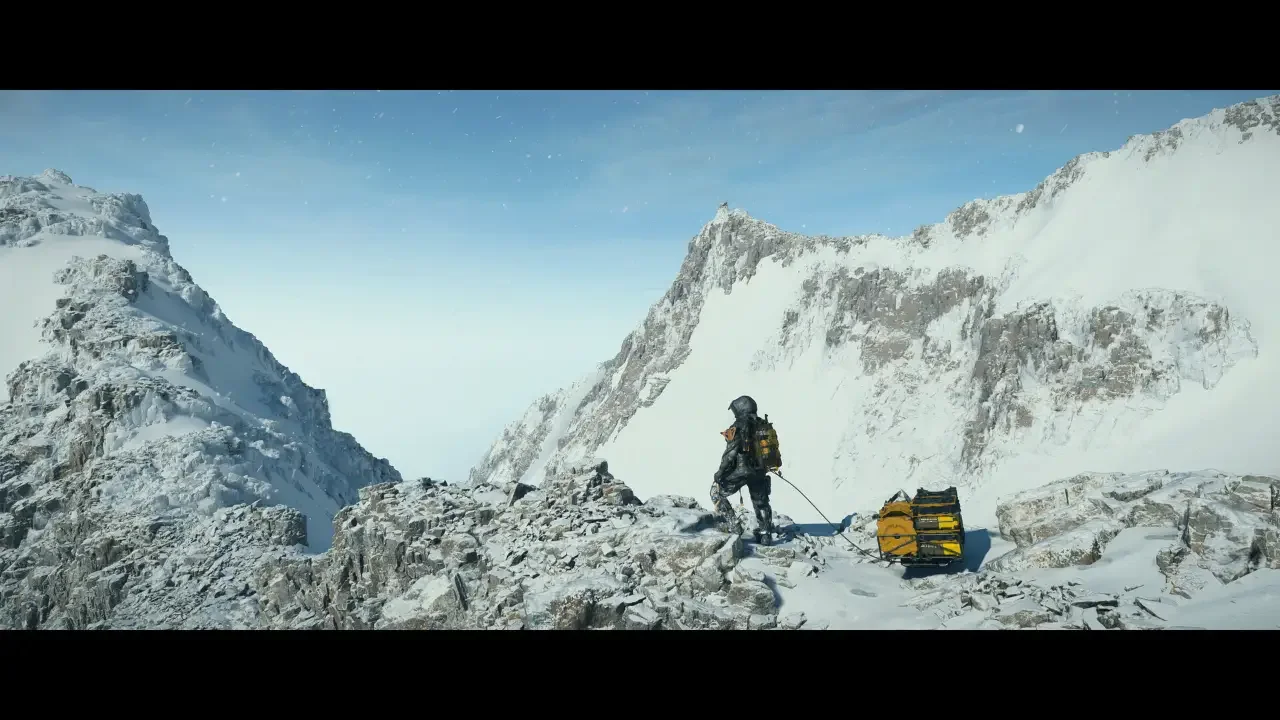
Death Stranding 2: On The Beach is finally on PC after a nine month PlayStation exclusivity window. Nixxes handled the port, which usually means (From my experience at least) a pretty good PC experience (After a few patches that is), but right now the Steam forums are absolutely burning. Players are booting up the launcher, hitting play, and immediately crashing to the desktop at the very first loading screen.
It is incredibly frustrating to drop 80 euros on a premium release only to act as an unpaid quality assurance tester for the developers. If you are getting hit with Vulkan errors or silent crashes straight to the desktop, you need to take matters into your own hands. The launch build shares a lot of the exact same messy DNA as the Spider-Man 2 PC port, meaning we already know how to bypass the worst of the engine hiccups. Here is how to actually fix the game while we wait for an official patch.
The Official Corporate Advice
Before you start ripping apart your config files, you have to do the standard PC gaming chores. Nixxes support immediately jumped into the Steam discussions with their classic copy and paste response, and while it is annoying, they are technically right.
You must update your graphics drivers. Both Nvidia and AMD pushed game ready drivers specifically optimized for this release. If you are running drivers from two months ago, the Decima engine will absolutely throw a fit and refuse to load. Go download the newest package, select the clean install option, and restart your rig.
Next, you need to verify your game files. Steam is notoriously bad at unpacking massive files perfectly on the first try. Right click the game in your library, go to properties, select installed files, and hit the verify button. If one tiny texture file corrupted during your massive download, this process will catch it and reacquire the missing data.
The Actual Community Fixes
If your drivers are pristine and you are still crashing, the problem is not your rig. The problem is the engine actively struggling with modern upscaling and lighting technology.
The PC community has already figured out that the current build absolutely despises Raytracing and certain Frame Generation technology. You need to turn them off before you even attempt to load into the game world. Boot the launcher, open the graphical settings from outside the game, and make some aggressive cuts to your visual fidelity. It sucks to turn off the expensive features you paid for, but it is the only way to get past the loading bar.
Beating The Vulkan Errors
A massive chunk of these crashes are tied directly to Vulkan API processing errors. If tweaking the upscaling and disabling the raytracing did not save you, you need to clear out the digital junk your PC is stubbornly holding onto.
Clear Your Shader Cache
Your graphics card tries to hold onto shaders to load games faster, but a corrupted or outdated cache will crash Death Stranding 2 instantly. Go to your Windows search bar and type in Disk Cleanup. Select your main drive, scroll through the list, and check the box to delete your DirectX Shader Cache. Hit okay and let Windows scrub the files. The game will take a little longer to compile shaders on your next boot, but it usually forces the engine to push past the crash point.
Disable Every Single Overlay
I say this for every single major PC release because it is always the silent killer. The Steam overlay, the Discord overlay, and especially the Nvidia GeForce Experience overlay are notorious for violently hooking into the game engine and causing fatal errors during the initial boot sequence.
Open your Steam settings and turn off the overlay globally. Do the same for Discord. If you use Nvidia software to record clips, turn off the in-game shadowplay features. You want the game running as cleanly as possible with zero background applications trying to inject code into the active window.
It is incredibly annoying that we have to jump through these technical hoops to play a massive AAA release. Turn down the fancy graphical bells and whistles, follow the community fixes, and just focus on enjoying the absurd sci-fi hike.