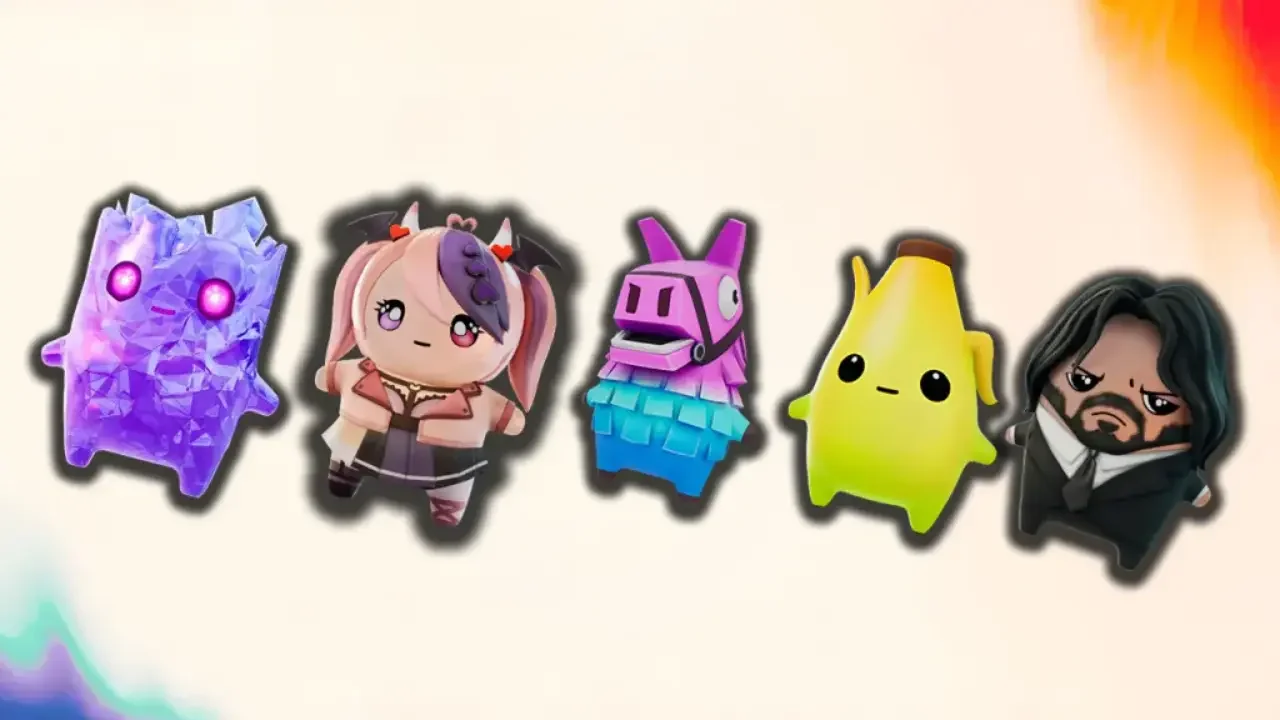
Epic Games is finally giving your virtual wallet a break by letting you dump your oldest cosmetic regrets back onto the store shelf.

The launch of Chapter 7 Season 3 is a massive update for the island, but it also comes on the back of some pretty annoying financial changes. Epic recently rolled out a wave of controversial adjustments to V-Buck prices alongside a noticeable nerf to the total amount of V-Bucks you can pull from your Fortnite Crew subscription. To soften that blow, a brilliant new quality of life update is hiding inside your profile settings. You can now return specific older cosmetic purchases for a complete V-Buck refund without burning a single Return Ticket.
I checked my own ledger the second the servers went live, and people are successfully returning bugged items from as far back as 2019. If your locker is full of old purchases you haven't touched in years, you might be sitting on a digital goldmine.
The Ticketless Refund Hit List
Epic only extends this special courtesy to items that suffered from major structural issues, weird visual bugs, or mistaken marketing profiles in the past.
Because these specific items caused massive headaches for the community, you can return as many of them as you own without any penalty to your account balance. Your refunded V-Bucks will land straight back into your inventory to spend on whatever you want, though the item will be permanently removed from your locker.
I put together a breakdown of the most notable cosmetics currently confirmed to eligible for a ticketless payout.
How to Access the Secret Refund Menu
Before you start digging blindly through the standard store interface, you need to navigate to the backend account settings where the old purchase ledger lives.
First, click on your main player profile icon in the top right corner of the screen to open up the Social Tab. From there, select the gear icon to open up your main Settings menu. Scroll all the way over to the right side to locate the Account and Privacy tab. Under this section, find the Recent Purchases category and select the option labeled Return or Cancel Purchases.
This will bring up a full history of your account spending. Scroll through your older purchases and look closely at the action prompts. If you own an eligible item, the interface will explicitly show a button that says Return Without Ticket. Confirm your selection, and your new balance will instantly show up on your screen. You can also do this directly from your web browser by logging into the official store page at fortnite.com/shop and clicking the same return options under your profile icon.
Once your wallet is completely loaded with returned cash, you can stop worrying about the store and get back to hunting down the new companion mechanics. If you want a massive defensive shield option to help you win your next drop, check out my Fortnite Chapter 7 Season 3 Zero Point Sprite guide to track down the island's rarest Mythic.
Understanding Standard Refund Restrictions
Before you try to dump every single bad skin you bought over the last year, you need to understand the strict boundaries of the standard refund economy. If your item does not carry that specific ticketless tag, you are bound by the standard limits.
The 24 Hour Cancel Safety Net
Epic gives you a brief window to reverse a purchase if you suffer from a sudden case of immediate buyer remorse. The Undo Purchase feature stays active for exactly 24 hours after you spend your V-Bucks. The giant catch here is that you cannot equip or use the item in a single match. The moment you load into a lobby wearing that new skin, your instant cancellation window vanishes forever. You can also only undo a specific item once, so buying the same item back a second time makes it a permanent fixture of your locker.
The Strict Return Ticket Math
If you miss that initial 24 hour safety net, your only remaining option is burning a standard Return Ticket. These tickets only apply to eligible items bought within the last 30 days. Your account starts with three tickets, and the game will only hand you one single replacement ticket every 365 days.
If you are completely out of tickets and pass your 30 day window, you are permanently stuck with that cosmetic. Epic Support will not grant you extra exceptions if you submit a complaint ticket. You should also remember that returning an item that belonged to a bundle forces you to return the entire bundle, so keep that in mind before wiping out a set you partially enjoy.
Finally, certain items are completely locked out of the refund system entirely. You can never return battle passes, level up packages, gifted items to friends, or premium tracks like the Festival Pass. Purchases made on custom developer-created islands are also completely non-refundable, so make sure you save your currency for the main Battle Royale loot drops. If you need a safe place to hide from opponents while counting your newly acquired wealth, read my Fortnite Chapter 7 Season 3 vault locations guide to find a secure bunker.