House Flipper Console Commands: The Complete Cheat Guide
Sometimes you just want to demolish a wall with a shotgun instead of dealing with the absolute misery of the early game grind.
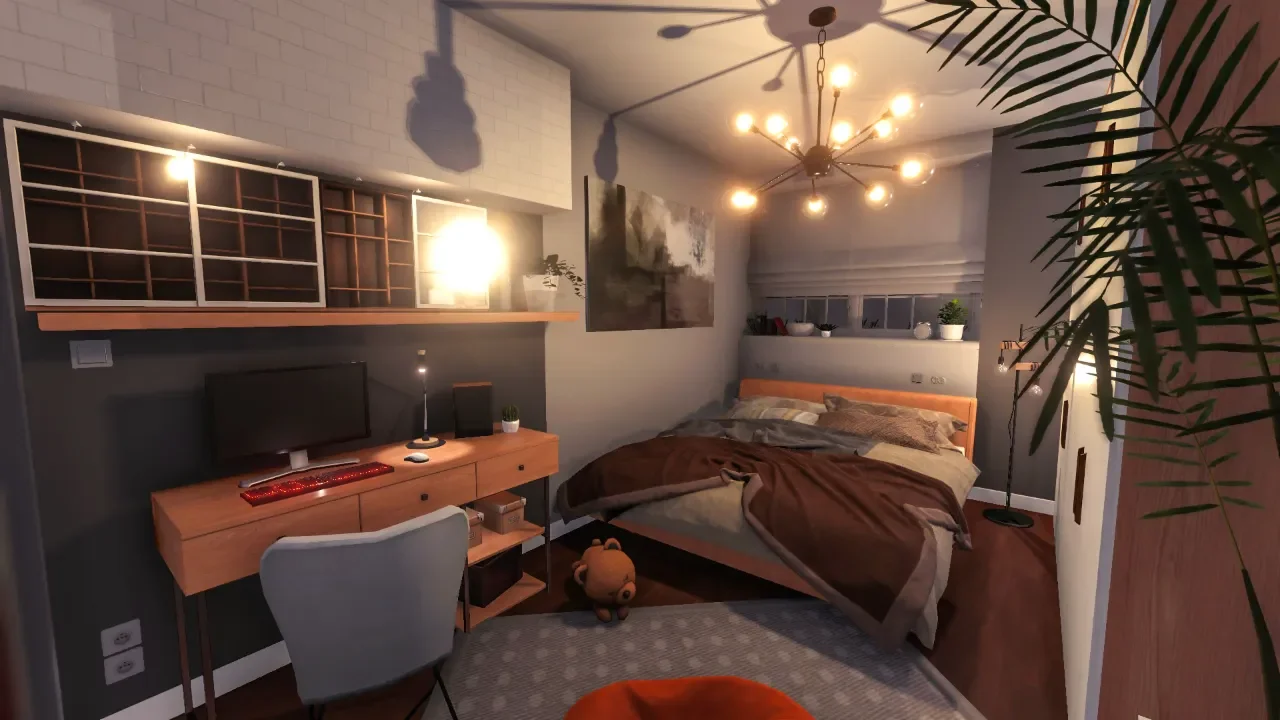
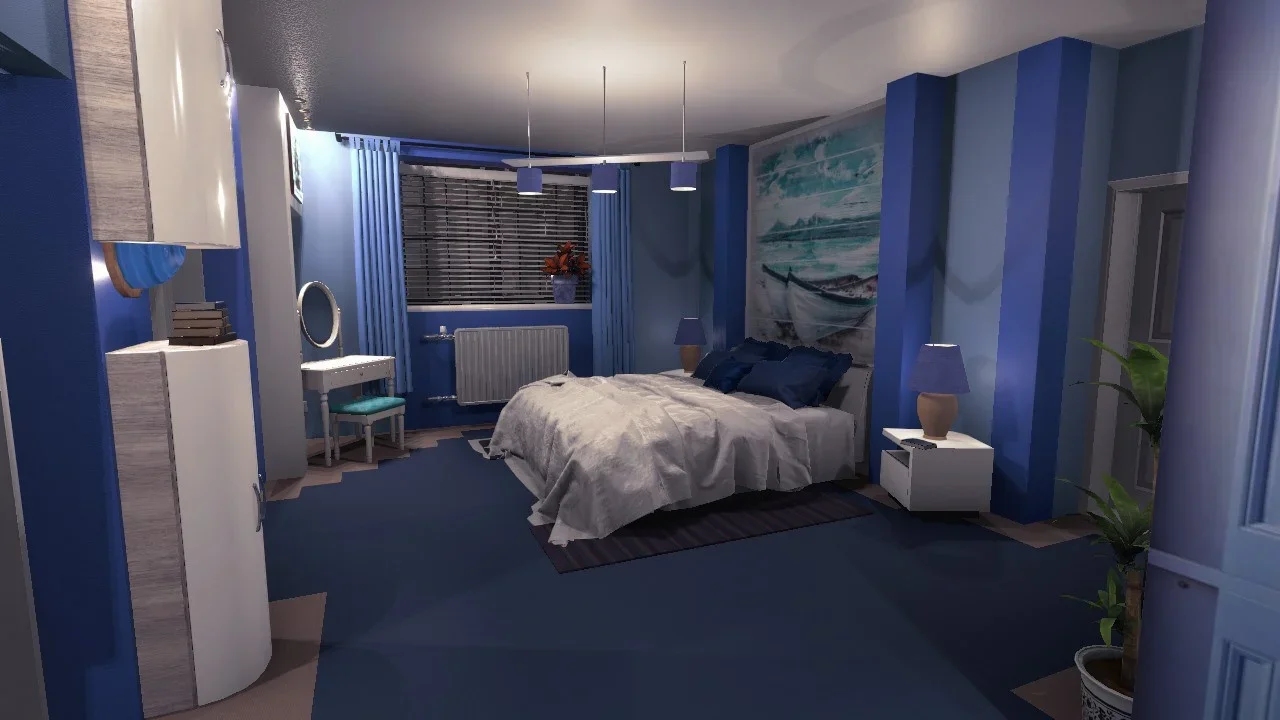
House Flipper is incredibly satisfying when you are casually painting a living room, but the progression system can feel like an absolute slog. If you are tired of slowly mopping up dirt or desperately trying to figure out how to make money fast legitimately, the developers actually left a massive backdoor wide open. You have full access to the game's debug console and hotkeys.
Before we get into the fun stuff, I need to give you a massive warning. Using the console will permanently mark your save file with a "CHEAT" tag. Once that tag is applied, achievements are completely disabled for that profile. If you are following a 100 percent achievement guide, do not use these codes on your main file. Create a secondary profile strictly for messing around.
How To Enable The Developer Console
Accessing the console requires a very specific sequence of inputs. It is not difficult, but if you skip a step, the game will completely ignore you.
Launch House Flipper and load into your designated test profile.
Press the ESC key to open the main pause menu.
While paused, press the Tilde Key (~).
Type the code exactly like this: iddqd (You will not actually see the letters appear on the screen as you type. Just trust the process).
Press ESC repeatedly until you completely exit the pause menus and return to the active game.
You should see a small notification indicating developer hotkeys are enabled. You will also notice a block of debug text sitting in the bottom left corner of your screen.
While walking around in-game, press the Tilde Key (~) again. This finally opens the actual text box where you can type the commands.
Crucial Note: Some commands require you to click on the text box itself. The easiest way to do this is to open your in-game tablet (preferably on the Camera Tab) so your mouse cursor is active, then press the tilde key to click the box. When you are done cheating, I highly recommend completely restarting the game before switching back to a legitimate profile just to ensure the "CHEAT" tag does not somehow bleed over.
The Developer Hotkeys
Once the console is active, you do not even need to type anything for the most powerful cheats. The game activates a series of hotkeys tied to your function row.
F3: Instantly unlocks every tool in the game and the tablet. Warning: If you use this before completing the specific missions that teach you the lawnmower or flamethrower, it can completely break those mission scripts.
F5: The ultimate money button. Pressing this instantly deposits exactly $560,994.08 into your bank account.
F8: Turns you into a god of manual labor. Every tool now works instantly. One click cleans a whole stain, paints a whole wall segment, tiles perfectly, and mounts items without the mini-games.
F9: Allows you to hit complete on your current mission with a 100 percent rating, regardless of how much you actually finished. You will receive the maximum payout based on your perk point upgrades. It pairs perfectly with F3 to bypass bugged tutorial missions.
F11: Toggles debug information for the room and the specific item you are looking at. If you are struggling to figure out exactly what a buyer profile wants you to sell, this tells you exactly what the game engine is recognizing.
The Best Gameplay Commands
Open the console with the tilde key and type these exactly as written. The commands are case-sensitive.
hideversion: Do this immediately. It removes the ugly debug text that clutters the bottom left corner of your screen after activating the console.
shotgun: You actually type this while in the pause menu, not the console itself. It replaces your standard sledgehammer with a shotgun that obliterates entire wall sections in a single blast from across the room.
cut: Instantly cuts all grass on the entire property. The catch is that it occasionally glitches and places grass textures over pavement. Just pick the pavement up and put it back down to fix the visual bug.
lasthouse: Immediately registers the game as completed. This allows you to infinitely buy and flip any house in the catalog without restriction.
maps: Instantly unlocks access to all DLC mission areas (HGTV, Luxury, Pets, Farm, Restaurant) without needing to progress naturally.
lumos: Turns on every single light in the room.
nox: Turns off every single light in the room.
Maxing Out Your Skills
If you just want to bypass the repetitive leveling system and get straight to building, these codes handle the skill trees. Note that these only apply to the specific profile where the console was initially activated.
skillu: The best option. It instantly gives you all the required skill points for every category, but lets you manually choose how to spend them.
skillm: Instantly maxes out every skill point and automatically activates every single perk immediately. Use this right at the start of a run for massive early payouts.
The Weird And Useless Commands
The developers left a lot of junk in the code. These technically work, but they are either buggy or entirely pointless.
noclip: Freezes your character. You have to open your tablet camera, fly around, and close it to teleport. It is incredibly janky, often requires a save reload to fix the camera sensitivity, and the hotkey (Left Alt + Y) works better anyway.
zawarudo: Stops time completely, but usually breaks all of your menus in the process. Avoid this.
quicksun: Forces the day/night cycle to spin at an incredibly fast, chaotic speed that you cannot access through the normal settings menu.
worldfire: Destroys absolutely everything on the property except for doors and the designated installation sites.
fakecrash: Do not tempt fate.
spawndog / spawncat: Forces the game to spawn a pet, assuming you have the associated DLC active.