Scriptorium Pigment Workshop Guide: How to mix every color
Getting the exact shade of royal purple to paint a trumpet protruding from a peasant's rear requires a little patience and a lot of crushed flowers.
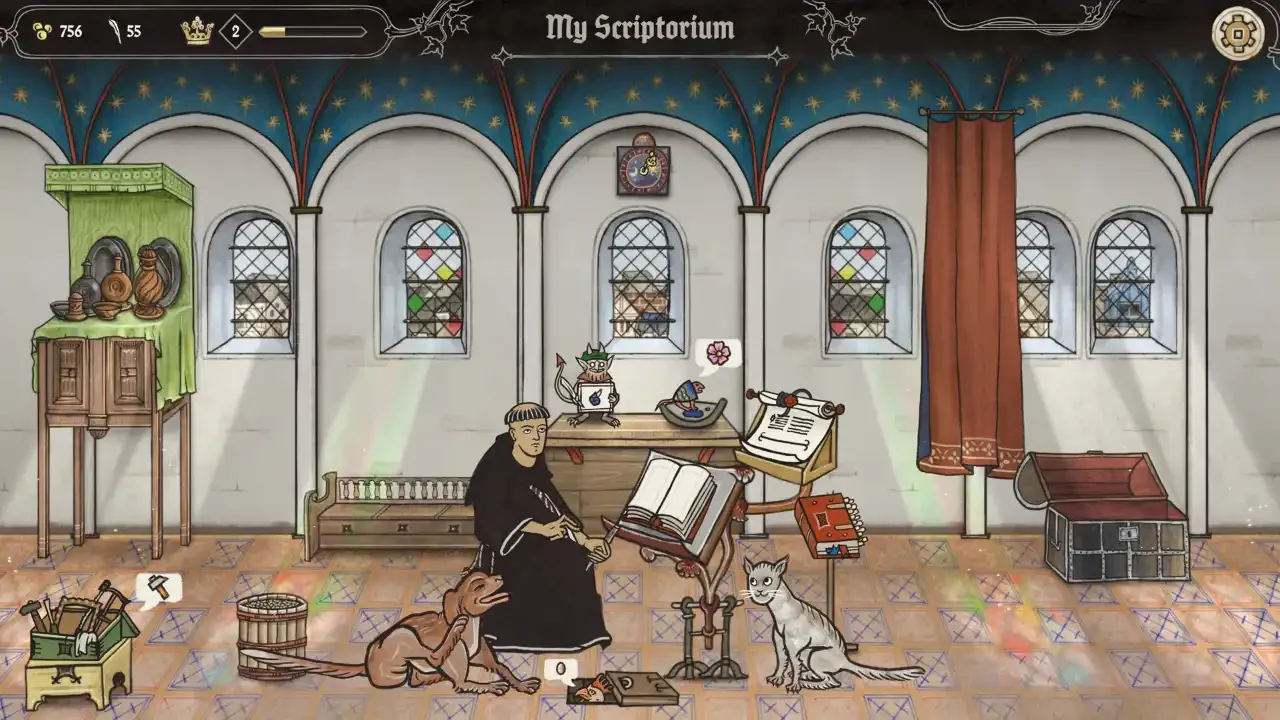
I have spent an absurd amount of time carefully placing angelic borders around pictures of knights engaged in mortal combat with giant snails. It is a very specific medieval sickness, and Scriptorium feeds it perfectly. The game hands you a blank parchment, a massive library of truly bizarre historical art, and tasks you with satisfying the whims of a kingdom obsessed with gossip. But eventually, you get tired of standard red and blue. You need something that really makes that plague doctor mask pop.
You need to master the Pigment Workshop.
The Pigment Workshop Basics
The workshop is your cozy little alchemy lab. This is where you take raw flora, grind it down, and turn it into the ink that will eventually record the kingdom's most embarrassing secrets. It is a simple system on the surface, but finding the exact shade of dead flesh or royal gold you need for a commission takes a bit of experimentation.
Understanding The Mortar And The Water Bowl
The basic workflow in the Pigment Workshop is incredibly tactile. You take a single flower, drop it in, and let your little turtle mortar mash it into a usable paste.
The Grinding Process
If you just want the primary color of that flower, you are done. You scoop it into one of your available empty shells and get back to drawing. But drawing with basic colors gets boring fast. The real magic happens when you throw two different colors into the mix. You will want to experiment to find those perfect transitional shades.
The Shell Economy
Now before you waste your hard-earned coin and precious flowers guessing blindly, you need to understand how the shell economy works. Early on in your career as a royal illustrator, your shell space is painfully limited. You only have so many slots to hold your newly mixed creations.
If you combine two colors and end up with a shade of brown that looks like literal dirt, you do not have to keep it. You can simply wash the ruined pigment out in your water bowl and try again. As you progress through the story and take on more ridiculous commissions, you will unlock new flowers and the ability to buy more shell slots. You can purchase these upgrades directly in the workshop when they become available. Keep a close eye on your coin purse, because you will also need to buy quills and unique pigments that cannot be mixed by hand.
Crafting Metallic Inks
Standard crushed petals will only get you so far when you are commissioned to paint a king's treasury. Eventually, you need some actual shine on the page.
The Gold Dye Process
Gold requires a totally different workflow than the standard flora. You cannot just mash a gold bar with a turtle and expect a workable paint.
Melting And Tinting
You drop the gold bar in first, use your dragon to heat it up and melt it down, and then throw in a flower to alter the metallic tint. You can keep it as standard gold if you want, but throwing in a colored petal yields some excellent results.
Advanced Pigment Crafting
Once you have the basics down, the game throws a few curveballs at you. Certain flowers carry visual traits, and bad mixes will punish you with wasted resources.
Working With Patterned Pigments
Not all flowers just provide a flat color. You will eventually get your hands on "King's Panty Pink II" and "Lavender Garden II". Both of these flora types carry a distinct visual pattern.
The rule for these is remarkably straightforward. Mixing either of these patterned flowers with a standard solid color will yield a patterned version of that base color. For example, mixing King's Panty Pink II with Widow's Black gives you Widow's Black II, which is just the black dye stamped with the pink flower's pattern.
This works across the board. Combining Lavender Garden II with Court Red gets you Court Red III. It is an easy way to add some much needed texture to your tapestries without having to draw every individual thread yourself.
The Goblin Green II Anomaly
Before I list the rest of the standard combinations, I need to point out a hilarious quirk in medieval alchemy.
If you mash two colors together that completely disagree with each other, the game defaults to a very specific shade of murky, unpleasant green called "Goblin Green II". You will get Goblin Green II by mixing Court Red with Bishop's Purple, or Uncle's Green with Bear Brown, or even Sir Hans' Yellow Shirt with Gray Hair.
It acts as a universal fail state for bad color theory. I have spent a lot of time staring at my water bowl, washing Goblin Green II down the drain because I thought Heavenly Blue and Bear Brown might make something cool. They do not.
All Standard Color Combinations
If you want to skip the guesswork and the endless sea of goblin vomit, I have organized every successful color mix below. I grouped them by one of their primary ingredients so you can easily check what to do with that extra pile of flora you have sitting around.
Light And Cool Tones
These mixes focus on your lighter base colors to create bright, airy, or cold shades.
White Teeth + Red at the Stake: Flaming Red
White Teeth + Bear Brown: Brick Red
White Teeth + Bishop's Purple: Wild Rose
White Teeth + Uncle's Green: Celadon Green
White Teeth + Widow's Black: Gray Hair
White Teeth + Gray Hair: Gray Dust
White Teeth + Court Red: Raspberry King
White Teeth + Sir Hans' Yellow Shirt: Yellow Mignonette
White Teeth + Heavenly Blue: Summer Sky Blue
Heavenly Blue + Bishop's Purple: Heather Purple
Heavenly Blue + Uncle's Green: Patina Plate Green
Heavenly Blue + Red at the Stake: Bear Brown
Heavenly Blue + Gray Hair: Dead Man's Blue
Heavenly Blue + Widow's Black: Navy Blue
Warm And Dark Tones
These mixes utilize your deep reds, blacks, and yellows for rich, striking colors.
Court Red + Red at the Stake: Salmon Pink
Court Red + Gray Hair: Lilac Pink
Court Red + Heavenly Blue: Bishop's Purple
Court Red + Widow's Black: Bloody Red
Red at the Stake + Bishop's Purple: Lady Macbeth's Red
Red at the Stake + Bear Brown: Red Fox
Red at the Stake + Uncle's Green: Spring Green
Widow's Black + Bishop's Purple: Purple Queen Plums
Widow's Black + Uncle's Green: Rotten Green Weed
Widow's Black + Red at the Stake: Forest Brown
Widow's Black + Gray Hair: Black Pegan Soul
Sir Hans' Yellow Shirt + Red at the Stake: Royal Yellow
Sir Hans' Yellow Shirt + Bear Brown: Sun-drenched Green
Sir Hans' Yellow Shirt + Court Red: Red at the Stake
Sir Hans' Yellow Shirt + Uncle's Green: Yellow Grass
Sir Hans' Yellow Shirt + Heavenly Blue: Uncle's Green
Sir Hans' Yellow Shirt + Widow's Black: Dirty Yellow
Sir Hans' Yellow Shirt + Bishop's Purple: Yellow Snow
Unique Dark Mixes
These last two combinations yield highly specific dark shades that do not fit neatly into the other categories.
Gray Hair + Bishop's Purple: Dark Circles Under the Scribe's Eyes
Bear Brown + Bishop's Purple: Joanna's Black
Mixing these will give you the exact palette you need to make your illustrated pages pop. Now get back to your desk. The King wants a painting of a frog riding a tiny horse, and you need a very specific shade of green to make it happen.