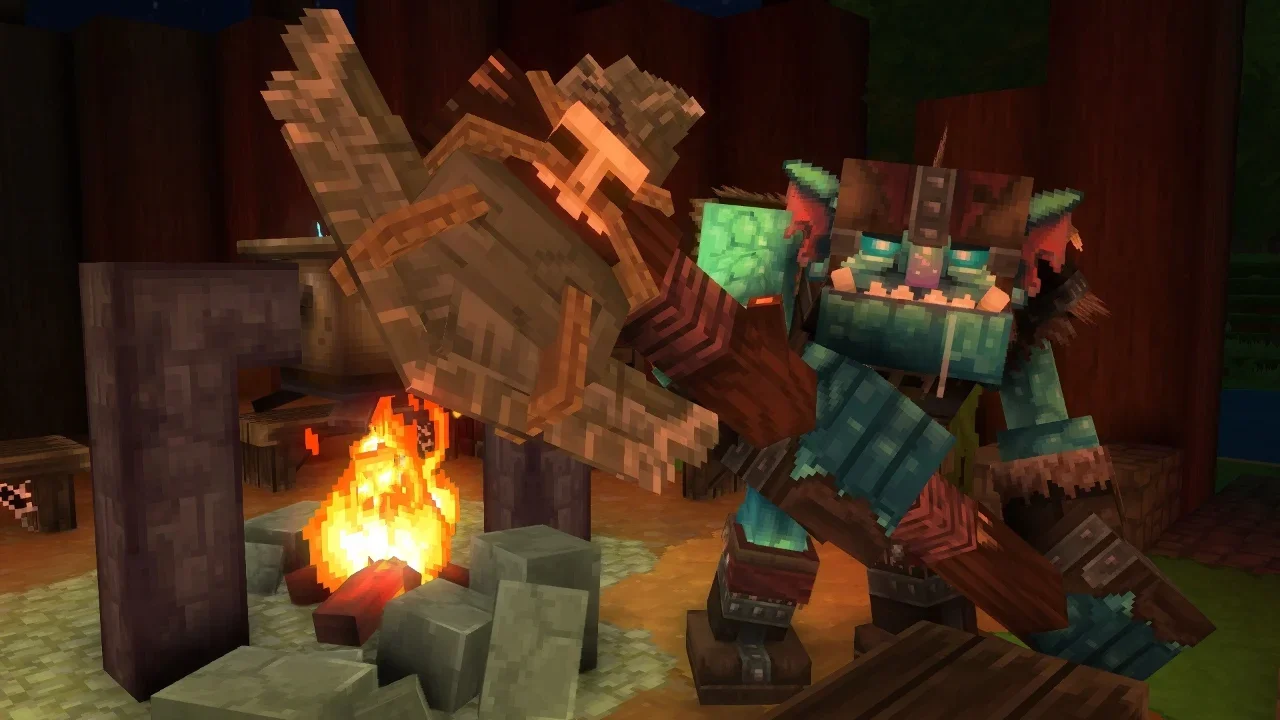
Hytale Console Commands: The Complete List (Because Walking Is for Peasants)

Sometimes the grind is just too much, and you simply need to summon a thousand swords or ban Steve from the server because he keeps eating your crops.

I don’t judge. Whether you are a builder who needs a specific prefab right now, or a tyrant who wants to control the weather, console commands are the lifeblood of the sandbox experience. But Hytale isn't just about typing random words, you need the right permissions, the right syntax, and a little bit of patience before you accidentally delete your entire inventory.

How to Not Break Everything Immediately

Using cheats in Hytale is standard fare, but there are rules. You hit Enter to open the chat, type your command, and hit Enter again.

  • The Admin Requirement: Most of these won't work unless you have admin rights. On your own server, you can give yourself these powers (/op self). On someone else's, you're out of luck unless they trust you.

  • The Bracket Rule: I see people mess this up constantly. If a command looks like /give [Item], do not type the brackets. They are placeholders. You want /max players 5, not /max players [5].

Server & Admin Commands

The essential toolkit for ruling your server with an iron fist. Or just fixing bugs.

Command Effect
/op self /op [Player] Makes you or another player an admin. Use it again to revoke the power.
/help Displays all possible chat commands if you get lost.
/auth [status/login/logout] Manages server authentication.
/backup Creates a backup of the universe. Use this before doing anything stupid.
/gamemode gamemode [Player] Switch between Adventure, Exploration, or Creative modes.
/give [Item] [Player] Spawns items. You can add -quantity=[x] to get a specific amount.
/heal Fully restores your stamina and health points. The panic button.
/hub Returns to the Cosmos of Creativity hub.
/hudtest [reset] Hides the HUD. Use "reset" to show it again. Perfect for screenshots.
/inventory clear Empties your inventory. Be careful.
/inventory see [Player] Spy on what other players are carrying.
/kill [Player] Instantly kills the specified player.
/player respawn Forces a respawn if you're stuck in limbo.
/spawn set /spawn [Player] Sets a world spawn point or teleports a player to it.
/stop Stops the server. Don't press this by accident.
/tp [Player] [x] [y] [z] Teleports a player to specific coordinates.
/unstuck Teleports you to a free position if you glitch into a wall.
/whereami Displays your current coordinates.
/whoami [Player] Shows info about the target player.

World Editing & Tools

Control the elements and the blocks.

Command Effect
/block Changes the states of blocks in the world.
/buildertoolslegend Hides or shows the legend for your building tools.
/camshake Adjusts the intensity of camera shaking.
/checkpoint [add/remove] Adds or removes a checkpoint.
/chunk Changes chunks in the world.
/clearblocks [Pos 1] [Pos 2] Removes all blocks between the specified positions.
/editprefab Loads, saves, and edits prefabs.
/fillblocks [Type] Replaces all air blocks with the selected block type.
/mount /dismount Mounts or dismounts from a mount or object.
/prefab [save/load/delete/list] Manages prefabs (blueprints) in the world.
/time Displays the current world time. Use /time set [0-24] to change it.
/weather set [Type] /weather reset Sets the weather (rain, clear, snow) or resets it to default.
/worldmap [discover/undiscover] [Zone] Reveals or hides a zone on the world map.
/world reload /world clearmarkers Reloads the map or clears all your markers.

Multiplayer Management

The Ban Hammer and other social tools.

Command Effect
/ban [Player] Bans the target player from the server.
/unban [Player] Unbans them (if they apologized nicely).
/kick [Player] Kicks a player out of the world.
/emote [Emote] Performs the desired emote.
/max players [Amount] Sets the maximum number of players for the server.
/who Displays all active players on the server.
/whitelist [add/remove] [Player] Adds or removes a player from the whitelist.
/whitelist [enable/disable/list] Turns the whitelist on/off or shows who is on it.

Miscellaneous Commands

Curses, memory wipes, and mass notifications.

Command Effect
/cursethis Curses the currently equipped item.
/damage [Player] [Amount] Deals a specified amount of damage to a player.
/fillsignature Fills the signature energy.
/memories clear Clears all memories.
/memories unlockall Unlocks all memories.
/notify Sends a notification to all players.
Previous
Previous

Hytale Weapon Tier List: Best Melee, Ranged, and Magic Weapons

Next
Next

Hytale Animals Guide: How to Capture, Bribe, and Build a Farm That Actually Works