Hytale Armor Visibility Guide - Stop Hiding Your Face Behind A Bucket
I spent an embarrassing amount of time in the character creator getting my avatar exactly right, and I refuse to let a piece of iron obscure that work.
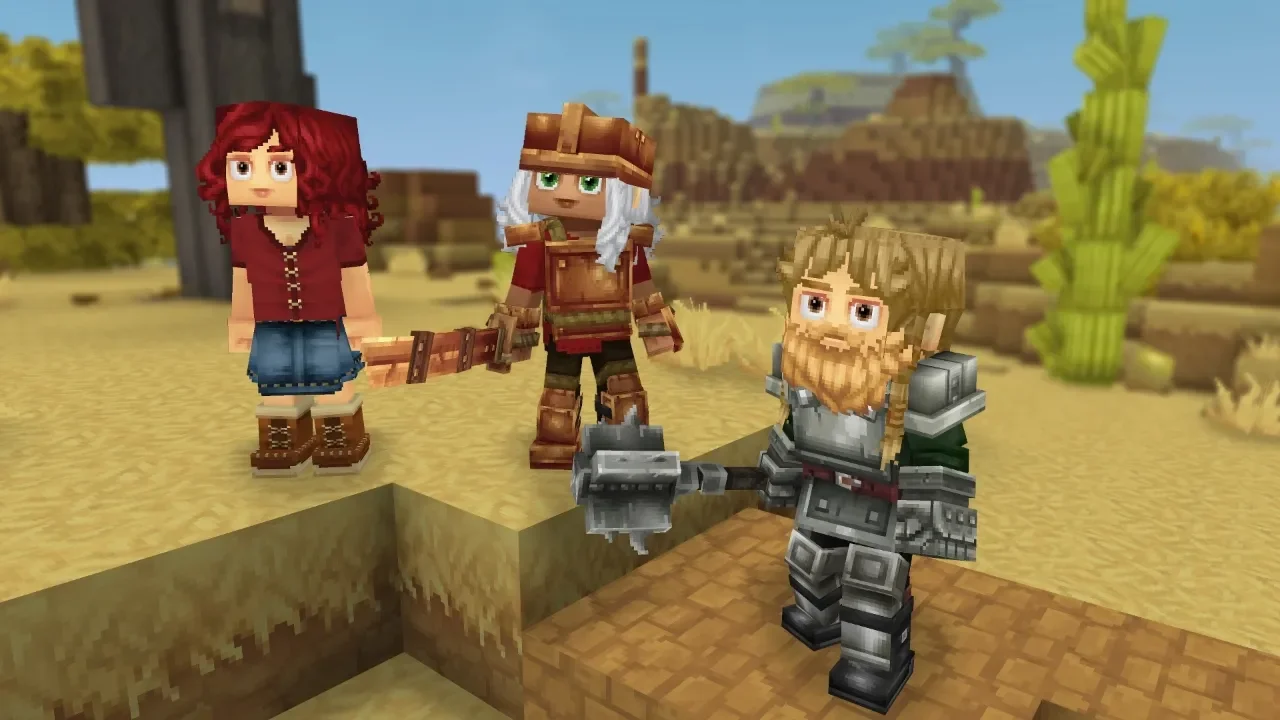
At release we were stuck looking like generic tin cans the moment we crafted decent gear. But thanks to Update 2, the developers finally caved to the bullying (or feedback, whatever you want to call it) and added an armor visibility toggle. This feature lets you keep your character visible while maintaining full combat protection. It is purely cosmetic, meaning you can look like you are wearing a t-shirt while tanking hits like you are wearing plate mail.
How To Toggle Visibility
The process is incredibly simple, but the UI element is small enough that I missed it the first time I looked. You need to open your character screen—usually bound to C or Tab depending on your settings.
Once you are in the menu, look at your armor slots. There is a tiny eye icon next to each piece of gear (helmet, cuirass, gauntlets, pants).
Open Eye: The armor is visible.
Closed Eye: The armor is hidden.
You just click the icon to toggle it. That's it. You don't need to unequip the item. If you unequip it, you lose the stats. If you just click the eye, you keep the defense but lose the ugly bulk.
Server Restrictions (The "Fun Police")
Before you get too excited about running around a PvP server looking naked while secretly having max defense, there is a catch. Server admins have a toggle of their own. They can disable armor hiding to enforce "fair PvP identification" or "roleplay immersion".
If the eye icon is missing or not working, it usually means the server host has turned it off so others can see what tier of gear you are actually wearing. It makes sense for competitive play, you need to know if the guy running at you is squishy or a tank, but for casual play, it’s annoying.
Finding The Right Look
You don't have to go full invisible. I personally prefer a mix. Hiding the helmet lets you see the facial expressions and customizations, while keeping the chest plate makes you look battle-ready.
Common Glitches
Sometimes the game forgets your settings. If your ugly helmet reappears after you relog, just open the menu and toggle it off and on again. It’s a known quirk. Also, if you equip a new piece of armor, it defaults to visible, so you have to hide it manually every time you upgrade.