Marvel Rivals Guide: Snag 200 Free Units Before The Uplifting Welcome Event Disappears
NetEase expects you to show up at a virtual beach party for a free handout, but they only gave you a ridiculous four-day window to make it happen.
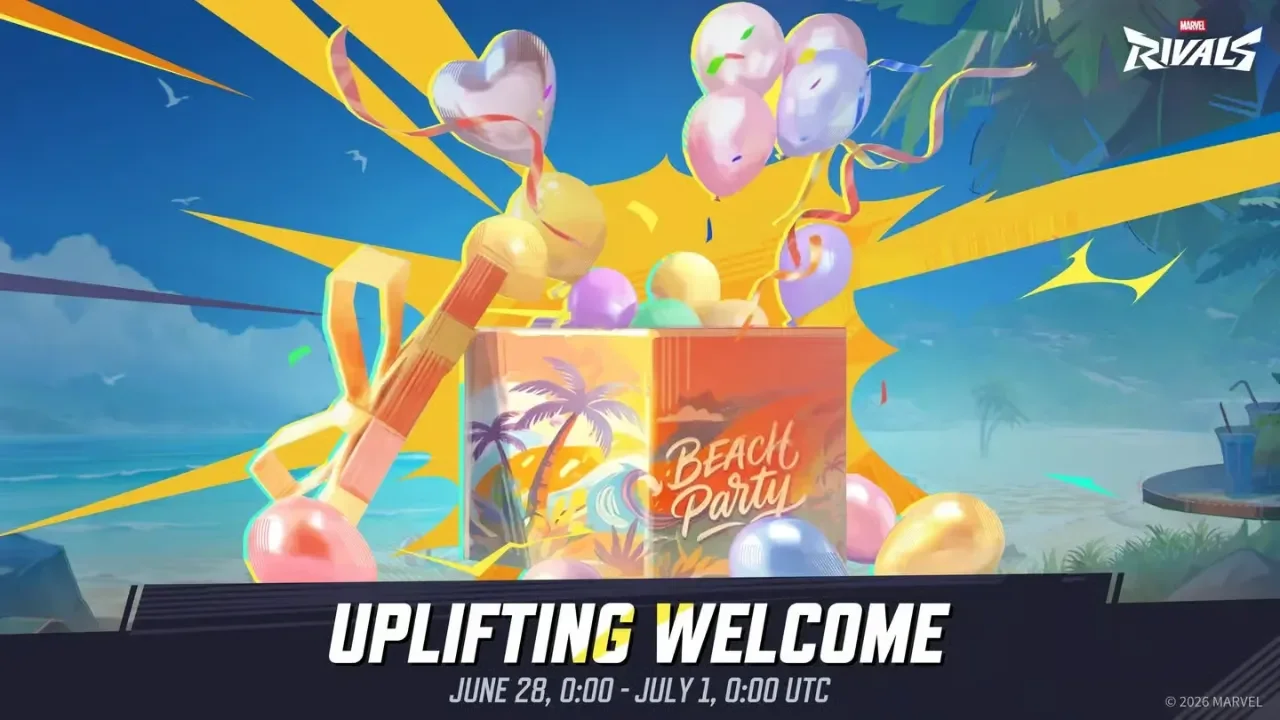
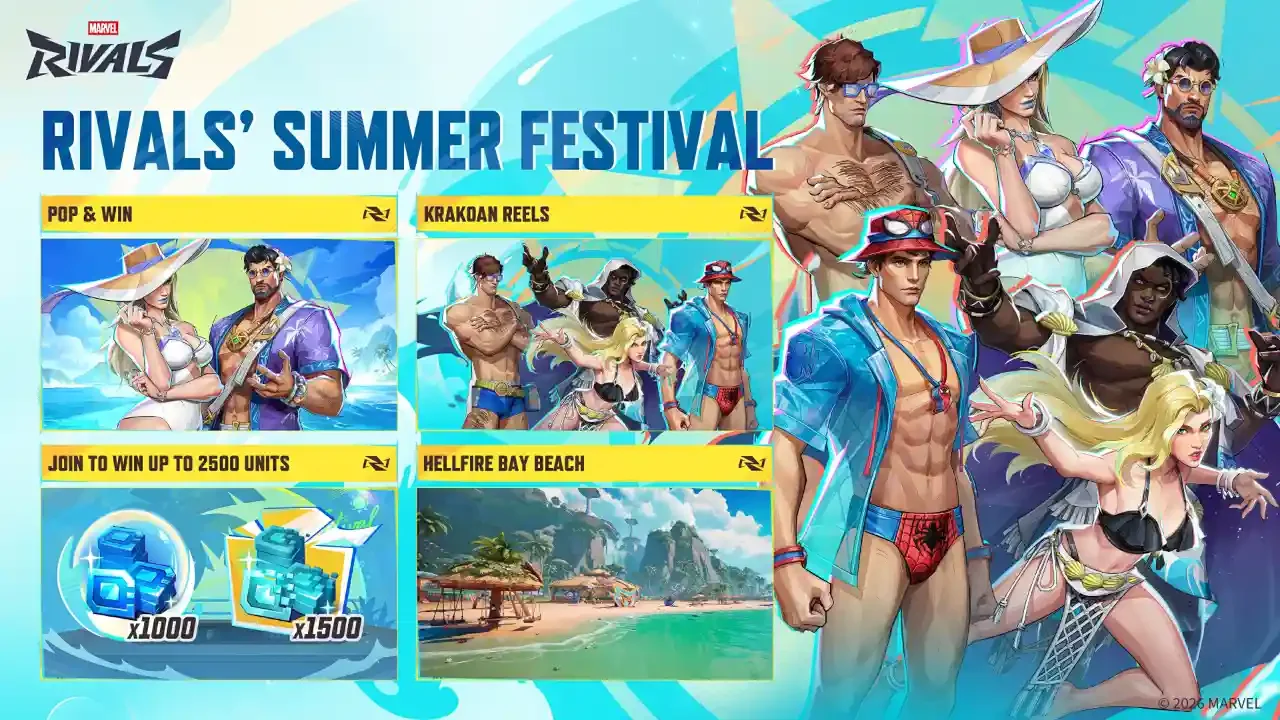
The Marvel Rivals Summer Festival is operating at full speed, and Hellfire Bay Beach is currently flooded with competing reward tracks. As if that wasn't enough to keep track of, the developers are throwing another quick drop into the mix starting tomorrow. The Uplifting Welcome event kicks off on June 28 at 12 AM UTC and hands out a small but incredibly useful stash of digital goods just for logging in and finding the right menu. You don't need to grind out any tedious damage requirements or sweat through a dozen matches to get paid. You literally just have to attend a ceremony.
The Free Loot Drop
The reward pool for this specific event is small, but the inclusion of premium currency makes it mandatory if you care about expanding your cosmetic roster.
Event titles and universal emotes look nice in your inventory, but the 200 Units hold the real value here. You keep them permanently after claiming them, allowing you to stockpile them for future shop updates. The emote and title vanish entirely if you fail to log in before the July 1 deadline. I laid out the exact details of the reward pool below so you know exactly what is on the line.
How To Trigger The Welcome Ceremony
The claim process is incredibly simple, but the navigation required to actually reach the correct instance of Hellfire Bay Beach is completely unintuitive.
Before you waste twenty minutes clicking through standard matchmaking queues looking for a beach mode, you need to use the dedicated event hub portal.
Finding The Right Portal
Boot up the game and head straight to the main Events page. You need to select the Rivals Summer Festival 2026 tab. Look near the upper right corner of this hub screen for a light blue portal marked with an X icon. Clicking that specific portal is your only entry point into the correct version of Hellfire Bay Beach.
Attending The Event
The game runs the Uplifting Welcome ceremony every single hour throughout the four-day event period. You don't need to stress about timing your login to the exact second a ceremony begins. I tested the timing limits myself, and I can confirm you aren't forced to stand around for a full fifteen-minute presentation to get your gear. Simply stepping onto the beach while an active event window is running triggers the system automatically.
Securing Your Haul
Once you load into the instance and verify the ceremony is active, you can safely exit the area. The game automatically deposits the emote, the title, and the 200 Units directly into your account. Check your profile settings to equip the title and verify the currency hit your digital wallet.
Maximizing Your Summer Haul
This short welcome event overlaps with several massive reward tracks currently active across the main hub.
If you plan on sticking around the beach, you should absolutely stack your session to grab everything available. Piling these 200 Units on top of the main event track is the smartest play for a free account. You can check out my comprehensive Marvel Rivals free units summer festival guide to see exactly how to secure an additional 2500 Units while you are already logged in.
You can also push your cosmetic haul even further outside of the game client. During the Season 8.5 Mid-Season Finals, watching officially sanctioned Marvel Rivals streams will net you the exclusive Star-Lord Ignite skin via Twitch Drops. Link your accounts, leave a stream running in the background, and secure a premium look while you clear out your beach events.