REPO Cosmetic Guide: How To Find Rare Boxes And Master The Drip
Getting a hat in R.E.P.O. now means bleeding for it, literally, and I've got the full breakdown of what that costs.
Official cosmetics finally landed in R.E.P.O. after years of modders doing this on their own, and the system's both great and unexpectedly brutal. Most games hand you a hat and let you put it on. This one asks you to carry a glowing, fragile crate through some of the most dangerous levels while your own health bar quietly becomes the price of admission. With over 500 individual pieces to unlock, understanding the full loop of finding, healing, and extracting these boxes matters if you don't want to keep looking like every other generic semibot in the facility.
Spotting a Cosmetic Box
These don't look anything like standard scrap. They're distinct glowing containers with their own health bars and an activation button, and they're built to stand out in the dark corridors you're already picking through.
Rarity and Where to Actually Find Them
Early levels are stingy. Sticking to the first three stages might get you one Green box every five runs, which isn't much to show for the effort. Push into Level 4 and beyond and the spawn rates open up considerably.
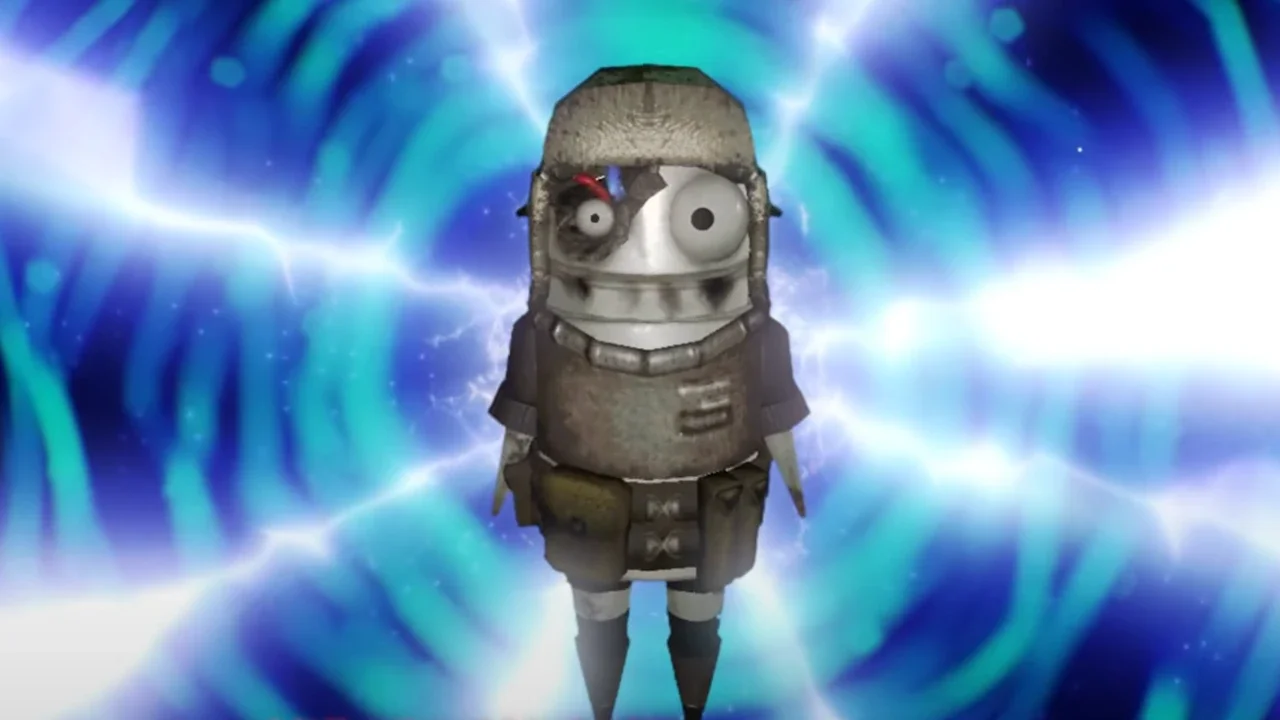
Size and color tell you what you're looking at before you even touch it. A small Green box is common, easy to carry, and rewards basic patterns or minor eye details. A massive Orange crate is an Epic, heavy and rare, and holds the high-tier stuff like the broken robot head or the burger head everyone's actually chasing.
The spawn system also seems to favor you after a dry spell. Clear a run without finding a box and the next run's odds appear to tick up. Practically, that means pushing deeper into a single run rather than resetting is the better use of your time if boxes aren't showing up.
The HP Siphon Is Where This Gets Mean
Finding a box is only step one. They're fragile, and dropping one or clipping it against a wall while running from the Cleanup Crew chips away at its health. Hit zero and the box explodes, taking your reward with it.
Healing a damaged box costs your own HP directly. Hold the button on the front of the box and it siphons 10 HP per transfer straight out of you. This is the actual risk of the whole system, since getting greedy healing a Purple box can leave you without enough health to survive a single hit on the way to extraction. If you're hauling something rare, using a Hauler's cargo hold protects the box from environmental damage without touching your own HP, and my complete vehicle guide covers how to set that up.
Extraction Turns Boxes Into Tokens
Boxes don't pay out directly. Feeding one into the extractor converts it into a Tax Token matching its rarity, a Green box gives a Green token, and so on. Tokens are the only currency the new shop machine accepts.
Here's the full rarity breakdown and what each tier tends to hand you.
Cashing In at the Taxman
Head to the shop and look for the machine marked with the Taxman's image. Drop a token in and it lifts your semibot into the air to perform the unlock. What you get is random, but it's locked to the rarity of the token you fed it, so a Purple token guarantees Purple-tier output even if the specific item is a surprise.
Building Your Actual Look
You don't need to be at the shop to change your appearance. The Customize menu is available anytime through Esc, or from the menu before starting a lobby.
The granularity here is deep. Head, body, arms, and legs each break down into individual slots, and left and right limbs can be customized independently. That opens up a genuinely enormous number of combinations rather than a handful of preset looks.
Most items also support color customization through the palette icon in the upper right of the cosmetic menu, letting you repaint the base skin. Once you land on a combination worth keeping, the Presets tab lets you save it rather than rebuilding it every time. Running a high-visibility preset for when you need your team to spot you fast, and a separate ridiculous one for Semiscooter races after a failed run, covers both practical and purely fun use cases.
Looking good in R.E.P.O. is proof you survived long enough to drag a glowing box out of a hellhole in one piece. Just don't get so attached to that Orange crate that you forget to leave yourself enough HP to walk away with it.