Resident Evil Requiem Graphics Guide: Fixing Blinding Textures And Flashing Lights
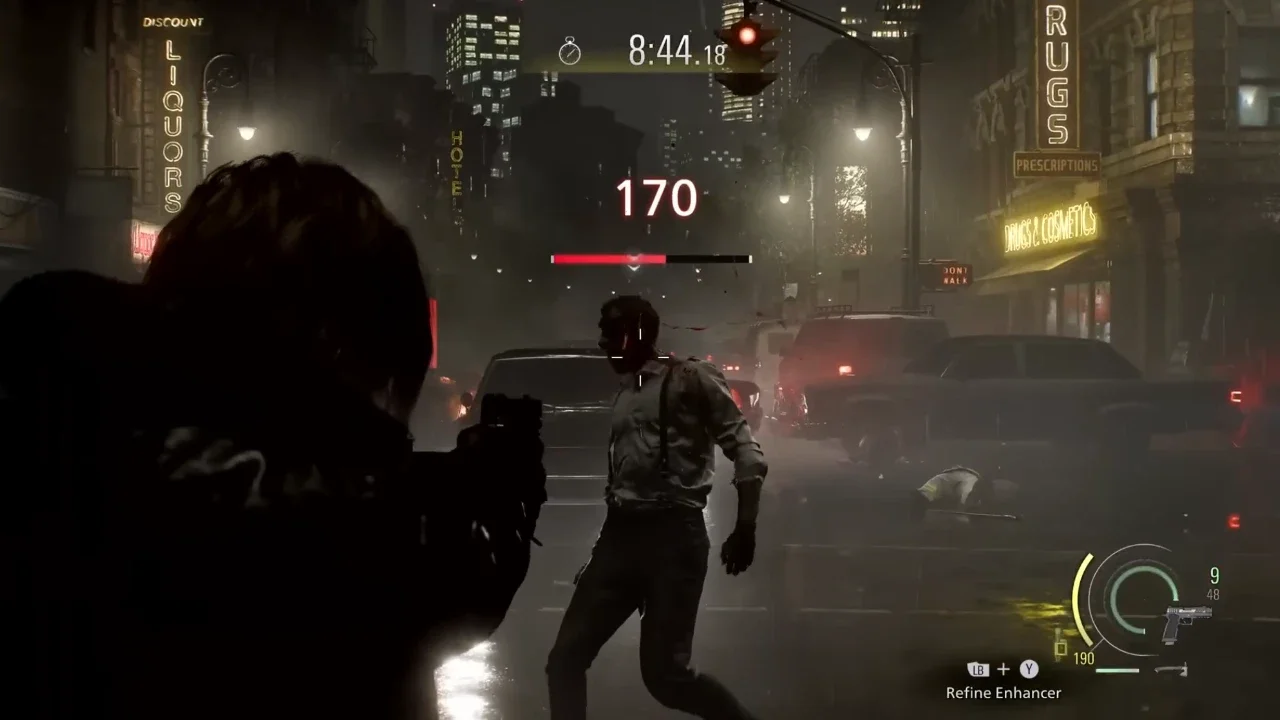
The horror of surviving a bioweapon outbreak is completely ruined when your main character suddenly turns into a glowing featureless mannequin.
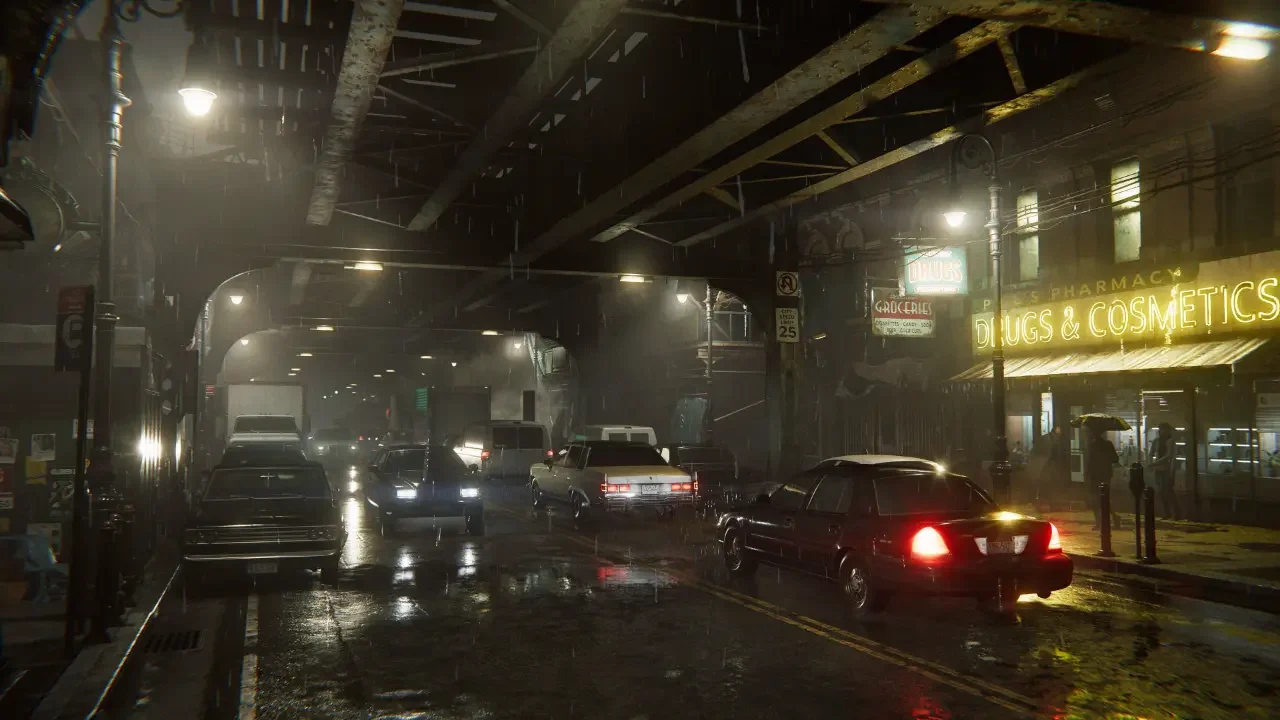
Capcom usually treats the RE Engine like a prized sports car. It is widely considered one of the most optimized and visually stunning engines in the industry. Unfortunately the PC launch of Resident Evil Requiem has surfaced a few bizarre visual anomalies that completely shatter the immersion.
If you are playing the game right now you might have noticed a jarring graphical glitch. You will walk into a specific room and the character models will instantly turn bright white. They look like radioactive phantoms or cheap plastic toys glowing in the dark. In other instances the environment itself will start strobing and popping with aggressive flashing lights. You probably assumed your graphics card was dying or your installation was corrupted.
Your hardware is fine. The game is simply failing to calculate a very specific lighting interaction. I dug through the display options to figure out exactly what is causing the engine to panic. If your game is actually crashing to your desktop alongside these visual bugs, you should pause here and read my Resident Evil Requiem PC crash fixes guide to stabilize your system first.
If your game is stable but blinding you, here is how you fix the texture nightmare.
The Subsurface Scattering Problem
To understand why your characters are glowing you need to understand what the engine is attempting to do.
The culprit behind this entire mess is a graphics setting called Subsurface Scattering. In modern rendering this technique is used to simulate how light penetrates translucent surfaces. Developers use it almost exclusively to make human skin look realistic. When light hits Grace or Leon the engine calculates how that light scatters beneath their epidermal layer to soften the shadows on their faces.
When the math works properly it looks incredible. When the math breaks the engine completely miscalculates the light values and outputs maximum brightness. The system essentially gets confused by invisible lighting probes placed around the environment. You will step on a specific tile in a room, the probe will interact poorly with the subsurface scattering algorithm, and your character model will instantly blow out into a pure white silhouette. Moving a few feet away breaks the interaction and returns the texture to normal.
The Photosensitivity Hazard
This broken shader calculation goes far beyond characters looking weird in a dark hallway. The same bug is responsible for localized lighting artifacts popping and strobing uncontrollably.
Survival horror relies heavily on stark contrasts between pitch black shadows and harsh flashlight beams. When the engine fails to render those transitions smoothly you get violent flashes of light. If you have any sensitivity to flashing lights or suffer from photosensitivity this bug crosses the line from being a visual annoyance to a genuine physical hazard. You need to disable the broken rendering feature before it gives you a massive headache.
Step By Step Menu Navigation
Capcom buried this setting deep in a nested menu. Finding it requires a bit of scrolling.
You do not need to exit to the main menu to fix this. You can pause your game right in the middle of a hallway. Open the Options menu and navigate to the Graphics tab. You will see an image on the right side of your screen previewing your current graphical fidelity.
Select that image and scroll down. You will find a collapsed menu labeled Advanced Settings. Unwrap that menu and scroll down until you locate the Subsurface Scattering option. Change the toggle to "Off" and back out of the menu to save your changes.
The moment you return to the game the blinding white textures will vanish. The characters will look slightly less photorealistic during extreme closeups in cutscenes but the gameplay will be entirely free of strobe effects and glowing anomalies.
The Ray Tracing Connection
There is a fascinating technical quirk regarding how this bug interacts with high end hardware.
The standard rasterized lighting and the basic Ray Tracing implementation seem to conflict heavily with the subsurface scattering code. However, players utilizing the incredibly demanding Path Tracing option are reporting that the bug does not trigger at all. Path Tracing calculates light bounces with extreme precision, essentially overriding the flawed shortcuts the engine takes when rendering skin textures on lower settings.
If you happen to have a monstrous graphics card like an RTX 5090 and you are brute forcing the game with Path Tracing, you might never see a glowing character model. For the rest of us normal humans playing on standard rigs, turning Subsurface Scattering off is the only viable workaround until Capcom deploys an official patch.
Once your display is actually functioning correctly you can get back to worrying about the monsters instead of the menus. If you are ready to optimize your actual gameplay loop next, check out my Resident Evil Requiem combat guide to make sure you are not wasting your ammunition in the dark.