Crimson Desert PC Mods: The Ones Actually Worth Installing
PC players get a real advantage in Crimson Desert that console can't touch, and it's not graphics settings, it's the modding scene quietly fixing everything the base game refuses to.
Nobody needs to turn Kliff into a cartoon train to get value out of this. The mods worth caring about right now are the boring, practical kind, the ones that strip friction out of exploring, looting, and fighting without touching the game's identity. Worth reading through my beginner tips guide first if you haven't already, since it helps to know how the vanilla systems work before you start overriding them.
The Camera Fix Everyone Needs
Maszradine's CDCamera might be the single most important mod on this list. Vanilla camera work here is genuinely bad, sitting too far back with a cramped 40-degree field of view that zooms in and out erratically the second you sprint or hop on a horse. Exploring feels claustrophobic and group fights turn into a mess of unclear spacing.
This mod comes with a standalone installer letting you dial in exactly the framing you want, whether that's a tight Resident Evil 2 style angle or something lower and over-the-shoulder. The Steadycam feature alone is worth the download, locking camera distance so the game stops yanking the view out every time you break into a run, and cranking the FoV up by 40 degrees makes a real difference sitting close to a monitor.
Fixing an Inventory That Fills Up Instantly
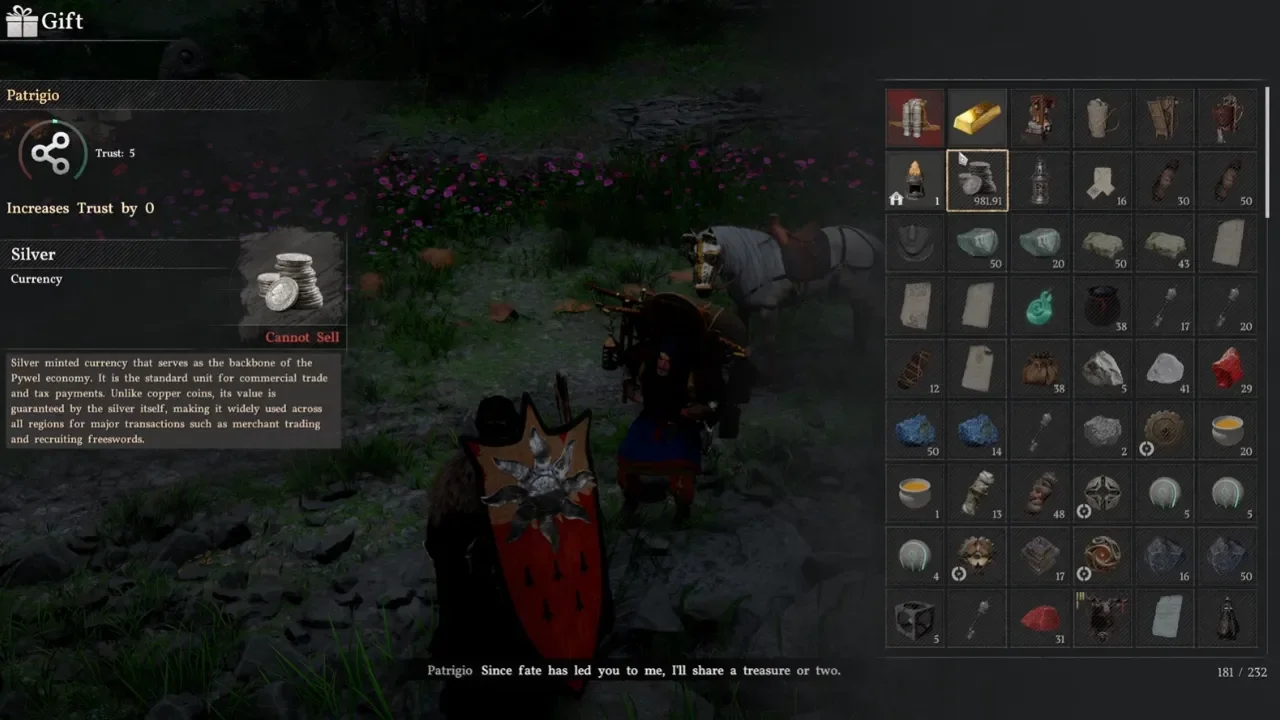
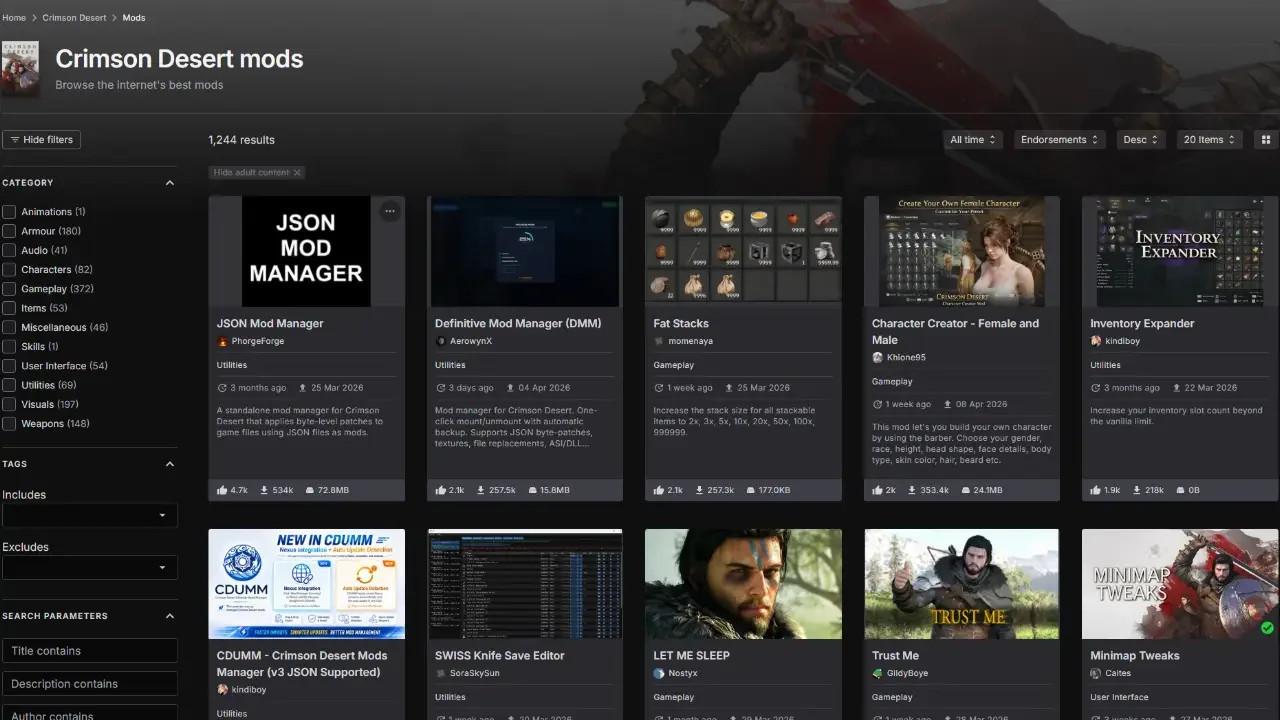
Fifty starting slots doesn't last long once junk loot, crafting materials, and cooking ingredients start piling up, and dropping items in the mud just to grab a quest object gets old fast. kindiboy's Inventory Expander pushes that baseline from 50 up to 200, with any bag upgrades earned through quests or bought from merchants stacking cleanly on top. It rides right up to the game's hardcoded 240-slot crash limit without tipping over into save corruption, which is exactly the kind of precision you want from something rewriting your inventory math. Anyone leaning hard into camp management is going to want that extra room, since hauling resources back and forth eats space fast.
An Alternative for People Who Don't Want More Slots, Just Bigger Stacks
If inflating total slot count feels like overkill, momenaya's Fat Stacks solves the same clutter problem a different way, rewriting the max stack size for every stackable item in the game. The multiplier is adjustable too, anywhere from a modest 2x bump up to a genuinely absurd 9,999 cap, so hoarding timber, ore, and cooking supplies stops eating a slot every time a stack tops out.
Knowing What You're Stealing Before You Steal It
Stealing is a gamble in the base game, since the market value of anything you swipe doesn't show up until it's already in your bag. Risking a bounty and a guard chase only to find out the item was worth five copper stings every time. The Steal Price Display mod from 993499094 fixes that by injecting actual market value straight into the pickpocketing UI, so the decision to commit gets made with real information instead of a guess. Handy for more ambitious heists too, where grabbing the wrong item mid-run wastes time you don't have.
The Nuclear Option
RicePaddy's SWISS Knife Save Editor, uploaded to Nexus by SoraSkySun, is a different tier of tool entirely. It's a fully offline executable that reads local save files directly, letting you force-expand inventory, rewrite weapon enhancement and sharpness values, or clear the fog off the entire map. The standout feature is the Donor System, which swaps cheap vendor trash sitting in your inventory for anything pulled from a database north of 6,000 items. Sacrifice an apple, walk away with Chapter 1 gear that shouldn't exist yet. Grab it here if a corrupted save needs saving or the grind's worn thin, but leaning on it too much will flatten the pacing the rest of the game is built around.
Getting These Installed
None of this works without a manager, since Crimson Desert has zero official mod support. The CD JSON Mod Manager handles simple tweaks like Fat Stacks or Steal Price Display without much fuss, while the Crimson Browser and Mod Manager is built more for heavy archive extraction on bigger, more complex mods. Back up saves before touching any of this. Overlay overrides have a way of going wrong at the worst possible moment.