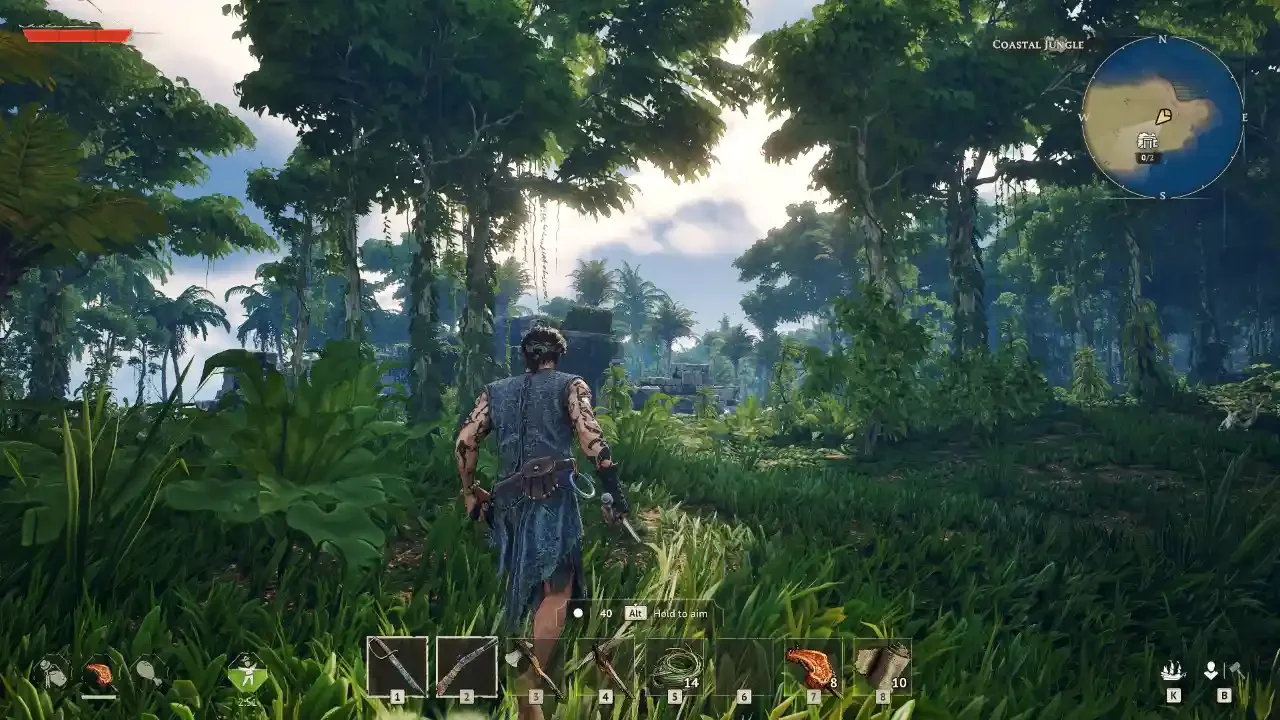
Windrose Mods Complete Guide: Fixing The Grind Without Breaking The Game
Sometimes you just want to build a decent base without spending three real-world days hacking at the same stubborn copper node.
Survival crafting games naturally come with a healthy dose of friction. You start with nothing, you punch a tree, and eventually, you build a fortress. Windrose handles this progression loop beautifully for the most part. But if I am being entirely honest, certain mechanics start to feel less like a fun challenge and more like a second job. When you are twenty hours deep and still rationing your stamina just to jog across your own base, something needs to change.
Thankfully, the modding community has already stepped up to sand down the rough edges. Modding Windrose is not about cheating your way to the end credits. It is about respecting your own free time. A few small file adjustments can turn slow resource gathering into something far more generous, or simply make your base building a lot less restrictive. The good news is that getting these files working is incredibly straightforward. Once you know where everything goes, it is mostly a matter of copying and pasting.
Preparing Your Game For Mods
Before you even think about downloading anything, make sure Windrose is completely closed. Mods will absolutely fail to initialize correctly if the game engine is currently running in the background. Close the game, close the launcher, and start with a clean slate.
Your primary hub for finding these files is going to be Nexus Mods. You do need to create a free account to download anything from their servers. I know making yet another account is annoying, but Nexus is the safest and most reliable repository for PC game tweaks right now. Go ahead and get that out of the way.
Locating Your Install Directory
Finding where your game actually lives on your hard drive is usually the part that trips folks up. Do not bother digging through your C drive manually. Let Steam do the heavy lifting for you.
Right-click the Windrose shortcut in your Steam library. Select 'Properties' from the drop-down menu. In the new window that pops up, look for the 'Installed Files' tab on the left side, and then click the 'Browse' button. This action drops you straight into the root folder of your game.
Now you need to navigate to the exact folder where mods are loaded. For a standard single-player setup, you are looking for this specific path: Windrose\R5\Content\Paks\~mods
If you open the Paks folder and do not see a folder named ~mods, just create one. Right-click, select 'New Folder', and type ~mods exactly like that. The tilde symbol is a quirk of the Unreal Engine that tells the game to load whatever is inside that folder last, overriding the vanilla files.
If you are running a dedicated multiplayer server, the path is slightly different. You need to drop your files here instead: Windrose\R5\Builds\WindowsServer\R5\Content\Paks\~mods
Dropping The Files In
Once you have your ~mods folder open and waiting, download your chosen mod from Nexus. They usually come compressed in a zip file. Extract the contents, and you will typically find a file ending in .pak. Drag and drop that .pak file directly into your ~mods folder.
That is literally the entire process. Close the folder, launch the game, and your tweaks should be fully active. Most of these quality-of-life adjustments work perfectly with your existing save files, so you do not need to start a brand new world just to carry more rocks.
The Mods Actually Worth Your Time
I spend a lot of time digging through Nexus so you do not have to. Most of the early releases focus heavily on quality-of-life adjustments. I am not looking for massive overhauls yet. I just want the core mechanics to feel a bit smoother.
More Mineral Resources
You can grab More Mineral Resources right here on Nexus Mods.
If there is one thing that burns me out on survival games, it is hitting rocks for hours. This mod massively increases your resource yields and speeds up the respawn timers for ores and stone. It respects your time without completely handing you a pre-built castle.
MoreStacks
Download MoreStacks from Nexus Mods.
Inventory management is the silent killer of pacing. This simple file raises the maximum stack limit on identical items. You can finally carry a reasonable amount of building materials out in the wild without having to run back to your chests every five minutes.
Extended Bonfire Radius
You can find the Extended Bonfire Radius mod here.
The default safe building zone around your bonfire is incredibly claustrophobic. This mod expands that radius significantly. It gives you the actual freedom to build a sprawling, creative compound instead of being forced into building a cramped, multi-story hut just to fit all your crafting stations.
Enhanced Merchant
Grab the Enhanced Merchant mod by christianwidjaya here.
Windrose has a functioning economy with several merchants scattered around, but the implementation is baffling. These vendors are locked behind major hub areas that you will not reach until much later in your playthrough. By the time you actually find a merchant, your storage chests are already overflowing with useless loot.
This mod completely fixes that pacing issue by spawning a fully stocked, high-level vendor right inside your safe zone. It turns inventory management from a nightmare into a steady stream of income.
More Stamina
Download the More Stamina mod by Ice Box Studio here.
The default stamina drain in this game is brutal. It feels like your character spent the last decade chained to a desk before suddenly deciding to take up wilderness survival.
This mod gives you options during installation to multiply your stamina by 2x, 5x, 10x, 20x, or even 50x. Just a fair warning: if you use a multiplier higher than 10x, the in-game user interface cannot handle the math and the stamina bar starts looking entirely broken. I stick to the 10x multiplier. It provides more than enough energy to run, fight, and mine without ruining the visual aesthetic of your HUD.
Exploring Vanilla Mechanics First
Now before you waste your entire weekend tweaking configuration files, I do recommend playing the game naturally for a few hours. It helps to understand exactly what mechanics annoy you before you start overriding them.
If you are looking to master the base game systems before altering them, you might want to read through my Windrose Fishing Guide. It covers the nuances of reeling in dinner without any external help. I also put together a Windrose Boar Companion Whistle Guide if you need a loyal friend to watch your back while you gather wood.
And for those of you pushing into the late-game territory, definitely check out the Windrose Enchanting Guide: Tainted Bile Quagmire. Knowing how to navigate those advanced systems makes a huge difference, whether you are running a heavily modded client or playing completely vanilla.