Tomodachi Life: Living The Dream - The Complete Customization And Wishing Fountain Guide
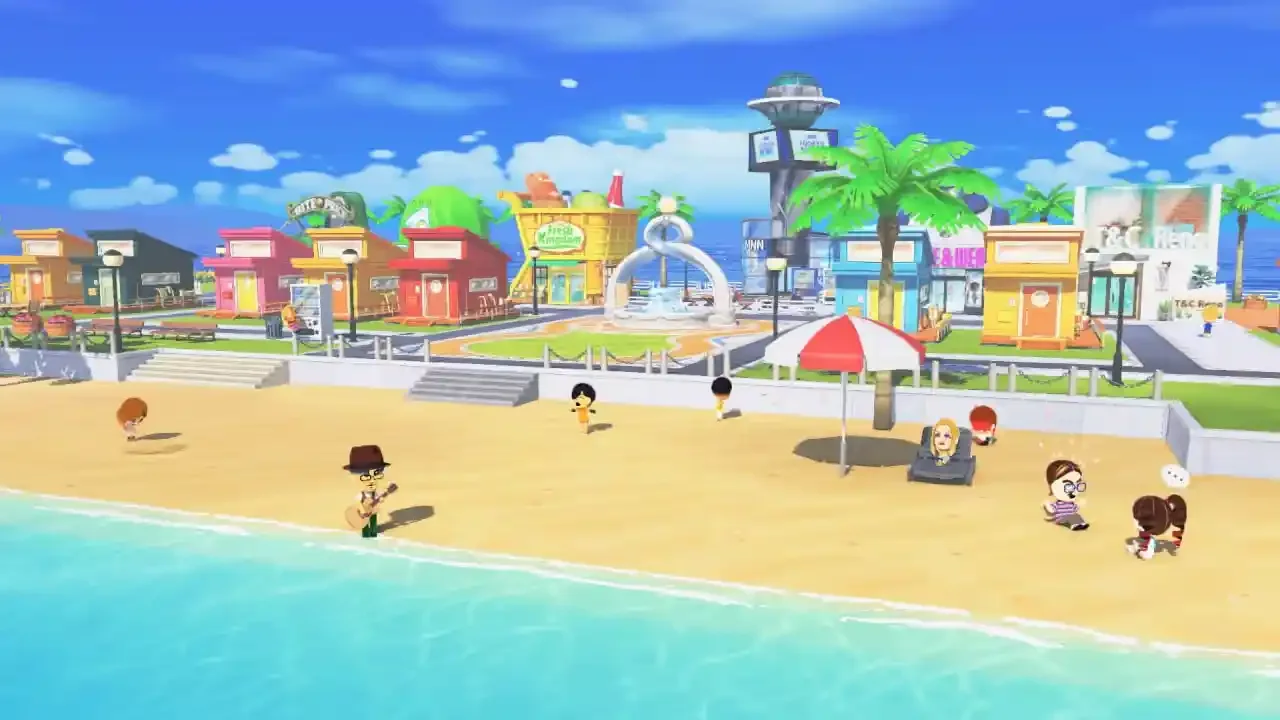
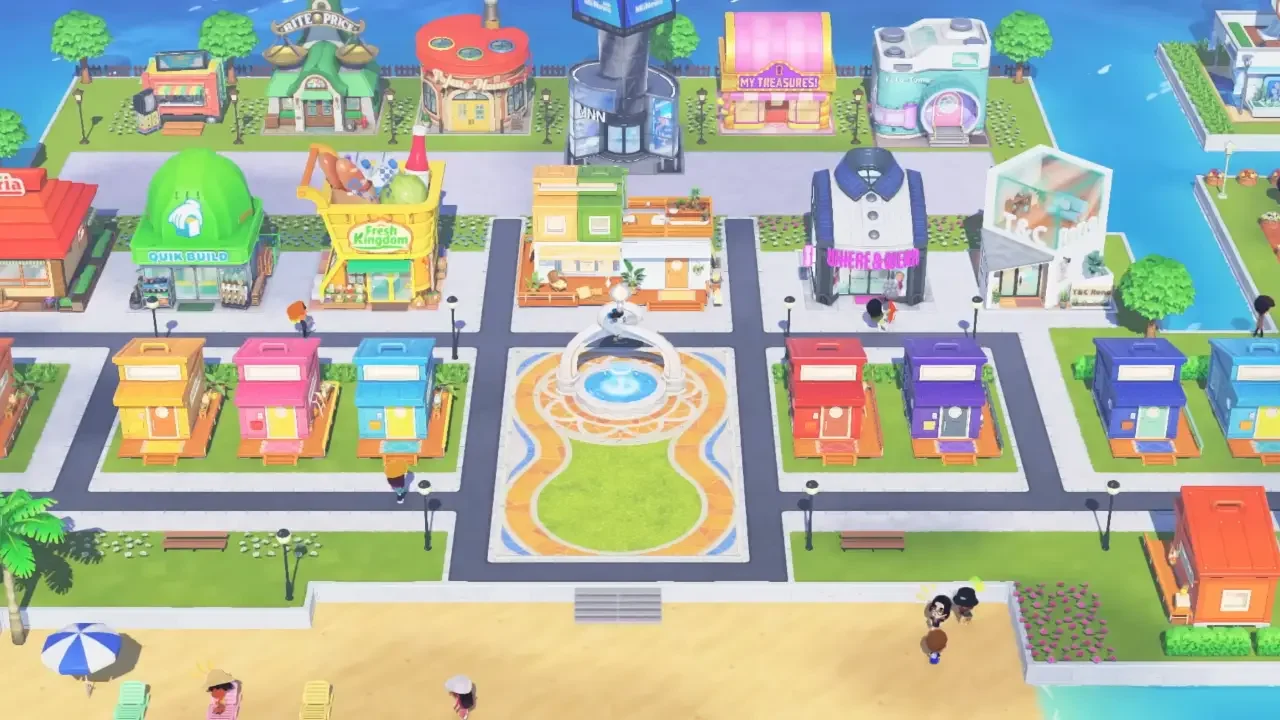
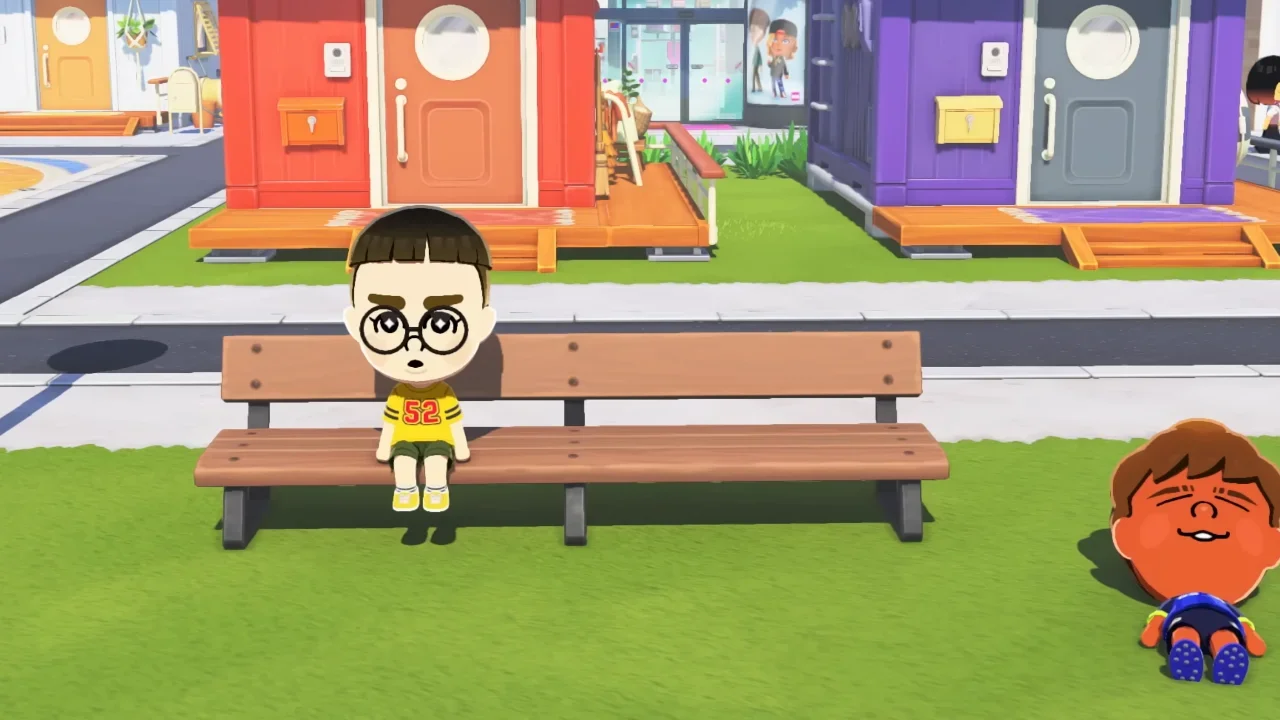
Every island starts out looking a little sad, with plain shirts, plain food, and apartments that could pass for a cheap motel room.
The game promises full creative control eventually, but none of those tools are handed to you upfront. They're locked behind a currency system that has nothing to do with your wallet, and spending it carelessly means sitting on a pile of junk while the good stuff stays out of reach.
Forget Cash, Watch The Fountain Instead
Your regular money only works at the shops. Everything tied to real progress runs through an entirely different currency called Warm Fuzzies, and it comes from the Wishing Fountain sitting at the center of your town.
Feeding a Mii their favorite meal or clearing up whatever's bothering them under that thought bubble over their head generates Warm Fuzzies automatically. Those points funnel straight into the fountain, and once it fills up, your island rank goes up and you're handed a single Wish.
Here's the part that trips people up. You only get one Wish per rank, so picking the wrong upgrade can stall your progress for a while. If your residents keep spiraling into bad moods and the Warm Fuzzies dry up as a result, our guide to fixing friendship fights and depression is worth a look before anything else, since a happy island is really what keeps this whole system moving.
What's Actually Worth Your Wishes
Every rank up throws a list of options at you, and it's tempting to just grab whatever's first. A little bit of strategy goes a long way here.
Goods and Little Quirks are worth locking in early. Goods are physical items, things like a skateboard or a book, that Miis will actually use during their day, and Little Quirks change how a Mii walks, eats, or reacts in small but noticeable ways. Between the two, your residents stop feeling like copies of each other, and handing these out also generates a solid chunk of Warm Fuzzies, which speeds up your next rank.
From there, T&C Reno Home Supply is the upgrade that finally lets you fix those sad starting apartments. It doesn't unlock right out of the gate though. You'll need at least four Miis living on your island, with two of them successfully becoming friends first. Growing your population quickly is covered in our guide to money and expanding your island, and once those conditions are met, a single Wish spent here opens the door to actual furniture.
The Workshop That Changes Everything
The real payoff is the Palette House Workshop, since it's what lets you draw, paint, and design almost anything you interact with on the island.
This one doesn't come from spending a Wish at all. It's tied to a random event, so you'll need to keep up your daily check ins until a Mii shows up with a Yellow Pondering bubble over their head. Regular problems show up as black squiggles and romance shows up pink, but yellow means a Mii wants to get creative. Click it, and they'll ask you to make something custom for them. Fulfilling that one request unlocks the Palette House Workshop for good.
Once it's open, you're no longer at the mercy of the daily shop rotation. If you want something specific, you can just make it.
There's A Limit To How Much You Can Save
The freedom here is real, but storage isn't unlimited. Each design category comes with its own cap, and hitting it means deleting old work to make room for new.
Clothing gets by far the biggest allowance, with room for 300 custom designs, which makes sense given how much of a Mii's personality comes through in what they're wearing. Food, house interiors, treasures, pets, and landscapes each cap out at 100 designs. That's still plenty of room for custom wallpaper, weird snacks, or objects you want to sell off at the pawn shop later.
Clothing being the largest category isn't an accident either. It's the main way residents express themselves, and having a decent wardrobe to pull from genuinely changes how varied your island looks. The tools themselves are pretty flexible too, letting you draw directly onto blank templates and adjust colors and patterns until you land on anything from formal wear to something deliberately hideous.
Once a design's finished, you can hand it straight to a Mii or place it around the island as a static object. Just be a little careful about what you give out. If something ends up ugly or genuinely offensive and you hand it to a Mii anyway, they'll wear it constantly in the background of your game. Overwriting it in the Palette House is the fix if that happens, though it means the design's gone for good.
With the Home Supply and Palette House both unlocked, and your Wishes spent in the right order, the visual identity of your island really does come down to what you're willing to make.