Tomodachi Life: Living The Dream - The Complete Time Travel Guide
Adjusting your console's clock to skip ahead in Tomodachi Life: Living The Dream works exactly like you'd expect, right up until the game notices.
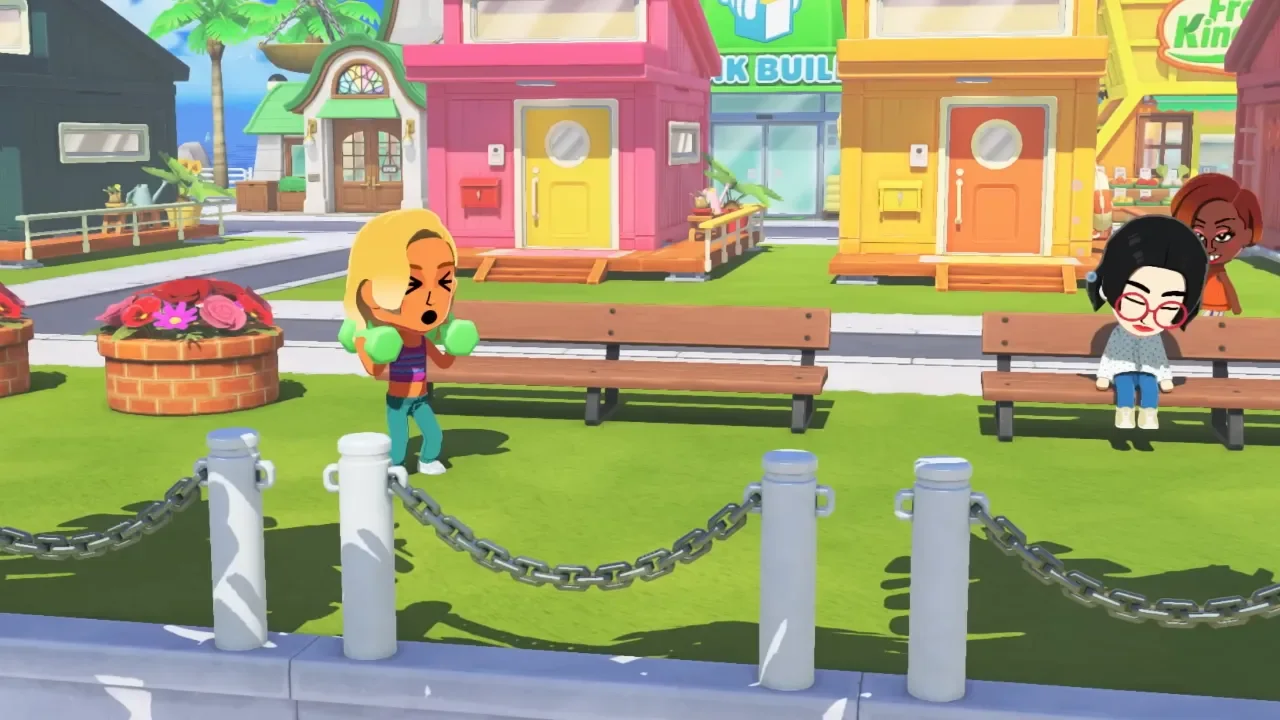
Booting the game back up after changing the date brings up an immediate, very direct message letting you know the system time has shifted. The lighting adjusts to match the new hour, residents might be up when they'd normally be asleep, and everything looks like it should. Underneath that though, the game quietly locks down a handful of systems to stop the shift from being used as a shortcut.
The Shop Freeze
The clothing store, hat shop, and food market all normally rotate their stock every single day, and that daily refresh is a big part of what pulls you back in each session. Time travel breaks that entirely. Jumping forward a week doesn't hand over a week's worth of new inventory, it just leaves the same hats and bowls of rice sitting there. The shops stay locked for a set cooldown period regardless of how far ahead the clock gets pushed.
This ends up mattering more than it sounds like on paper. If shopping for new outfits and food is part of what makes checking in fun, freezing that rotation takes away the one thing that makes each visit feel fresh.
The Hunger Lock
Feeding Miis is the main way to level them up and earn Warm Fuzzies for the Wishing Fountain, so it makes sense the game protects that system too. Once the clock gets adjusted, every resident's hunger meter freezes in place. Jumping forward a few hours won't make anyone hungry again, which stops repeated feeding from being used to farm experience.
The practical result is that Warm Fuzzies generation slows to a crawl, since feeding and natural daily progression are both stuck. If leveling up residents is the goal, letting the clock run normally gets there faster than trying to force it.
If You're Still Set on Adjusting the Clock
Maybe there's a birthday that got missed, or the goal is just switching from night to day for better photos. Either way, the process happens entirely outside the game itself, since there's no in-game menu option for it.
Save and fully close the software first. Leaving it suspended in the background instead of closing it properly can cause issues, so it's worth doing this step right. From there, head into the console's System Settings, scroll down to the System tab, and open Date and Time. There's an option called "Synchronize Clock via Internet" that needs to get switched off, otherwise the console corrects the change automatically the next time it connects to Wi-Fi. With that toggled off, the date and time values can be set manually to whatever point works.
Booting the game back up brings the warning messages right away, and clicking through them loads the island into the new time, penalties included.
Is It Worth Doing
Honestly, probably not. The appeal of this game comes from short, chaotic check ins, solving an argument or two, grabbing a new shirt, and logging off satisfied. Freezing the shops and hunger meters turns that dynamic loop into something closer to a still photo. Everything's there to look at, but very little of it moves forward.
A better way to speed things up naturally is just growing the population. A bigger roster means there's almost always someone awake, someone in the middle of a spat, or someone who needs a hand, which keeps things lively without ever needing to touch the clock at all.